

BTS INSTALLATION GUIDE
Diode Dynamics × Kuat DEK integrated-lighting installation
Lighting installation for the complete 2010–2024 4Runner DEK package: seven-pod SS5 or SS40. Assemble and mount the exact Kuat rack first.
Rack mounting comes first
This lighting guide does not choose a roof mounting system for you. Use the instructions supplied for your exact DEK rack and mounting configuration. The manufacturer links the following original rack manuals:
Follow the lowest vehicle, roof and rack load limit. The lighting option does not raise those limits.
Tools and hardware
Have 4 mm and 5 mm Allen keys, a 10 mm wrench and—when fitting SS40 deflectors—a T20 Torx driver. Confirm the selected package’s brackets, corner caps and hardware before starting.
1. Fit the correct corner caps
Begin only after the exact DEK rack has been assembled and secured to the vehicle following its Kuat instructions. Use a 5 mm Allen key for the corner caps. SS5 uses the standard cap; SS40 uses its longer 40-inch-bar cap. Seat both fully.
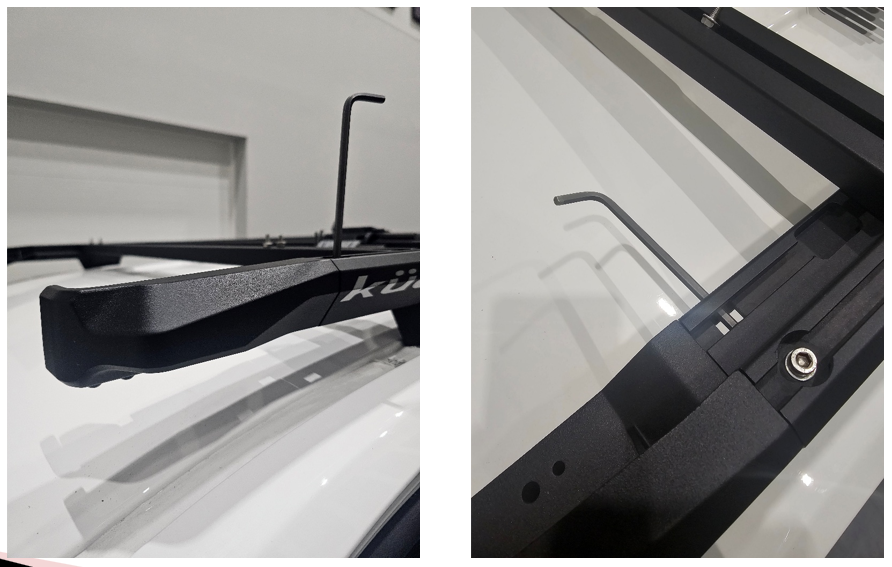
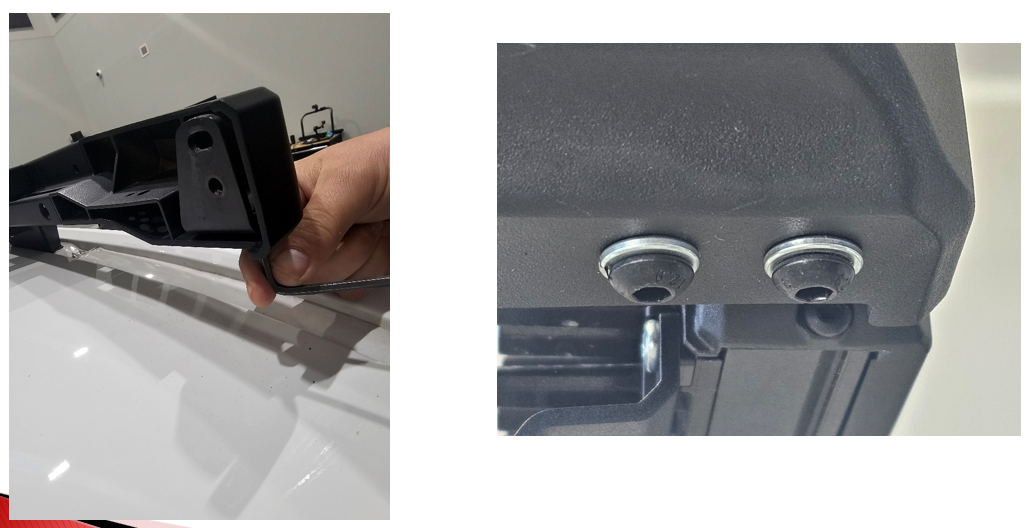
2. Attach the light brackets loosely
With a 4 mm Allen key, loosely fit the left and right brackets using the M6 split lock washers and M6 × 14 mm button-head screws. Use the bracket type supplied for SS5 or SS40.
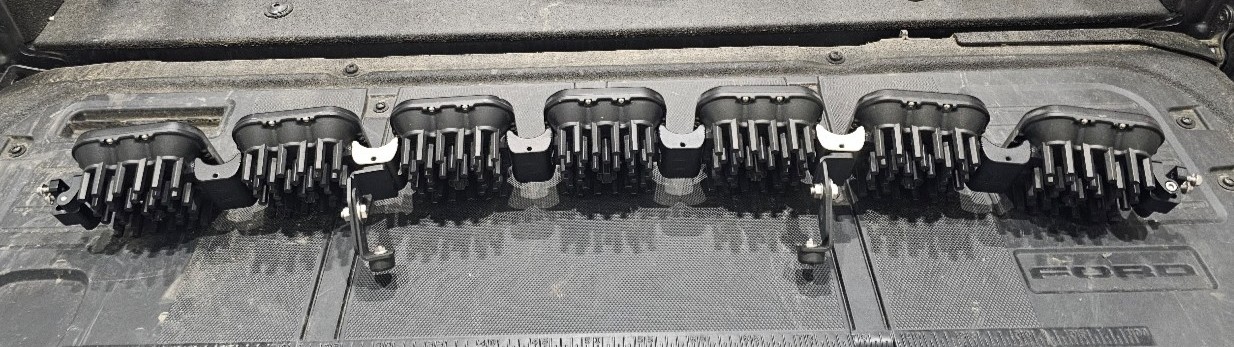
3. Assemble the seven-pod CrossLink if selected
Join the seven SS5 pods in the first or second link notch for the intended straight or slightly curved layout. Daisy-chain them with six link harnesses, leaving the main-harness connection at one end. The terminating splitter belongs at the opposite end connecting the last two pods; ordinary link splitters serve the other positions.
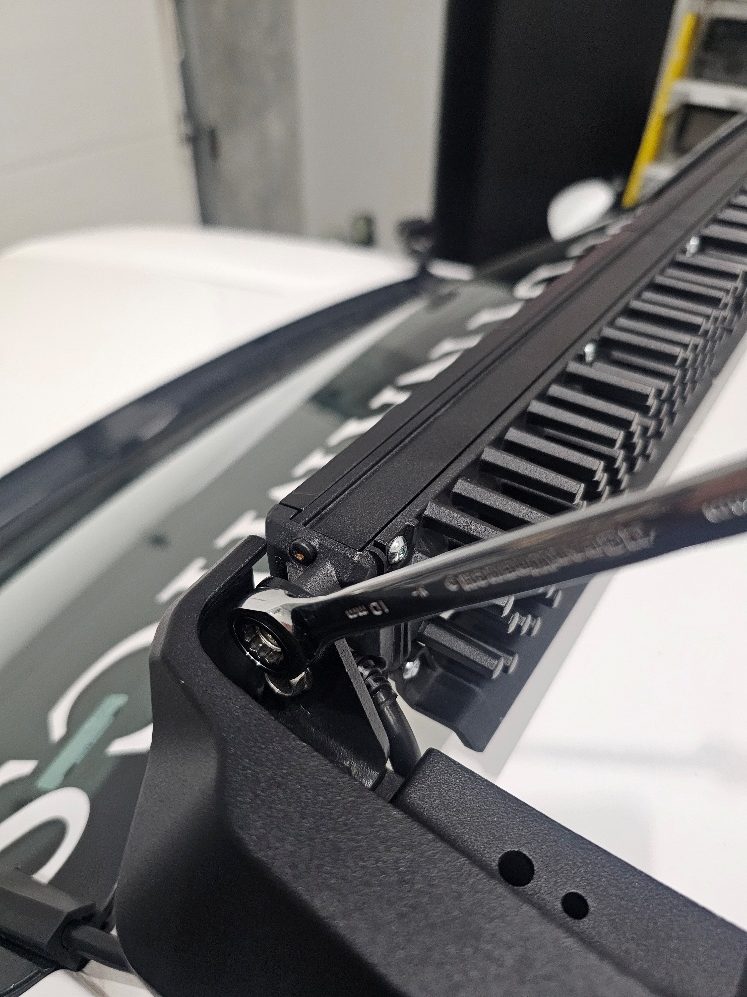
4. Mount and centre the light assembly
Use a 10 mm wrench to attach the CrossLink assembly or SS40 with its supplied mounting hardware. Centre it, adjust its angle and tighten the previously loose bracket screws.
5. Fit the SS40 wind deflectors
For SS40 configurations, use a T20 driver to remove the lower three screws from the back of each 10-inch segment. Fit the supplied deflector with the longer M4 × 35 mm nylon-patch screws. The source specifies 10–15 in-lb for these screws; do not confuse this with foot-pounds.
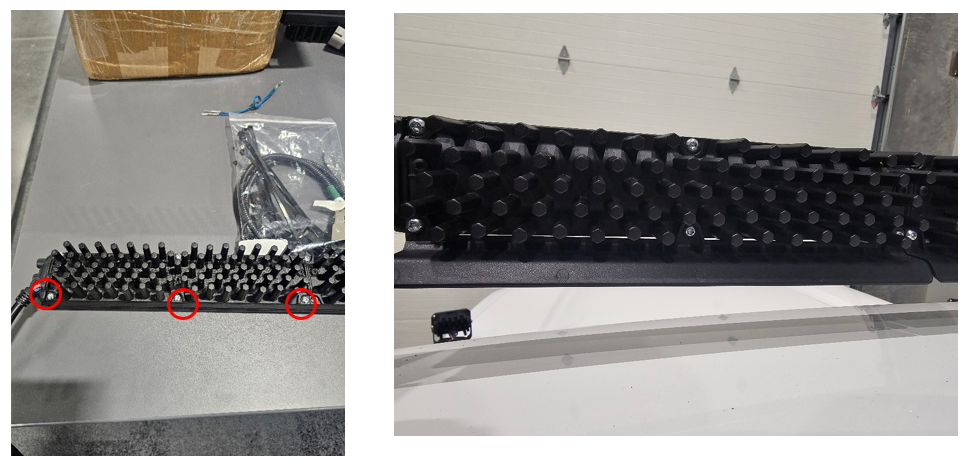
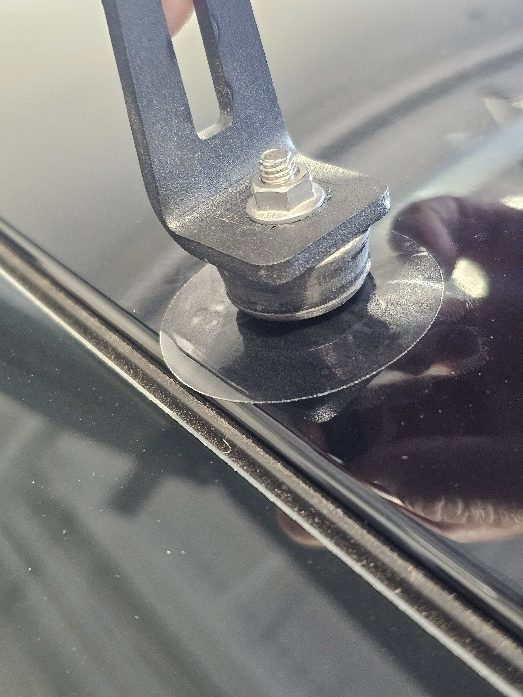
6. Protect the roof beneath SS5 supports
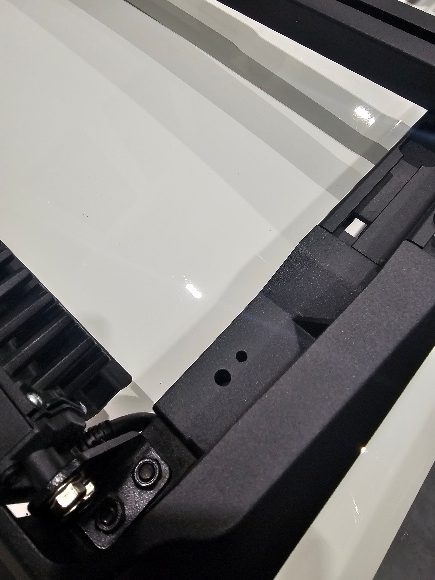
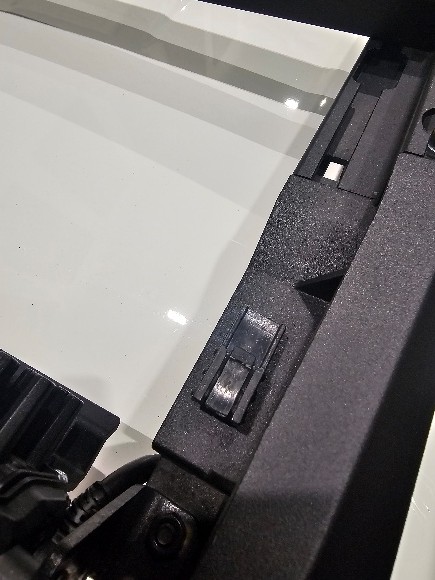
For SS5 CrossLink, clean the two support-contact areas on the roof and apply the supplied clear two-inch paint-protection pads. Install the fir-tree clip in a corner cap and support the wiring connector with it.
7. Route the lighting wiring
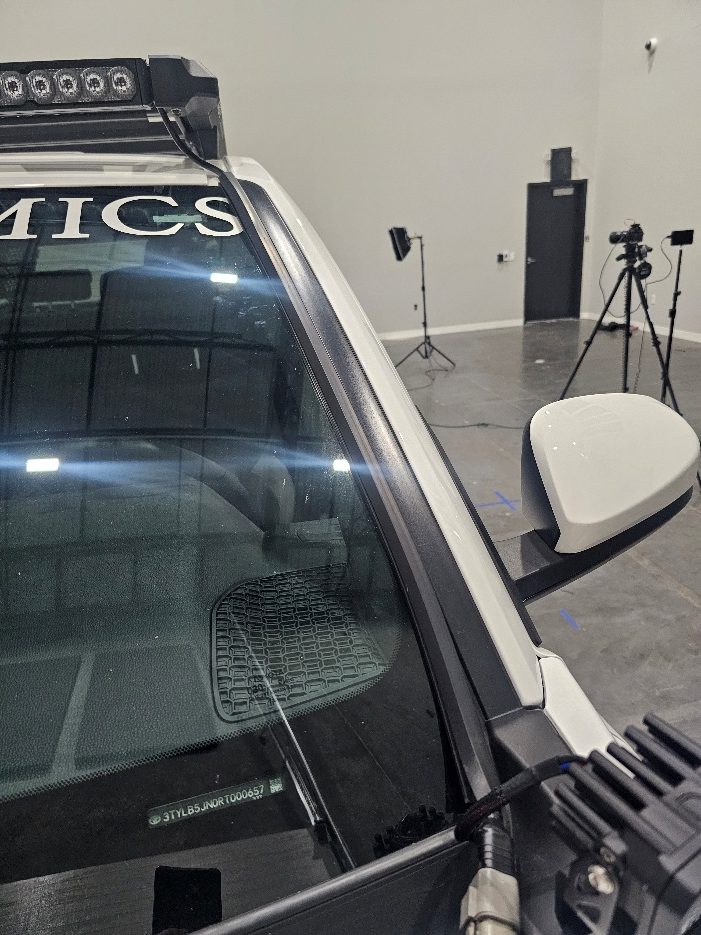
Connect the main harness. Clean the selected windshield edge, apply the one-metre adhesive wire hider and route the wire down to the engine bay. Secure it with the supplied ties away from sharp edges, hot parts and moving components.
8. Connect and check the lighting
Follow the supplied fused harness instructions: black to battery negative and red to positive. Mount the relay and fuse holder securely. Route the switch to the chosen location; cabin routing may require a firewall route and a suitable switch hole. Test the installed lights and secure all remaining slack.
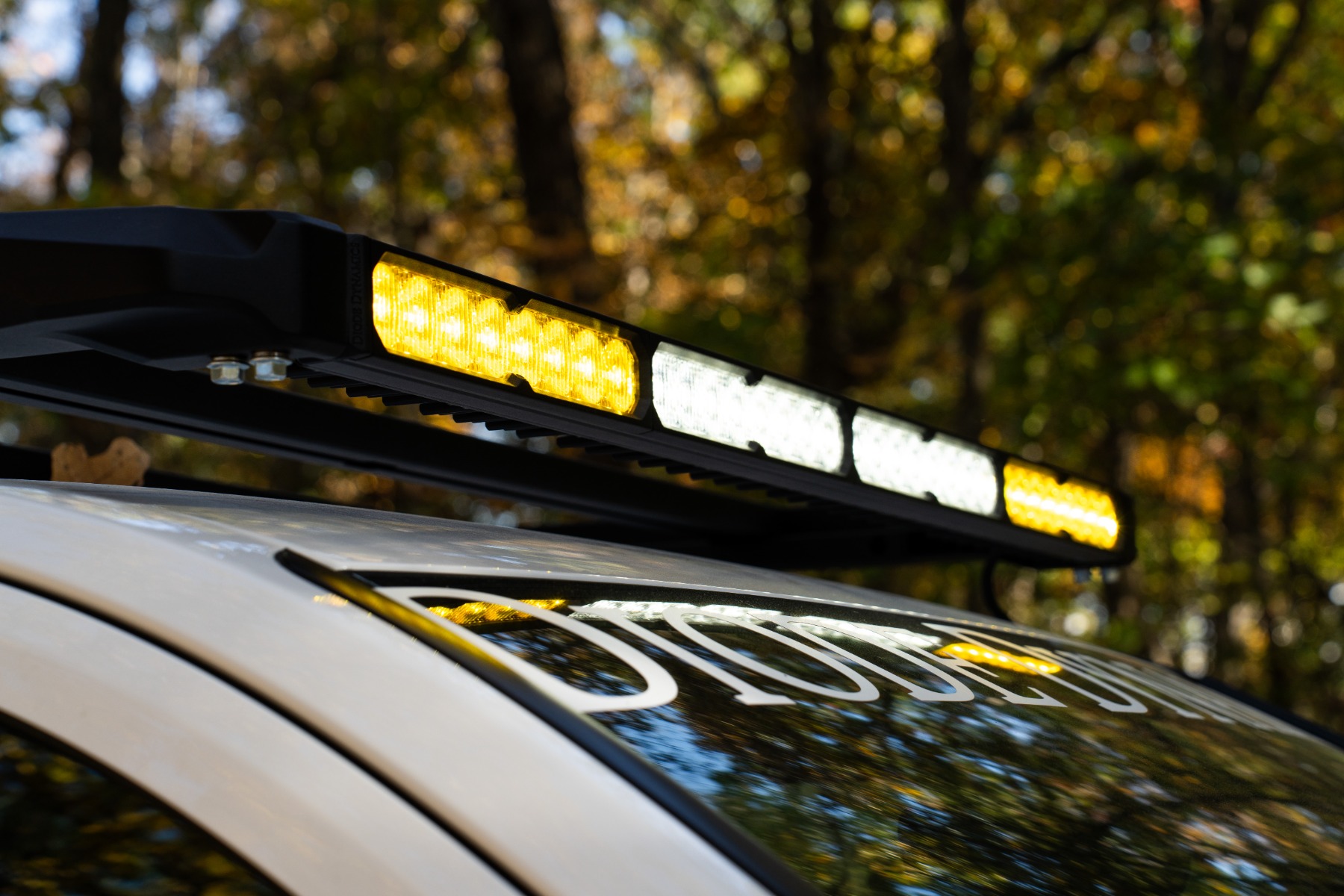
Manufacturer lighting installation
How to: Install the Kuat DEK Roof Rack from Diode Dynamics. Video loads only when selected.
SS5 CrossLink assembly reference
This additional assembly video is relevant to the seven-pod option. It does not replace the exact DEK mounting instructions.
How-to: Assemble & Adjust SS5 CrossLink Lightbars | Diode Dynamics. Video loads only when selected.
Return to the complete package
4Runner DEK rack and lighting configurations. Explore 4Runner lighting.
Plan your 4Runner lighting
Planning a 2014–2024 4Runner installation? Match the exact product and vehicle instructions before starting.
Shop 2014–2024 4Runner lighting · Read the 4Runner buying guide