

Replace the two license-plate lights
FORM FL0046 · 2015–2023 Ford F-150
This guide follows FORM’s shared installation procedure, which explicitly includes FL0046. The original photographs show example housings and connections across the supported range; use the retaining features on your F-150 as your reference.
Have a plastic trim-removal tool ready. Work with the vehicle parked, and protect the surrounding bumper finish as you release the housing.
Official FORM installation video. It demonstrates the shared replacement procedure; individual factory housings vary by vehicle.
1. Release the factory housing
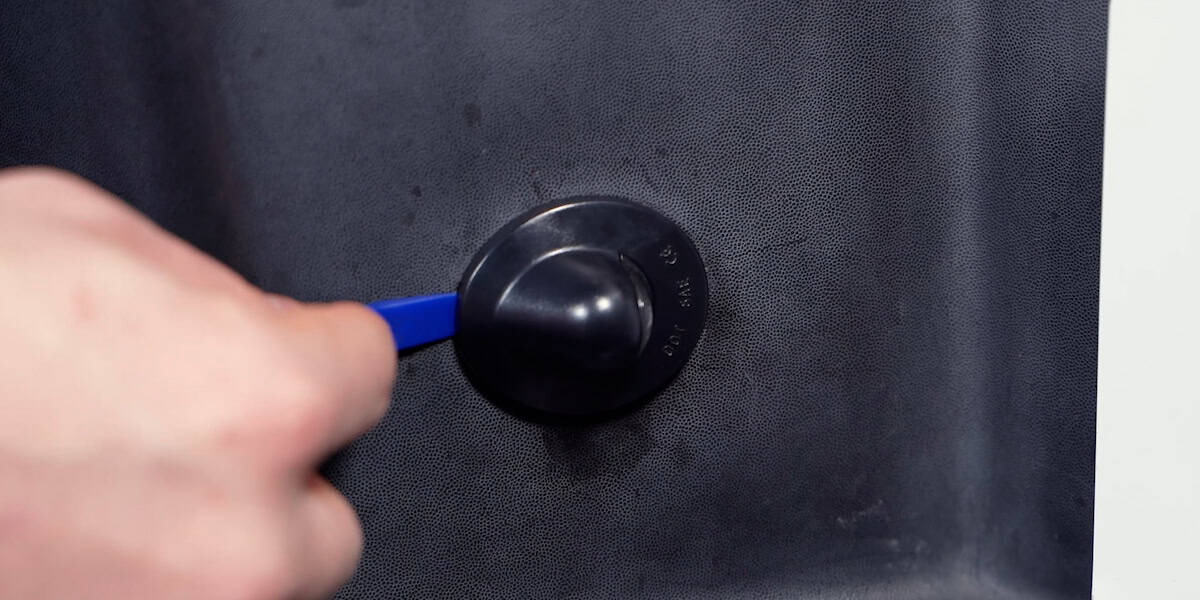
Place the plastic trim tool between the lamp housing and bumper. Ease the housing out by releasing its retaining features. A notch in the housing can help identify where a clip sits; check the shape before directing pressure.
2. Expose the original bulb connection
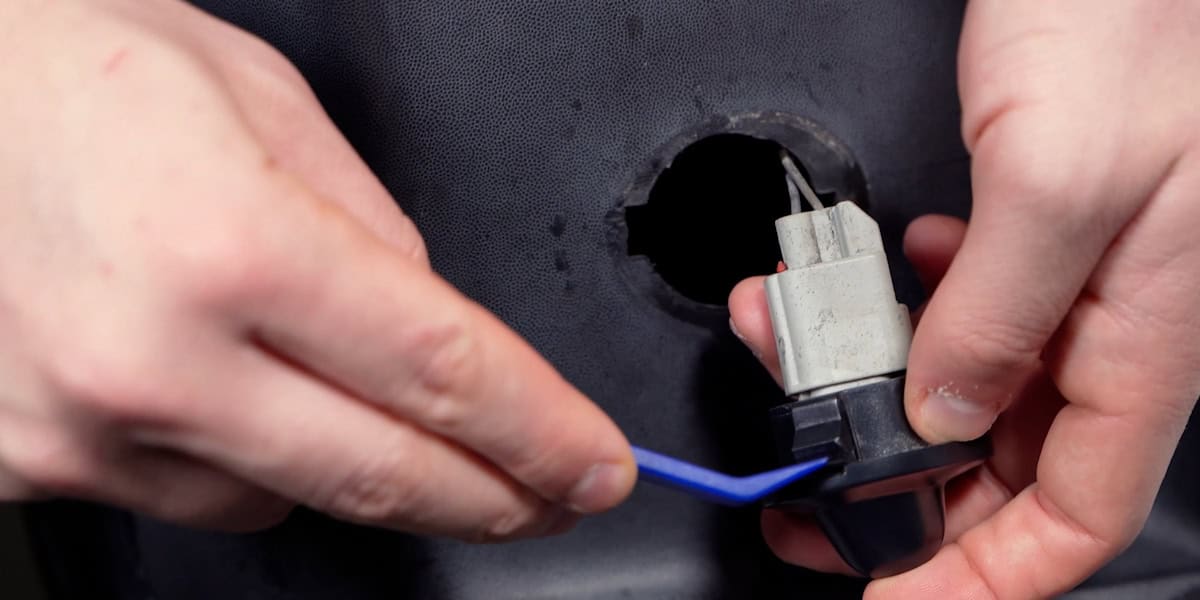
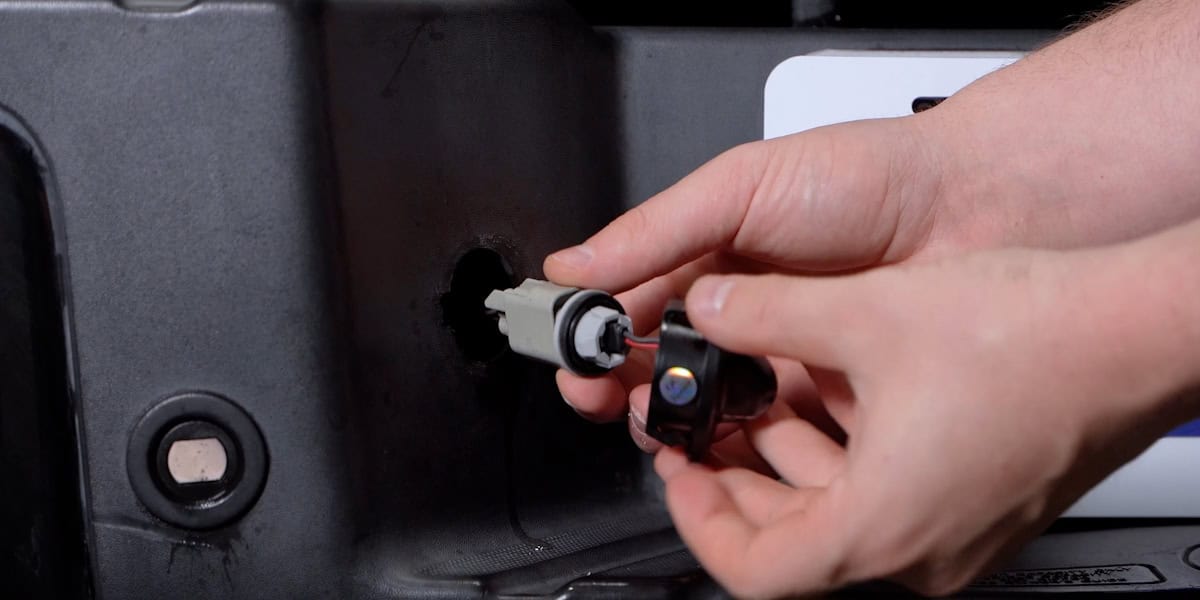
Twist the housing away from the connector to reveal the bulb. Support the connection as you separate the parts.
3. Remove the bulb, connect and test
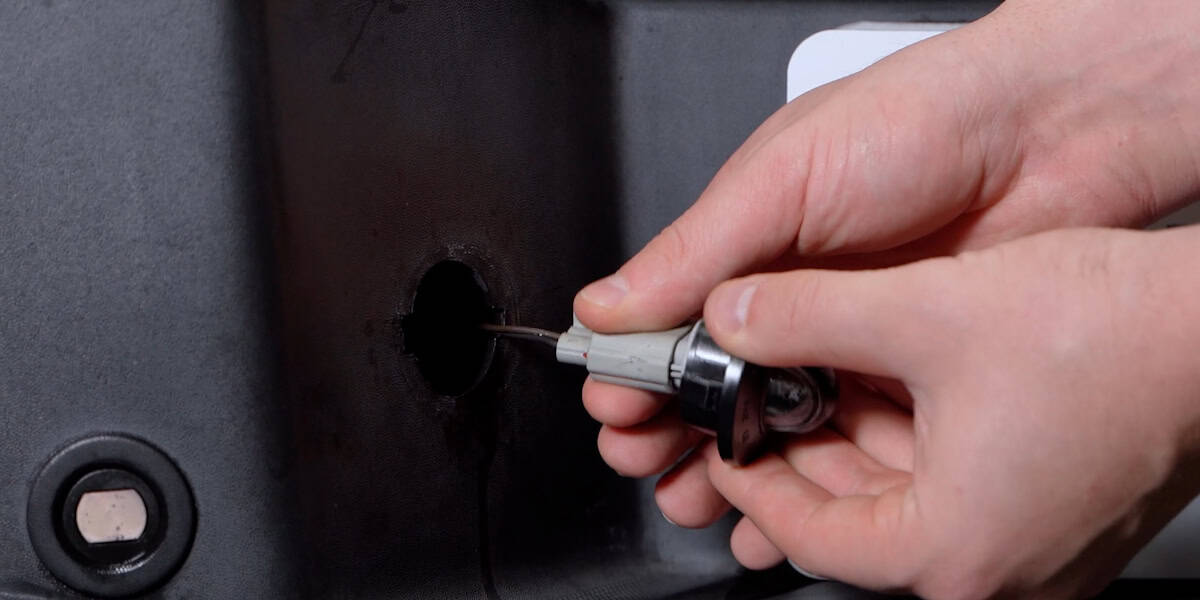
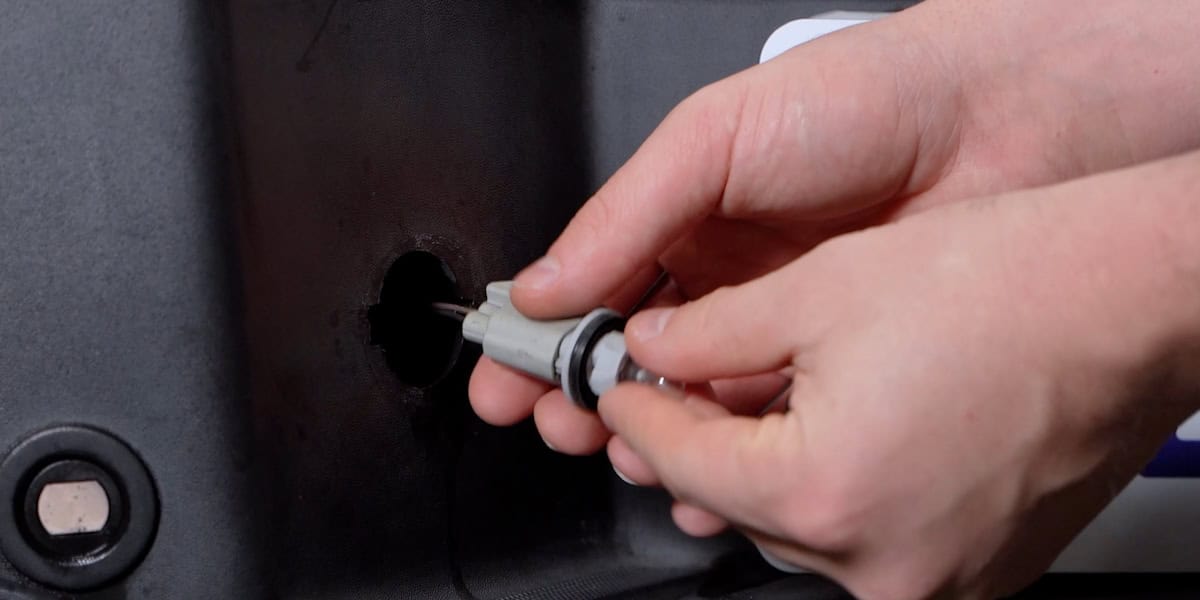
Pull the original bulb out, then plug in the replacement LED light. Test it before securing the housing in the bumper.
If the LED does not light
Disconnect the new lamp, turn the plug over and reconnect it in the opposite orientation. Test again before continuing.
4. Seat the new light and repeat
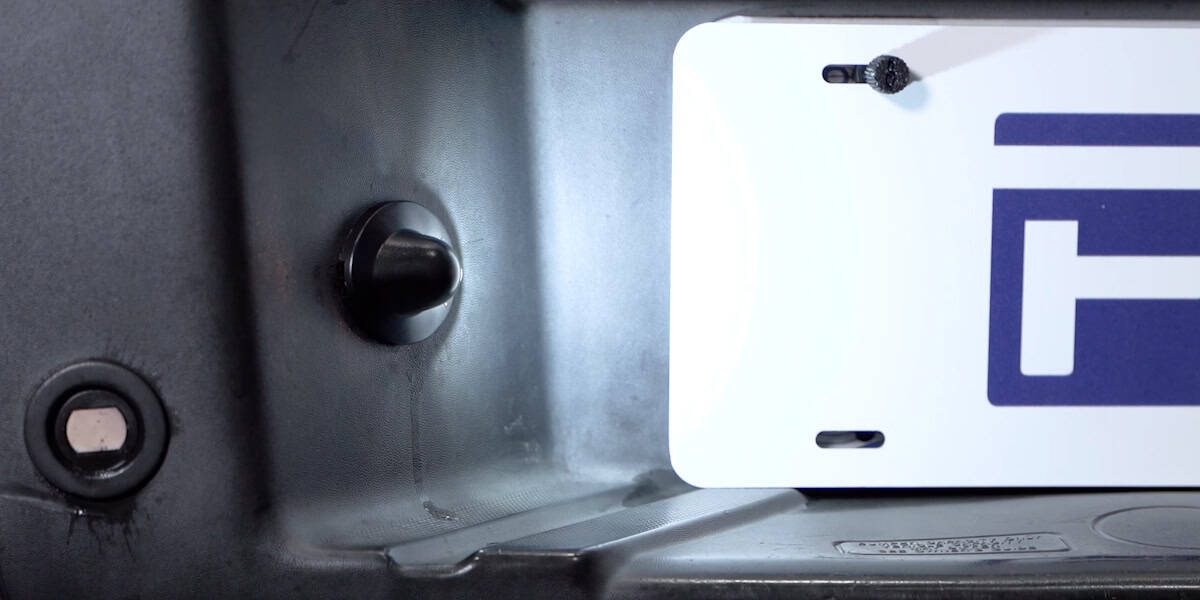
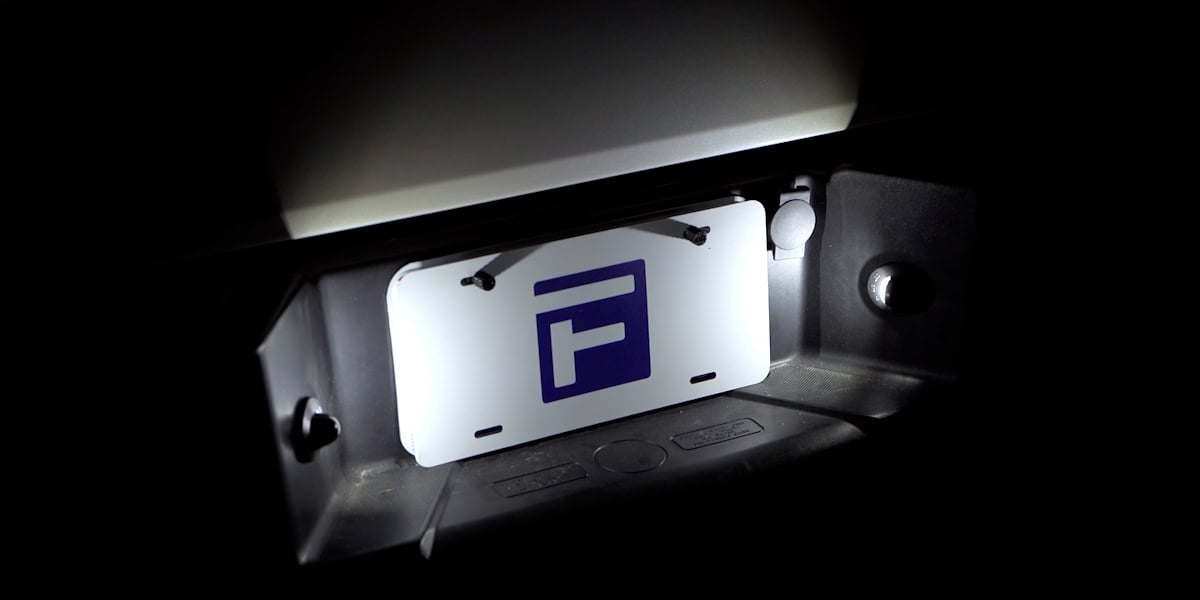
Snap the new assembly into the factory mounting opening, making sure it is properly seated. Repeat the same process on the other side, then confirm that both lamps illuminate.
Keep the fitment specific
If the opening, retaining clips or electrical connection differs because the bumper or wiring has been modified, stop and confirm compatibility before forcing a part into place.