

F-150 SL2 and SL2 Pro bulb installation guide
This guide is for the H11 low-beam and 9005 high-beam packages in original halogen F-150 headlights. Each package includes the supplier-specified anti-flicker module pair.
Before opening the headlight
Check the original bulb size and factory lighting type. Factory LED and HID headlights are excluded. Diode notes that 2023 fitment may require modification; an H11 package on a 2018 Lariat may prevent the original dustcap from fitting. Confirm clearances before ordering.
Diode does not approve these LED retrofit bulbs for headlamp use on US public roads. International rules vary.
Identify the complete package
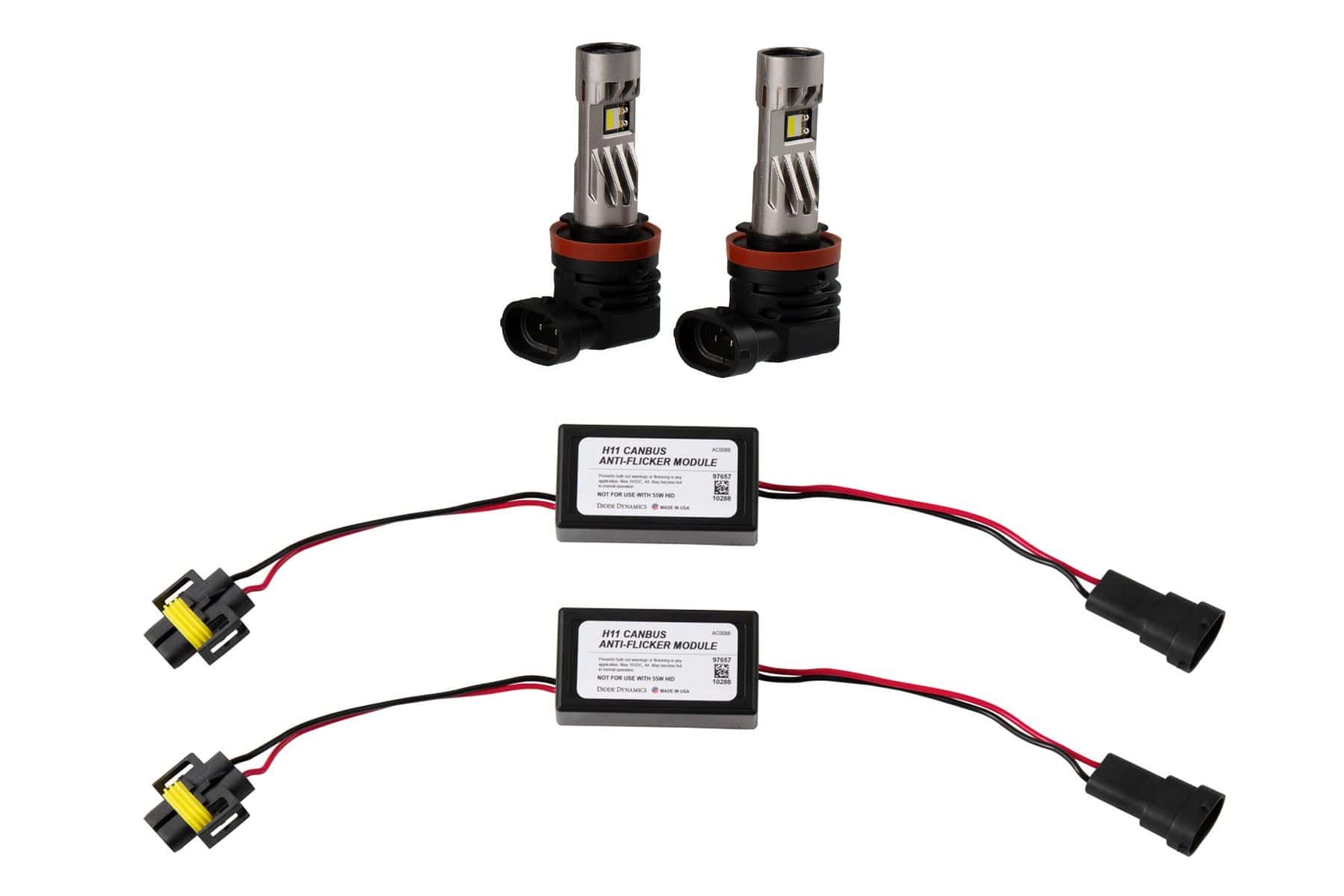
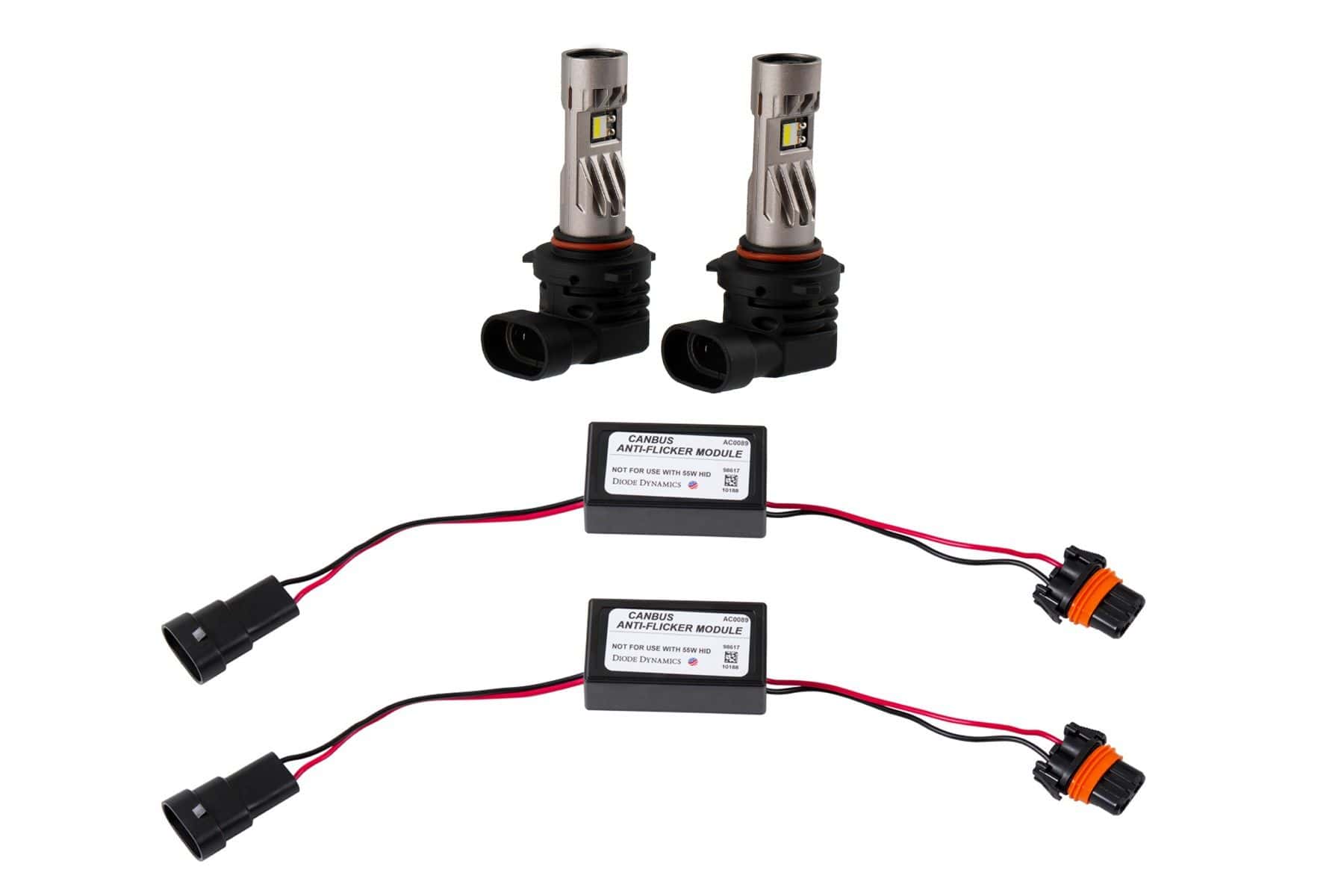
Watch the exact F-150 procedure
How To: Install SL2 & SL2 Pro LED Replacement Bulbs for the 2018-2023 Ford F-150 | Diode Dynamics
Installation sequence
- Remove the original bulb. Use the vehicle manual to reach the lamp. Disconnect the original bulb and unlock it from its socket.
- Fit and lock the replacement. Align the mounting tabs, seat the bulb squarely and turn it into its locked position. If it is unusually tight, verify the bulb size and alignment before forcing it. Ask for help before altering the seal.
- Check LED orientation. The light must shine horizontally to the sides, at roughly 3 and 9 o’clock. Use the correct collar method below if the bulb locks in at an angle.
- Connect the module first. Plug the anti-flicker module into the original vehicle connector, then connect the module to the LED bulb. Repeat on the other side.
- Test. Check operation before reassembly. If a bulb does not light, disconnect it, reverse the connector 180 degrees and reconnect where the connector permits this.
- Finish the lamp. Verify the beam is not skewed, confirm the bulb is seated and reassemble the parts removed for access. Resolve flicker or a bulb warning before considering the job complete.
The collar adjustment differs by model
SL2
Turn the adjustment tabs at the back by hand until the LEDs face horizontally to the sides.
SL2 Pro
Use the supplied hex tool to loosen the two opposite collar screws without removing them. Rotate the collar, check the installed orientation, then secure both screws.
If fitment or the beam is wrong
Recheck the original bulb size, mounting tabs and seated position. Do not compensate for a tilted bulb by aiming the whole lamp. Diode’s installation instructions describe O-ring adjustments for unusually tight sockets; contact BTS or Diode before changing the seal if the bulb will not seat correctly.
Return to the F-150 lighting hub · Miniature replacement bulb guide
Original BTS guidance based on Diode Dynamics’ SL2 installation article (March 21, 2024), SL2 Pro installation article and exact 2018–2023 F-150 installation video. Product-specific fitment checked October 24, 2026. Manufacturer SL2 instructions.