

BTS Lighting · Installation
Jeep JK Morimoto Ditch-Light Installation Guide
Check the mount and the wiring before starting
Use BAF035 brackets on a 2007–2018 Wrangler JK. This guide separates the vehicle bracket procedure from the pod and harness instructions. The manufacturer demonstration uses 4Banger pods; 2Banger and BigBanger assembly diagrams follow below. Bracket-only hardware does not include lights or a relay harness.
Keep the ignition off while installing the hardware and making electrical connections. Use the instructions for the harness supplied with the selected kit; a switch trigger is not the main lamp power supply.
Mount the JK brackets
Remove the two factory mounting bolts at each lower windshield location. Fit the cable guide vertically, align the BAF035 bracket with the original holes, and reinstall the hardware. Assemble the pod’s bottom bracket and leave the main mounting nut loose until the final aim is set.
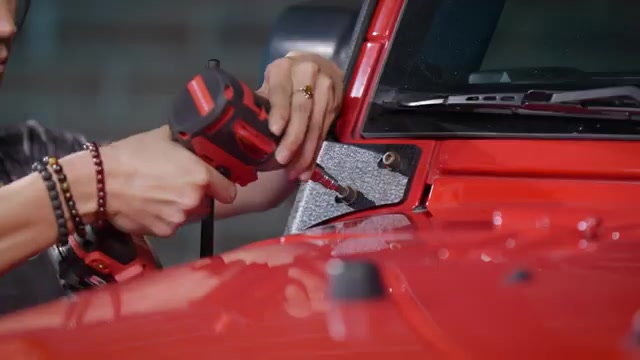
Route the two-pod harness
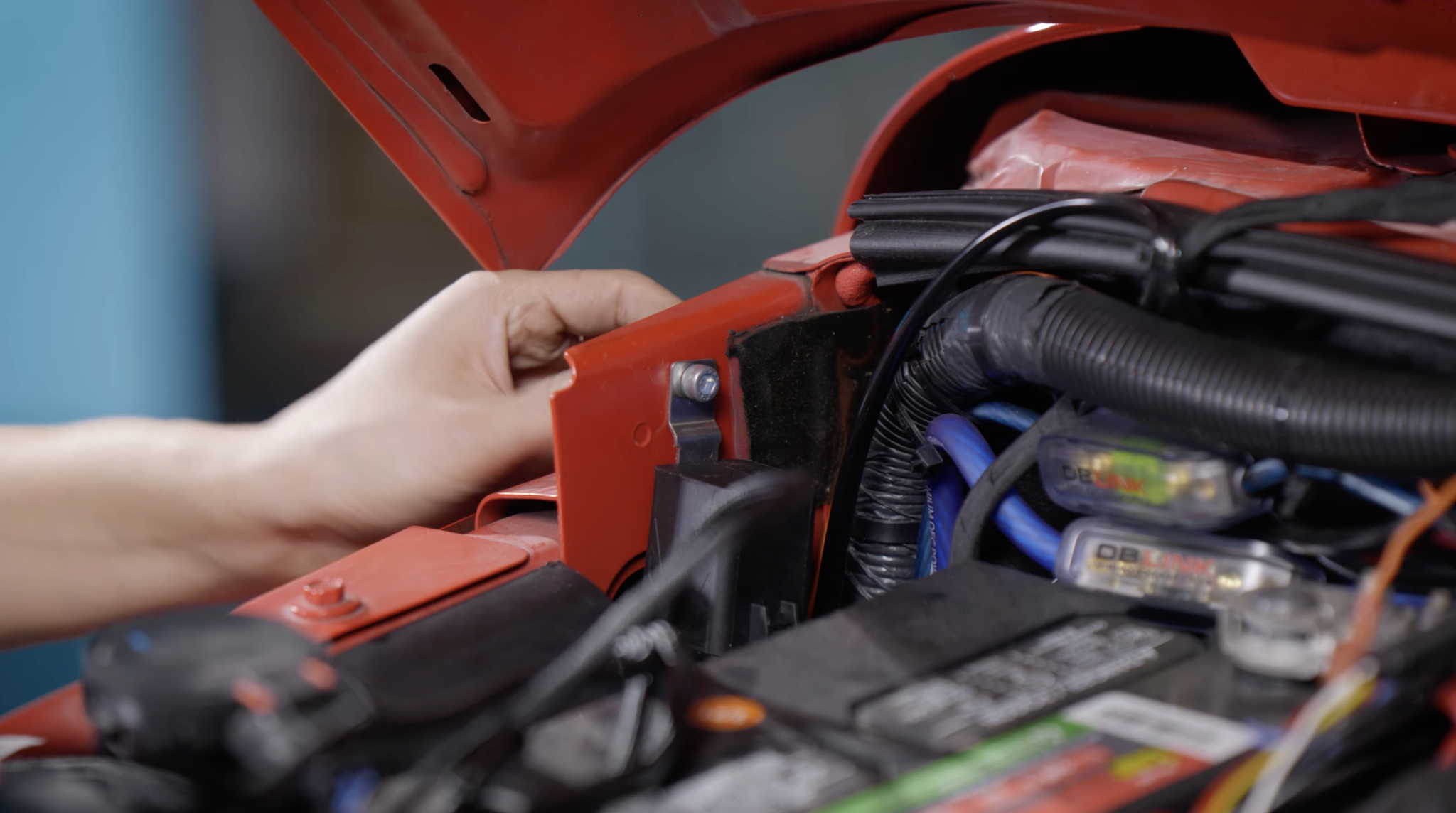
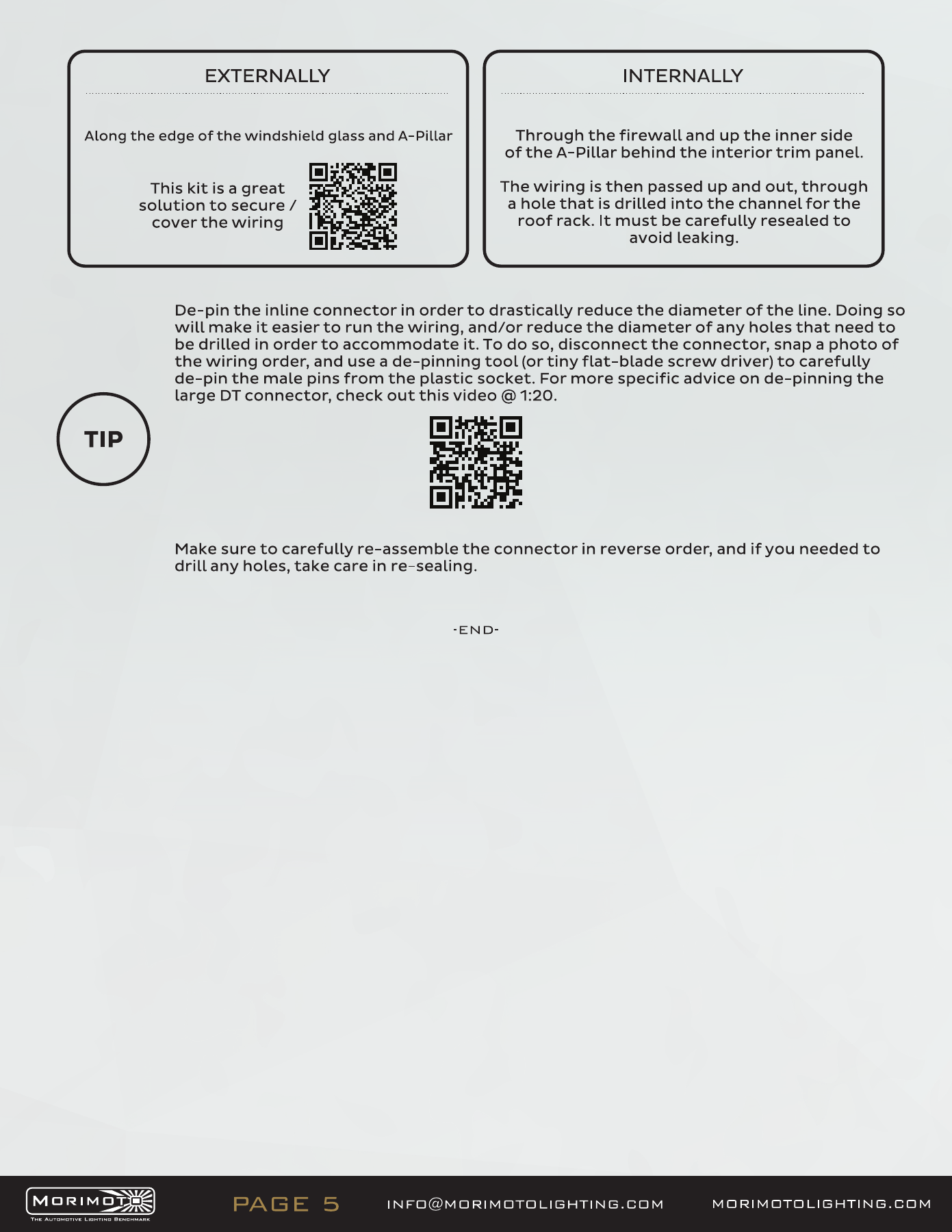
Mount the relay upright with its wires facing down. Route the longer output to the pod farther from the battery, secure the wiring using the supplied cable guides, and keep it clear of sharp edges, heat and moving parts. Connect the fused power and ground leads according to the supplied harness instructions.
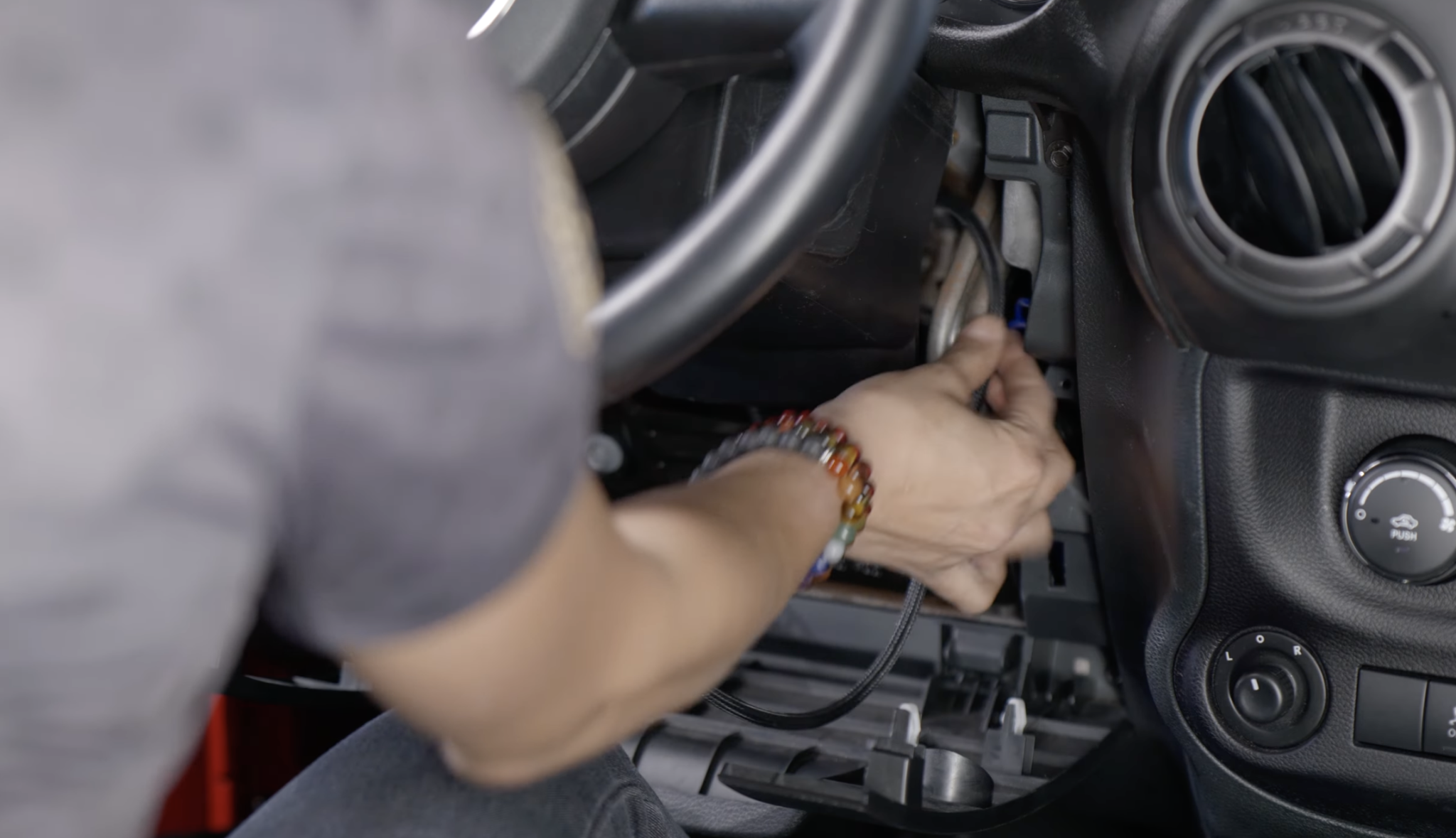
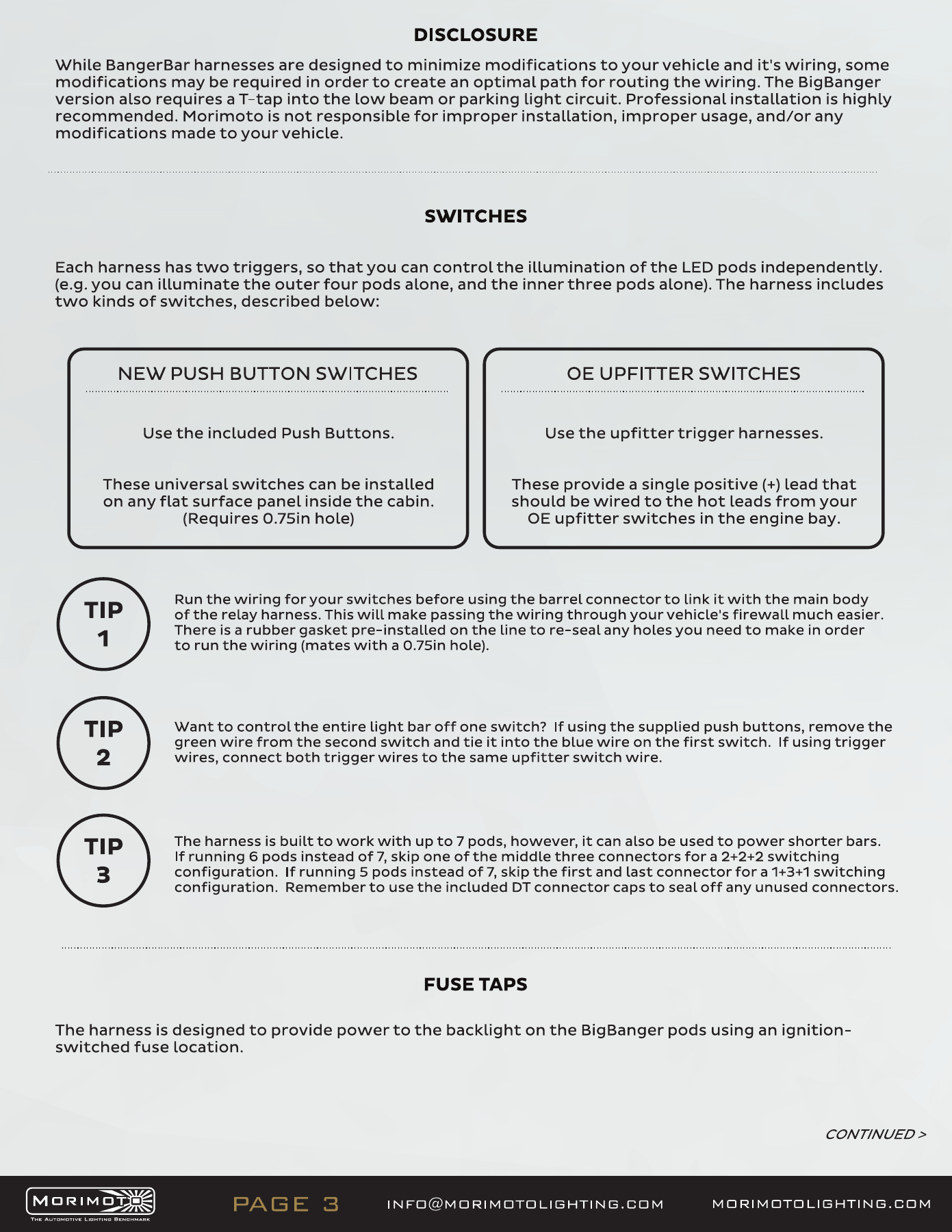
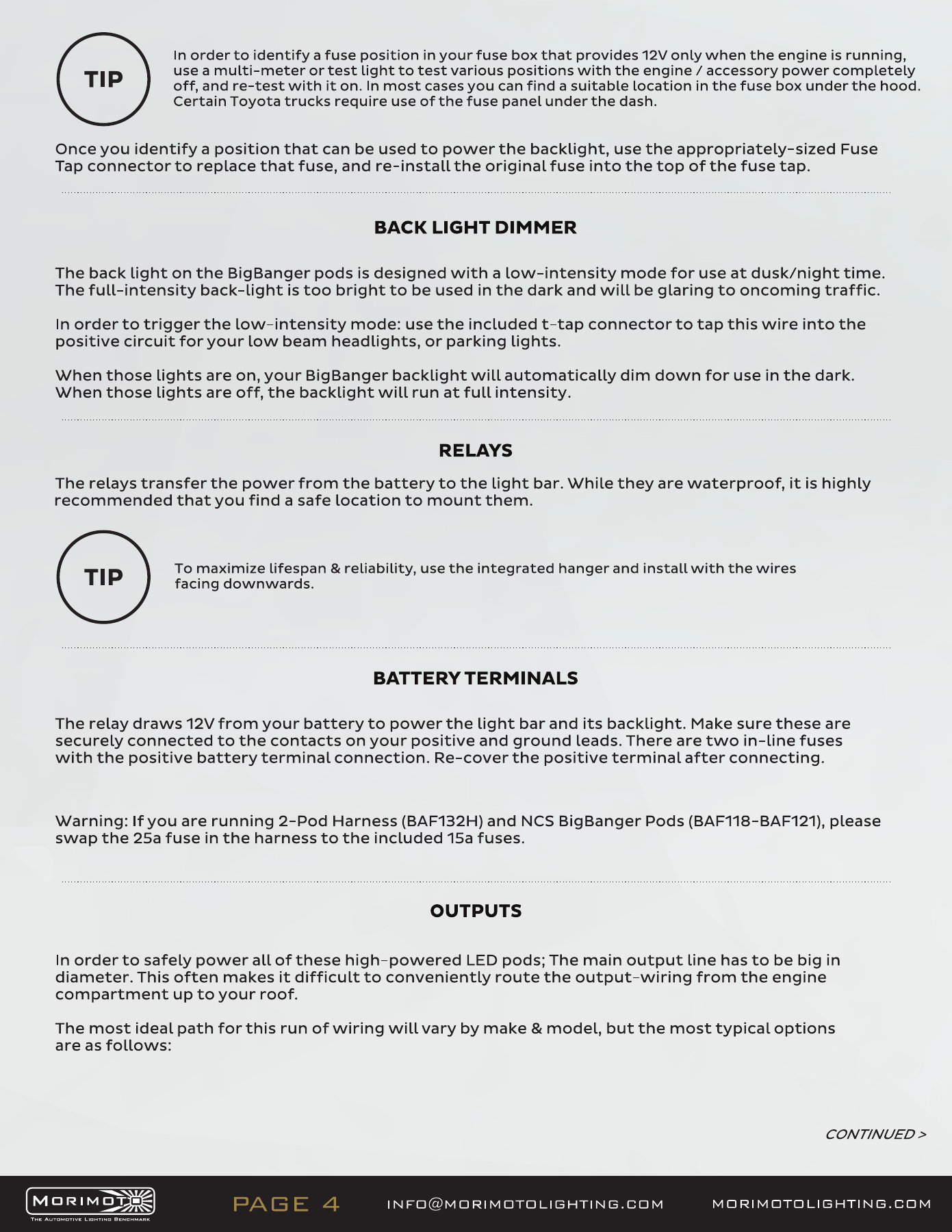
For the supplied switch, disconnect its small connector before passing the cable through an existing firewall grommet, then reconnect it inside. Protect the grommet and seal the cable route.
2Banger assembly
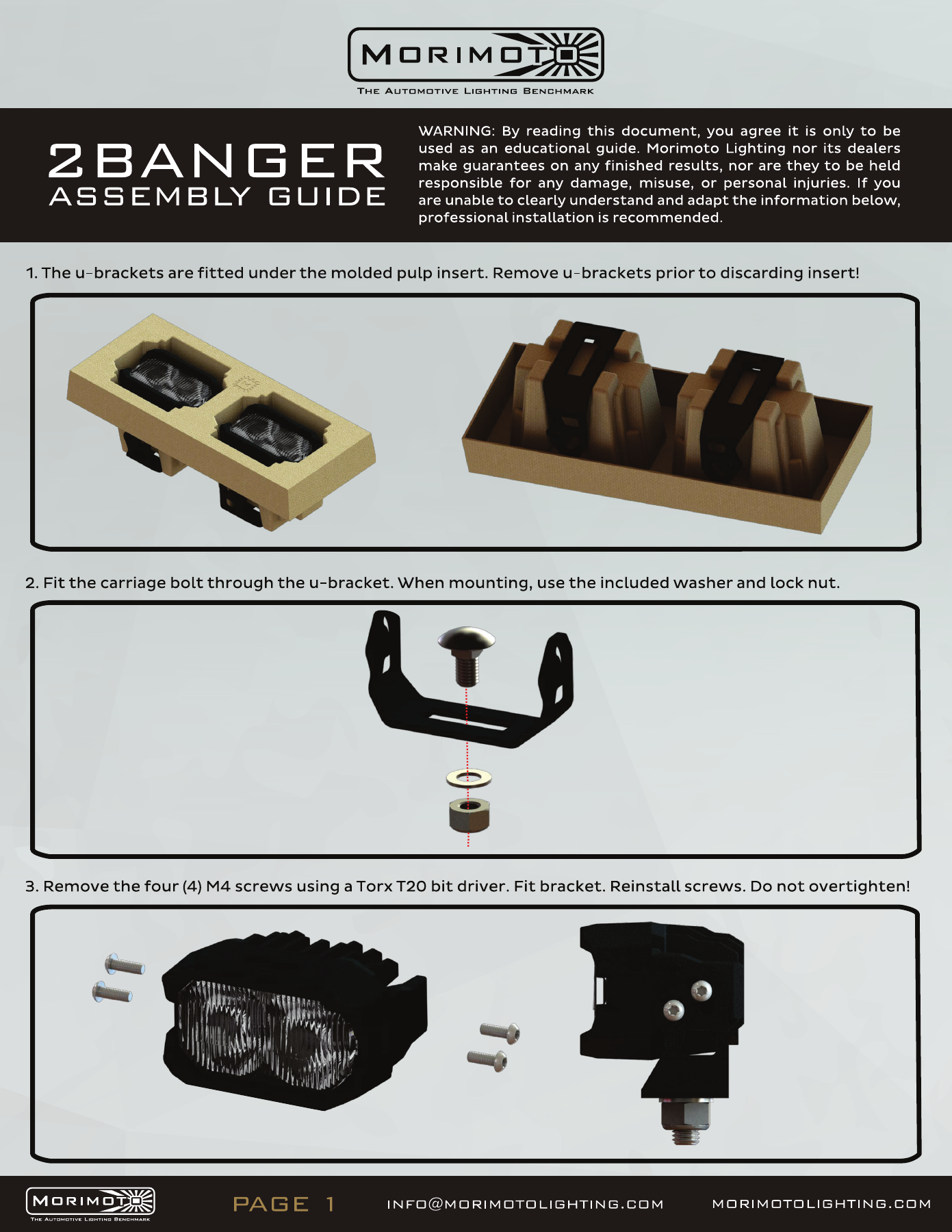
The 2Banger U-brackets are packed beneath the moulded insert. Retain them before discarding the packaging. Use the supplied carriage bolt, washer and locking nut; fit the bracket using the four original M4 fasteners and a T20 driver without overtightening.
Open the original manufacturer PDF
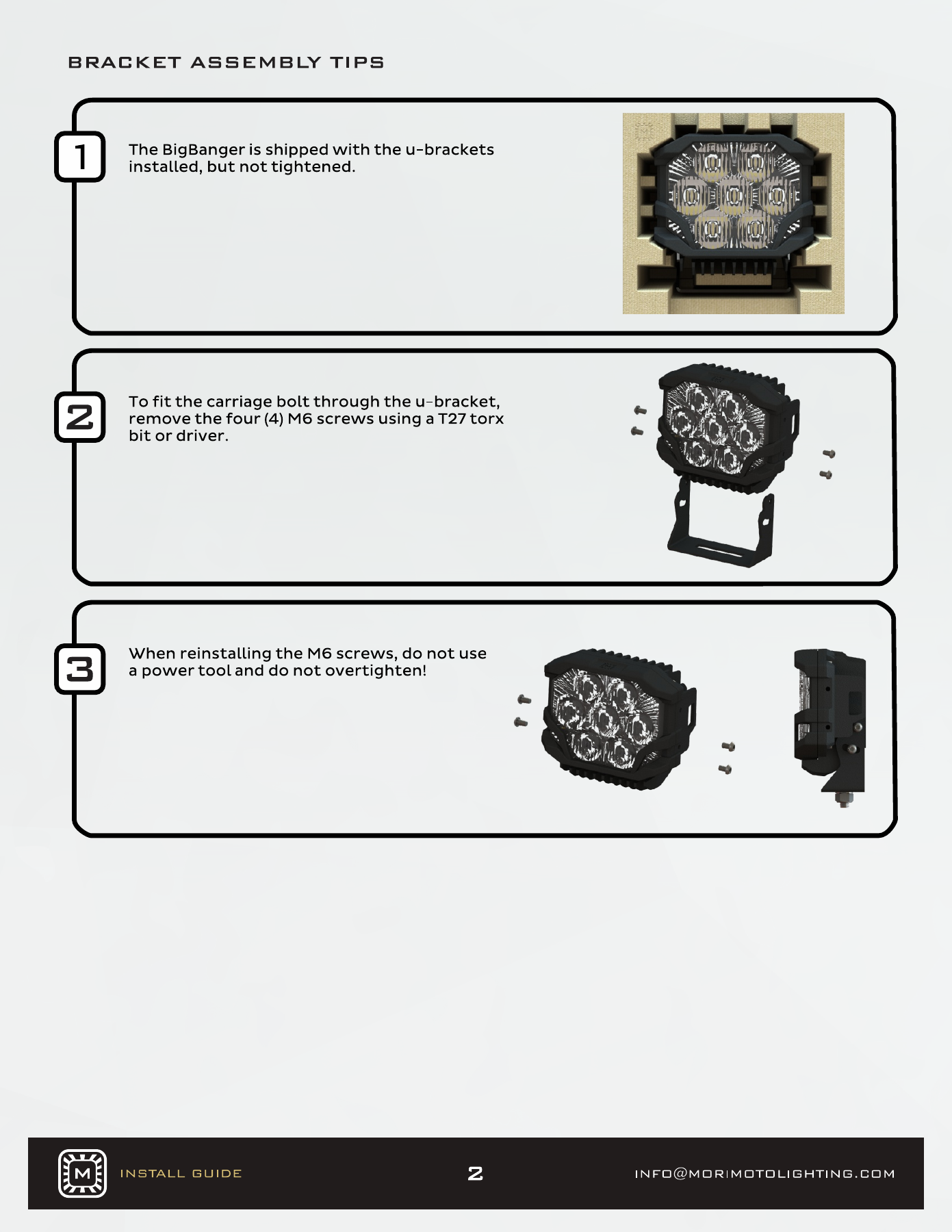
BigBanger assembly and connector
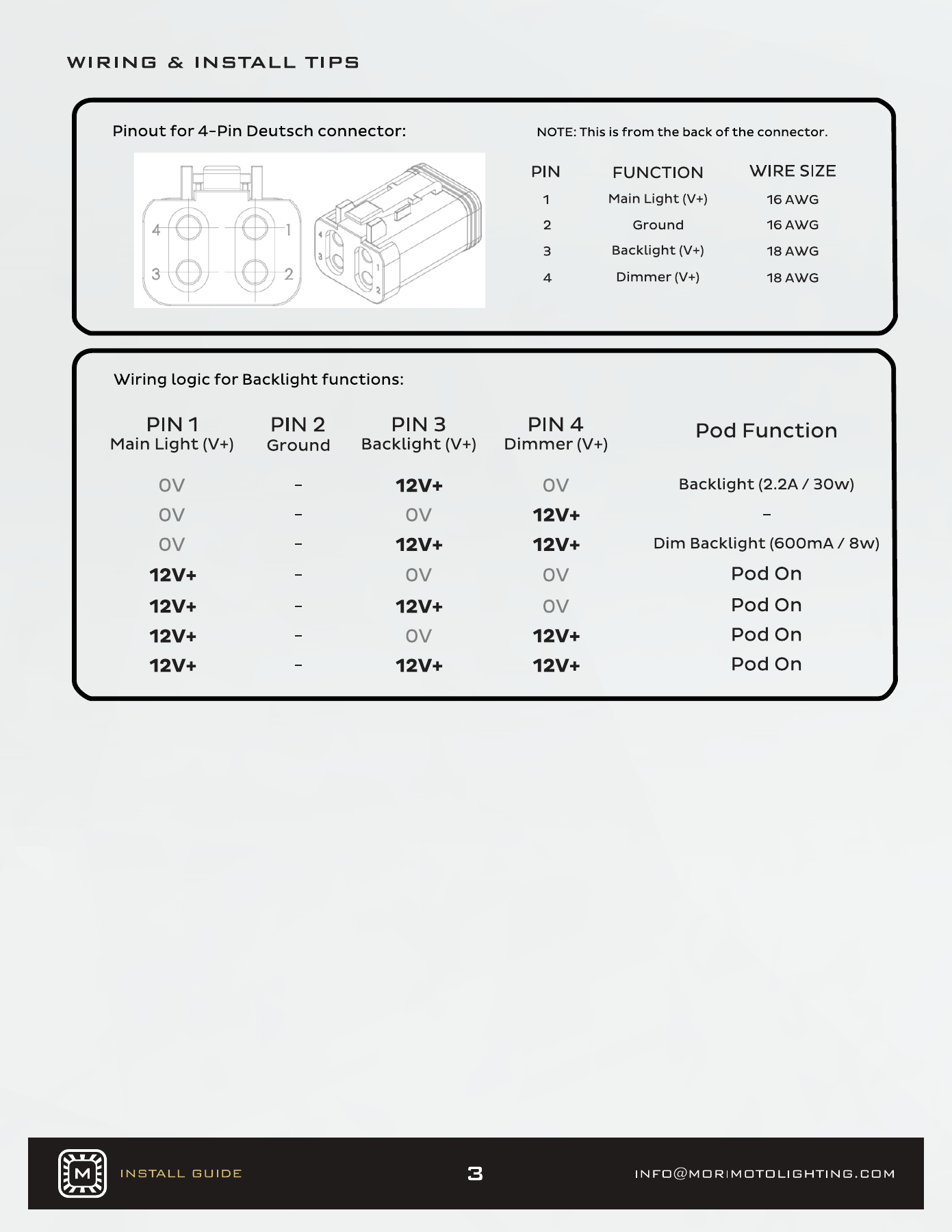
BigBanger uses its own bracket and four-pin connection. Follow the diagram for the main output, ground, backlight and dimmer; do not substitute the two-pin 2Banger/4Banger wiring arrangement.
Open the original manufacturer PDF
BigBanger harness branch
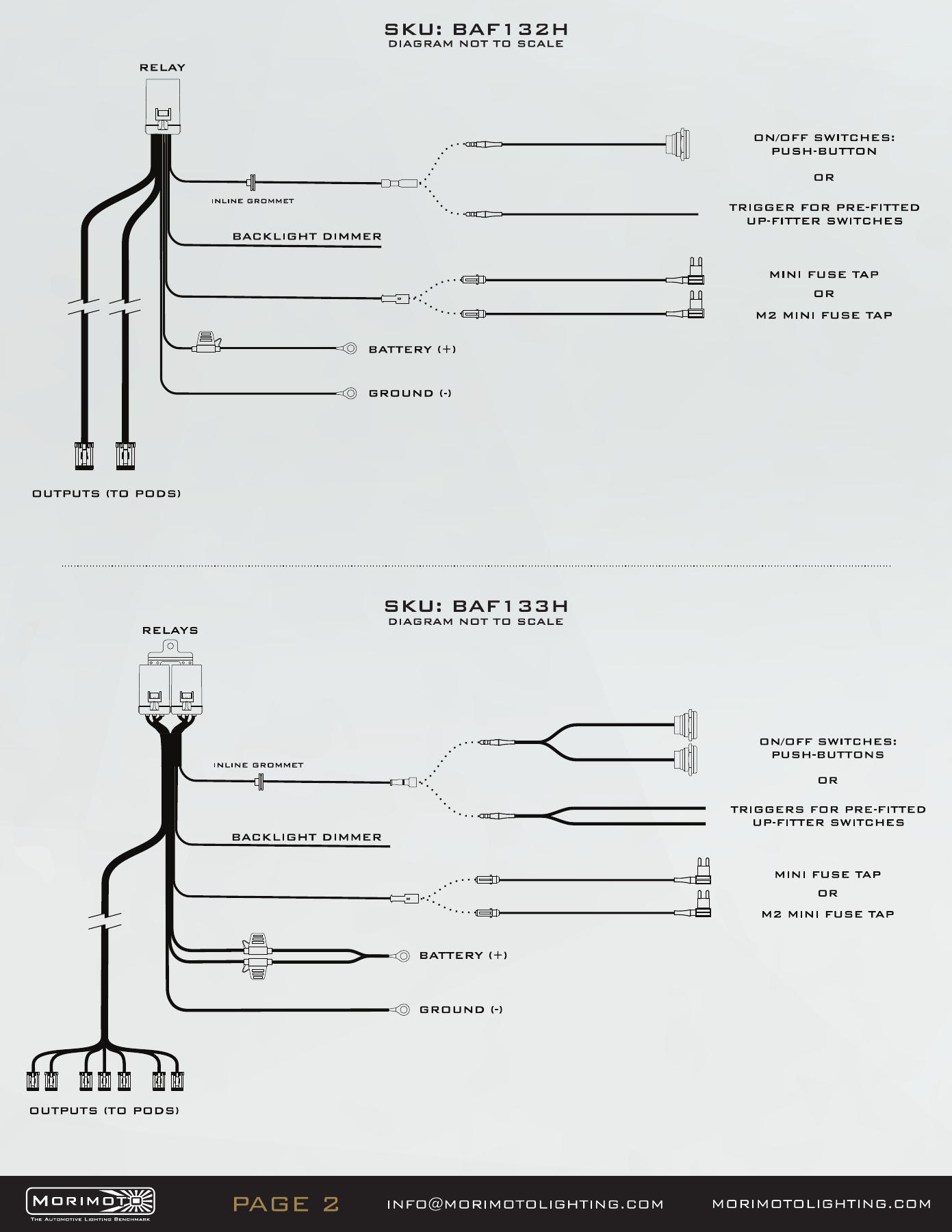
The two-pod BigBanger kit uses BAF132H. The shared manufacturer manual also illustrates the BAF133H seven-pod bar harness; use the BAF132H diagram for this ditch kit. For NCS two-pod installations, the manufacturer specifies replacing the harness’s 25 A fuse with the supplied 15 A fuse. Keep the backlight supply and dimmer trigger distinct from the main output.
Open the original manufacturer PDF
Aim and test
Set the pods to illuminate the intended off-road area without lighting the bonnet. Tighten the mount, check both sides and test all installed functions. A Wide optic mounted at the A-pillar is an off-road ditch light; its fog-light photometric designation does not approve this mounting position for on-road use.
Morimoto JK 4Banger installation demonstration

Compare compatible upgrades
Browse Jeep Wrangler lighting. Check JK/JL generation and the factory-equipment requirement on each product.
Choose the matching kit or mount
Confirm the generation, factory equipment and included components before ordering.
Plan your Wrangler lighting
Planning a Wrangler installation? Compare the matching lighting products and the checks that matter for JK and JL builds.
Compare Jeep Wrangler JK and JL lighting · Read the Wrangler lighting upgrade guide