

BTS installation guide · HitchMount
Install a C1 or C1R HitchMount light
Connect the inline trailer harness, fit the receiver sleeve and test the separate reverse, running and optional brake functions.
Confirm the receiver and connector
For a 2016–2023 Toyota Tacoma, use an open-back 2-inch receiver and the compatible factory 7-pin trailer connector. The included 2.5-inch sleeve is not used for this Tacoma application. Keep the factory tail lights installed.
This HitchMount family also serves other compatible vehicles with 2-inch or 2.5-inch receivers. Receiver size alone is not enough: confirm the rear connector and required vehicle-specific harness before ordering. Ram trucks use the C1 option only; C1R is not compatible with Ram.
A dedicated harness/kit is required for 2015–2023 F-150, 2005–2015 Tacoma, 2019+ Sierra/Silverado 1500, 2022–2024 Maverick and 2023+ Colorado. Confirm the exact year, model and trailer package before choosing this standard kit.
The receiver must be open at the back for the harness. Do not drill or modify a structural hitch receiver to make this kit fit. Remove the light when the receiver is needed for towing.
The following harness procedure is for the matching 7-pin connection. If the plug does not match, stop and confirm the correct vehicle harness instead of cutting connectors to force a fit. Safely isolate power and follow the vehicle service procedure before making electrical connections.
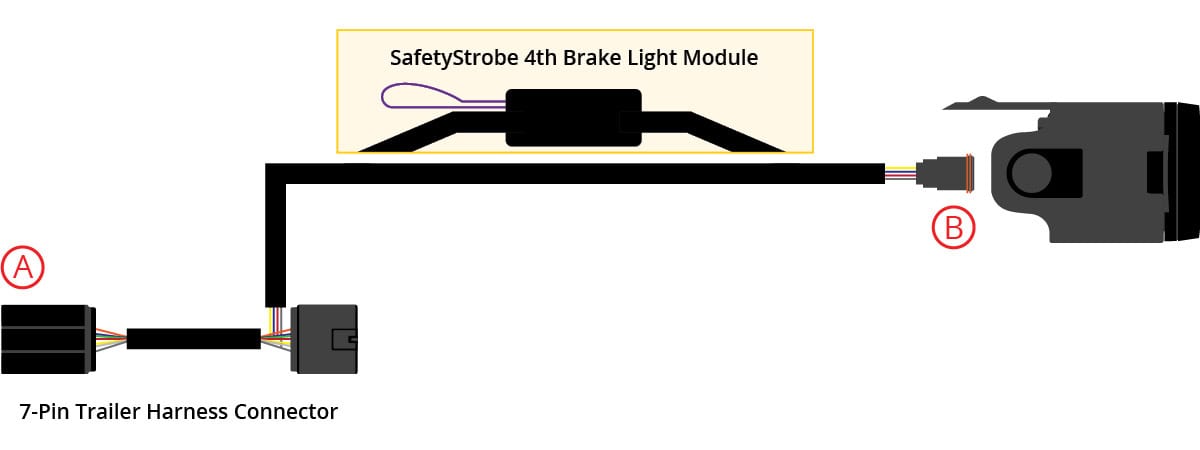
Manufacturer demonstration; match the harness to your vehicle.
1. Connect behind the 7-pin socket
Release the locking tabs and unplug the connector behind the factory 7-pin trailer socket. Insert the supplied harness between the factory connector and the rear of the socket. Make sure both latches engage.
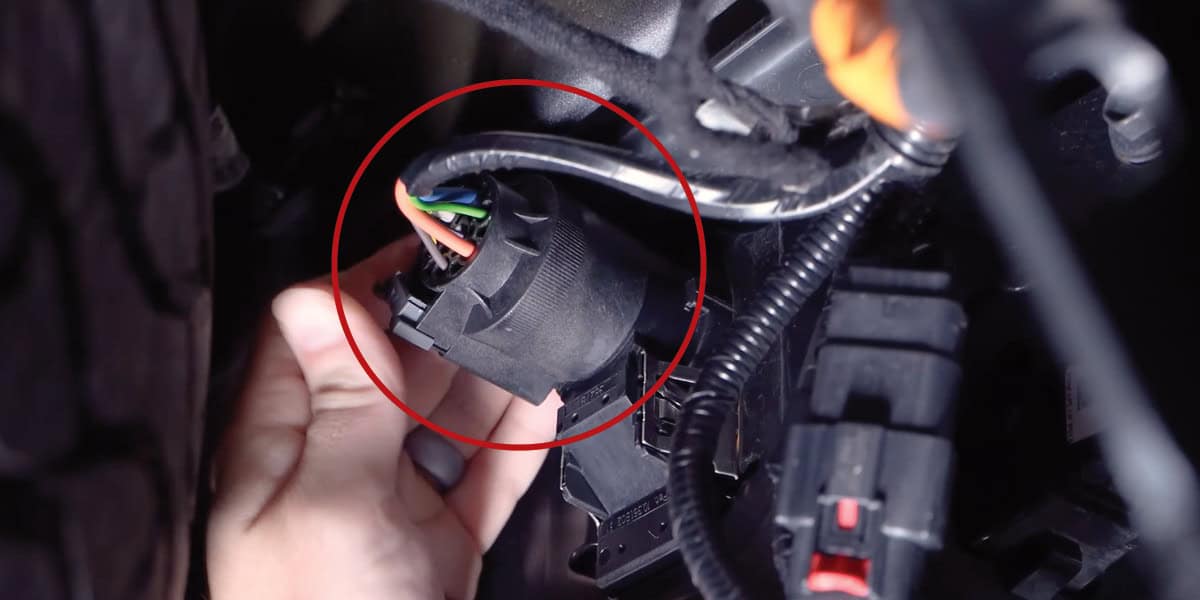
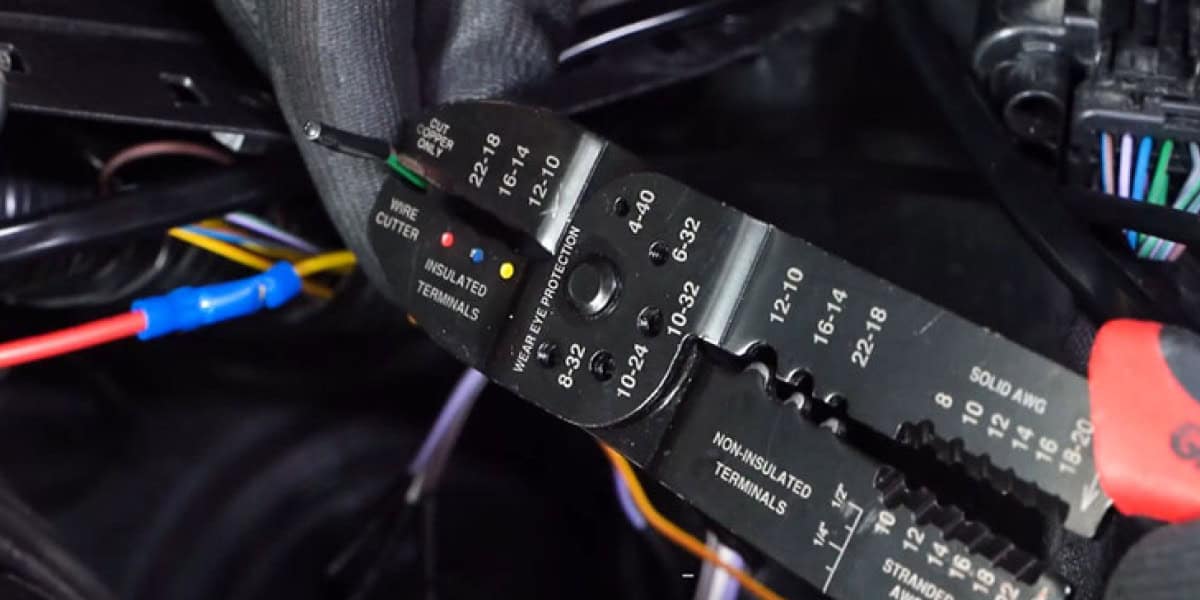
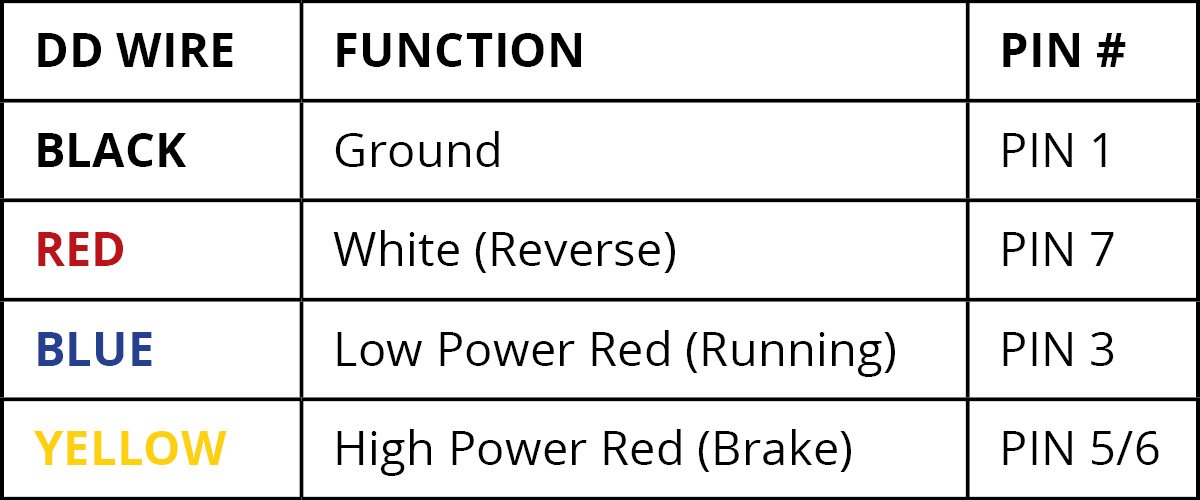
The wire table identifies the manufacturer harness functions and connector positions. It is not a Tacoma factory wire-colour chart or an instruction to repin the truck.
2. Route through the open receiver
Feed the DT pod connector from the back of the receiver to the front. Keep it clear of sharp edges and moving parts. A closed-back receiver is not suitable for this application.
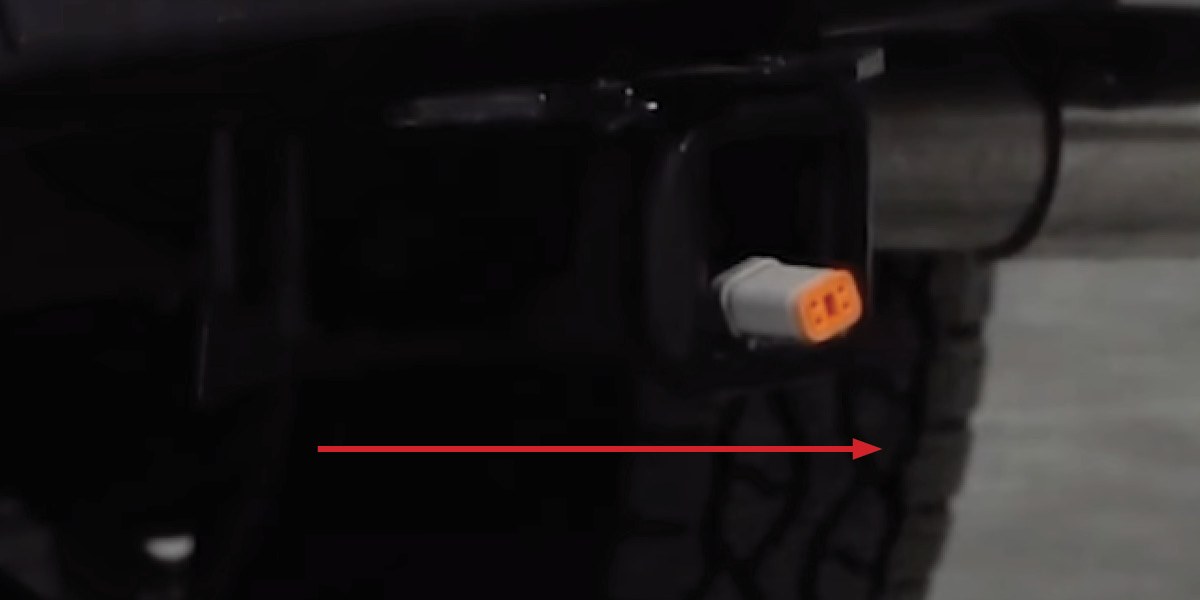
3. Check the receiver sleeve
The pod arrives in the 2-inch sleeve, which is the sleeve used on the 2016–2023 Tacoma. For a separately confirmed 2.5-inch application, pull the top tab and pod bezel apart, place the larger sleeve face-down and press the pod into it until it snaps in. The DT connector exits downward, opposite the top tab.
4. Connect and clip in the pod
Connect the DT lead to the pod and push the assembly into the receiver until the retaining clips lock. Confirm both clips engage. How far the pod projects depends on the receiver depth.
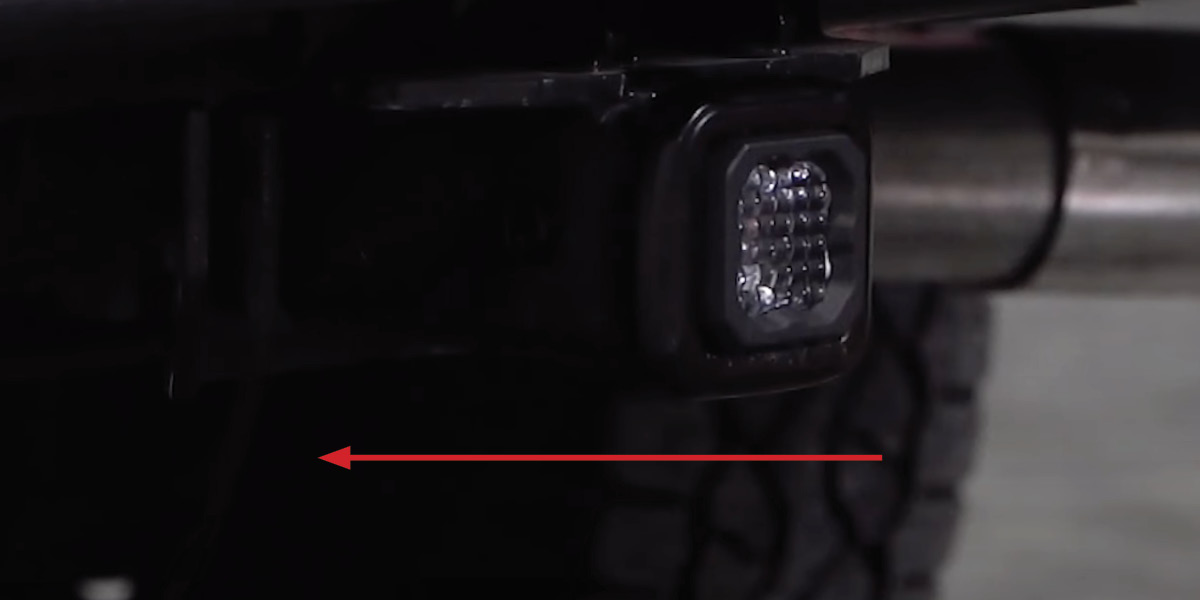
5. Test the light functions
Restore power safely and test White reverse and low-power Red running light. For C1R, also test the high-power Red brake function. If an unexpected trailer warning or intermittent function appears, stop and confirm the harness application before continuing.
6. Use the optional C1R brake tap only if required
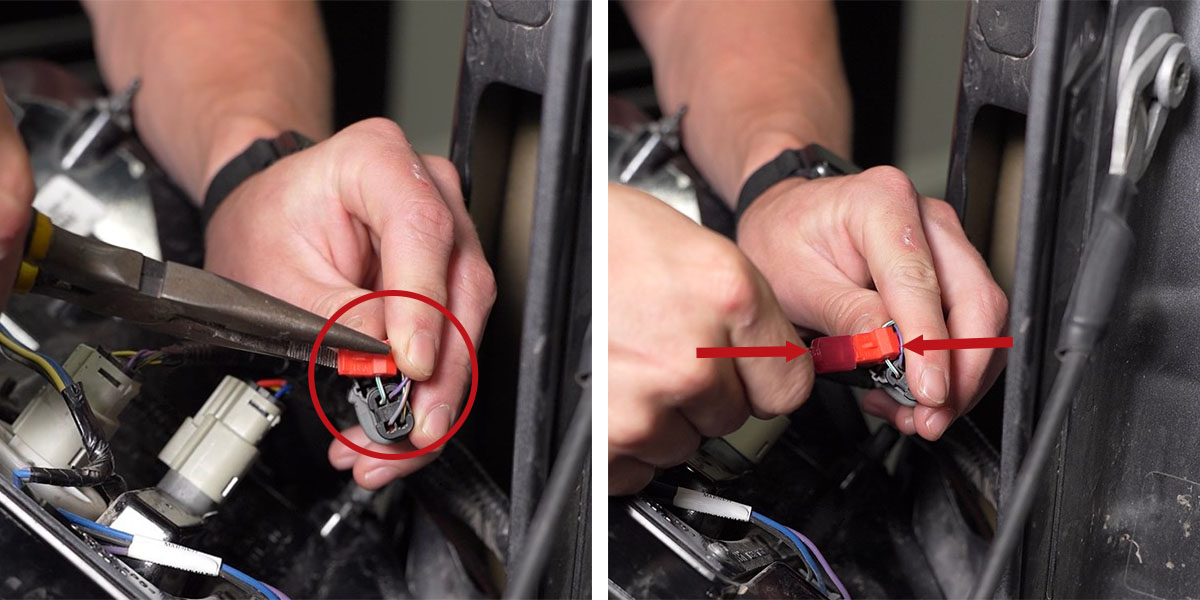
If the vehicle’s trailer-brake signal does not operate the C1R reliably, use the supplied Red AMP-style tap harness with a verified clean brake signal. Disconnect the Red AMP-style plug from the 7-pin harness, connect the tap-harness plug to the exposed port, and cap and secure the disconnected lead. Verify the brake-only function at the tail light before using the supplied T-tap; do not guess from wire colour or a combined stop/turn label.
7. Remove the light when needed
Press both side tabs and pull the pod forward. Disconnect it and cap the unused DT harness connector. Store the light before using the receiver for towing.
C1R SafetyStrobe
C1R’s SafetyStrobe flashes the high-power Red brake light on initial activation. For the module shown in these instructions, the manufacturer says leaving its Purple loop connected retains the feature; cutting that loop disables the flash. This is a permanent wiring change: isolate power and confirm the supplied module matches these instructions before altering it. If the module differs, obtain the matching instructions first.
Optional locking hitch pin
The retaining clips hold the pod in place. To use a separate locking pin, the manufacturer permits removal of the circular sections in the plastic sleeve’s side tabs. Do not cut or drill the metal receiver. Connect and insert the pod, then fit a compatible pin through the existing receiver holes and the prepared sleeve.
Original instructions and product
Manufacturer HitchMount instructions · Manufacturer T-tap demonstration