

Elite LED Headlights for 2018–2026 Jeep Wrangler JL
Check the exact lamp, equipment notes and supplied parts before starting.
BTS PROGRAMMING GUIDE · JEEP JL / JT
Choose white or amber daytime lighting, the welcome sequence and Elite Max display settings using the Jeep’s light dial and high-beam stalk.
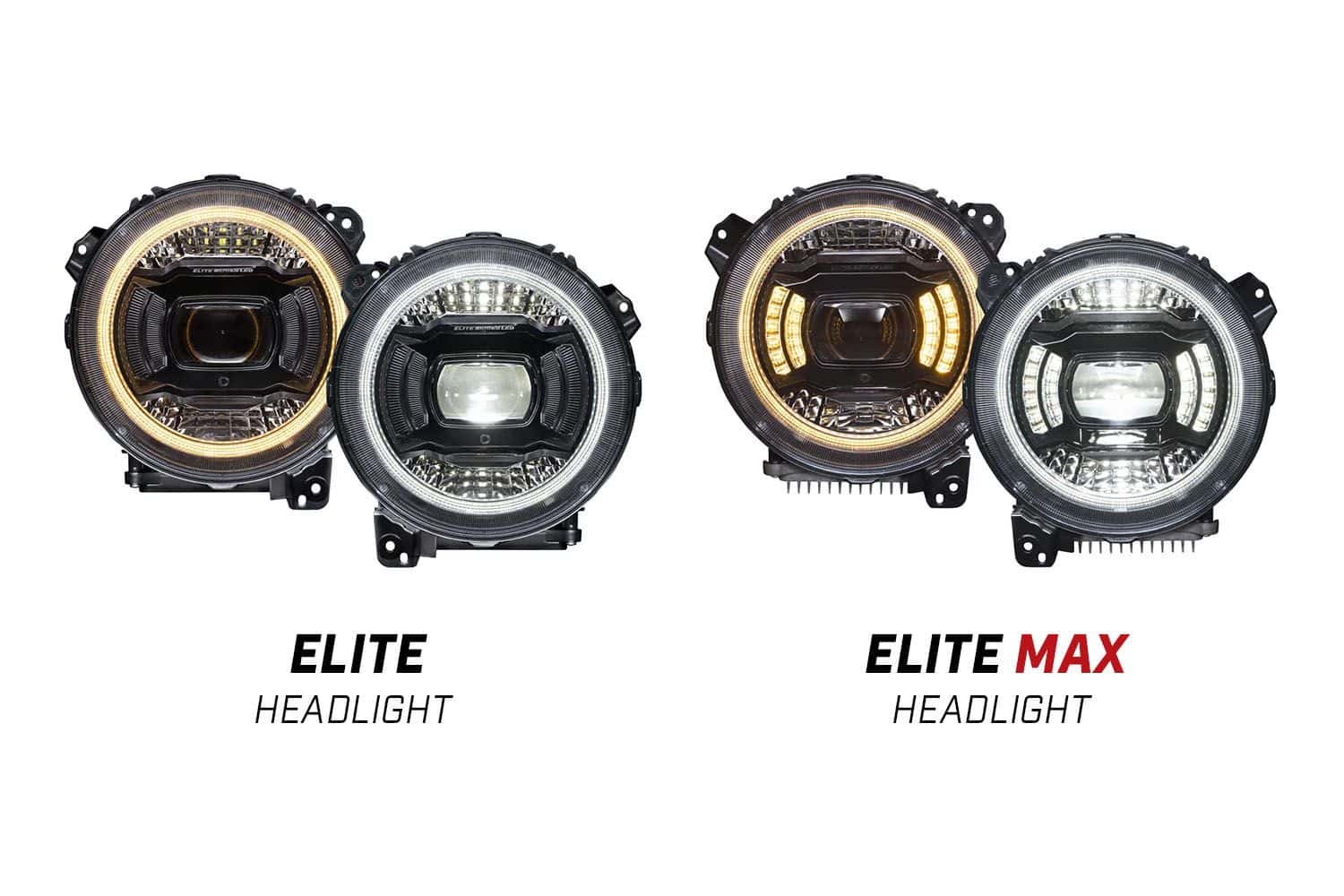
Park where you can see the lamps or their reflection. Start with the vehicle and all lights off. Elite has four DRL / welcome configurations; Elite Max has eight and also supports stationary Show Mode. The welcome sequence requires supported automatic locks and a nonzero Uconnect approach-light setting.
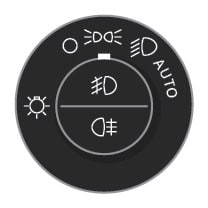
Turn the vehicle and all lights off.
Select the parking-light position on the light dial.

Within five seconds, move from parking lights to low beam and back to parking lights three times quickly. Three headlight flashes confirm programming mode.

Flash the high beams with the steering-column stalk to advance through the settings. Each entry starts at configuration 1; reaching configuration 4 takes three flashes after entry.
Turn all lights off at the desired setting. The selection is saved. If you lose count, switch everything off and start again from configuration 1.
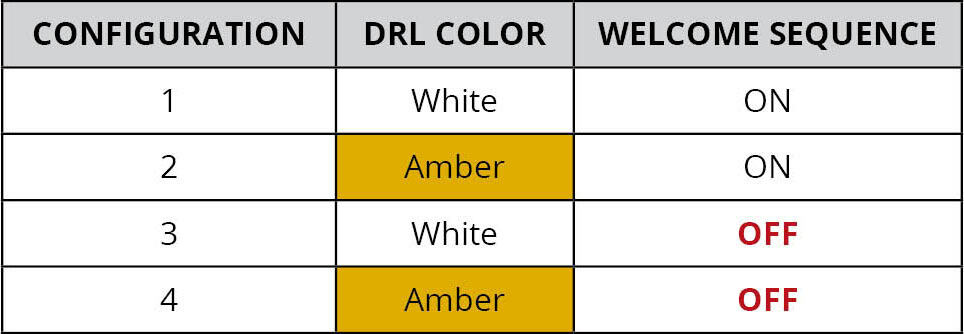
| Configuration | DRL color | Welcome sequence |
|---|---|---|
| 1 | White | On |
| 2 | Amber | On |
| 3 | White | Off |
| 4 | Amber | Off |
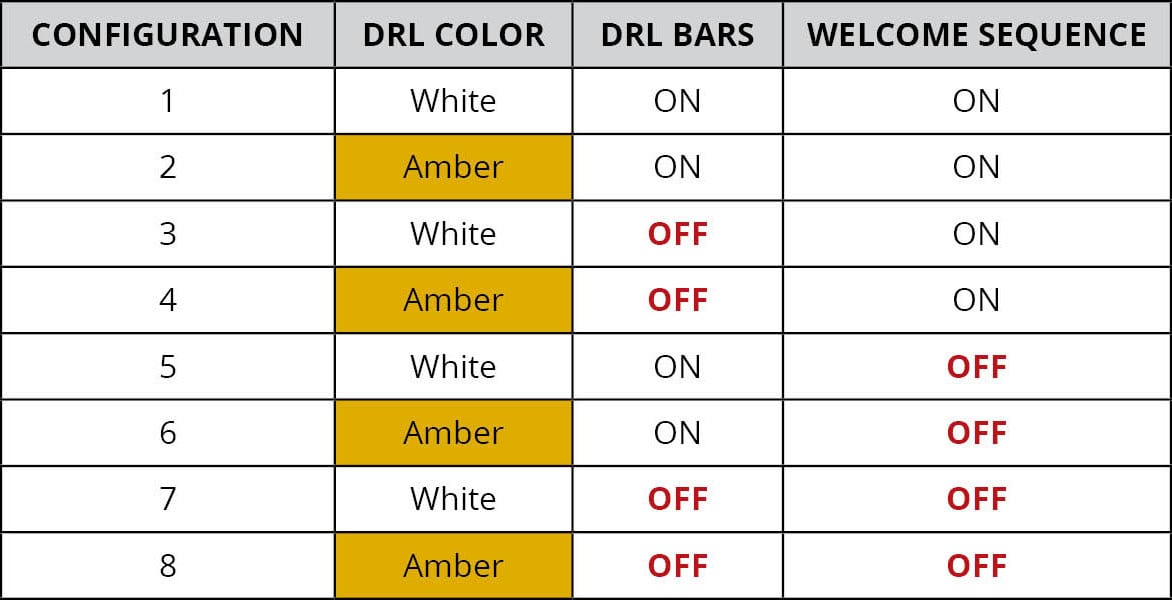
| Configuration | DRL color | DRL bars | Welcome sequence |
|---|---|---|---|
| 1 | White | On | On |
| 2 | Amber | On | On |
| 3 | White | Off | On |
| 4 | Amber | Off | On |
| 5 | White | On | Off |
| 6 | Amber | On | Off |
| 7 | White | Off | Off |
| 8 | Amber | Off | Off |
Show Mode is for a stationary vehicle with the engine off. It is a display function, separate from ordinary road lighting.
| Mode | Effect |
|---|---|
| 1 | Gradual illumination; repeats |
| 2 | White strobe: two rapid pulses, a delay, then repeat |
| 3 | Amber strobe: two rapid pulses, a delay, then repeat |
| 4 | Alternating white / amber strobe: two rapid white pulses, then two rapid amber pulses; repeats |
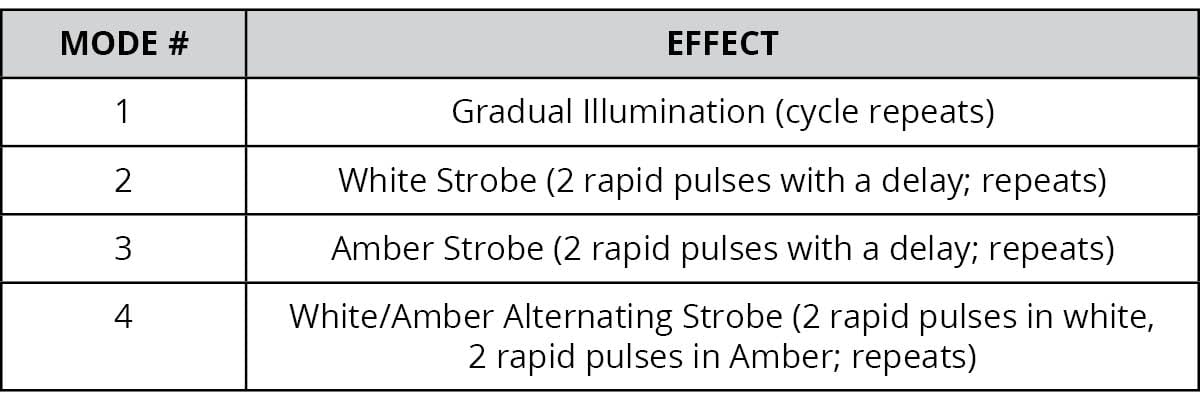
Diode Dynamics programming article, displayed publication date February 22, 2023; checked October 24, 2026. Tables below are transcribed from the original manufacturer diagrams.
Open original manufacturer instructions
Diode Dynamics Jeep Elite headlight programming
Check the exact lamp, equipment notes and supplied parts before starting.
Follow the correct Jeep harness connections and aiming procedure.
Planning a Wrangler installation? Compare the matching lighting products and the checks that matter for JK and JL builds.
Compare Jeep Wrangler JK and JL lighting · Read the Wrangler lighting upgrade guide