

BTS installation guide
Set White or Yellow with Diode SmartSelect
For Elite Type B DD5185P and SS3 Type B DD8935 Dual Color fog-light pairs. Use the factory fog-light switch; fixed-colour versions do not use this procedure.
Identify a Dual Color kit
Install, connect and aim the lamps first. This changes the main beam between 6000K White and 3000K Yellow; the amber accent backlight remains a separate circuit. New Dual Color lamps begin with White selected.
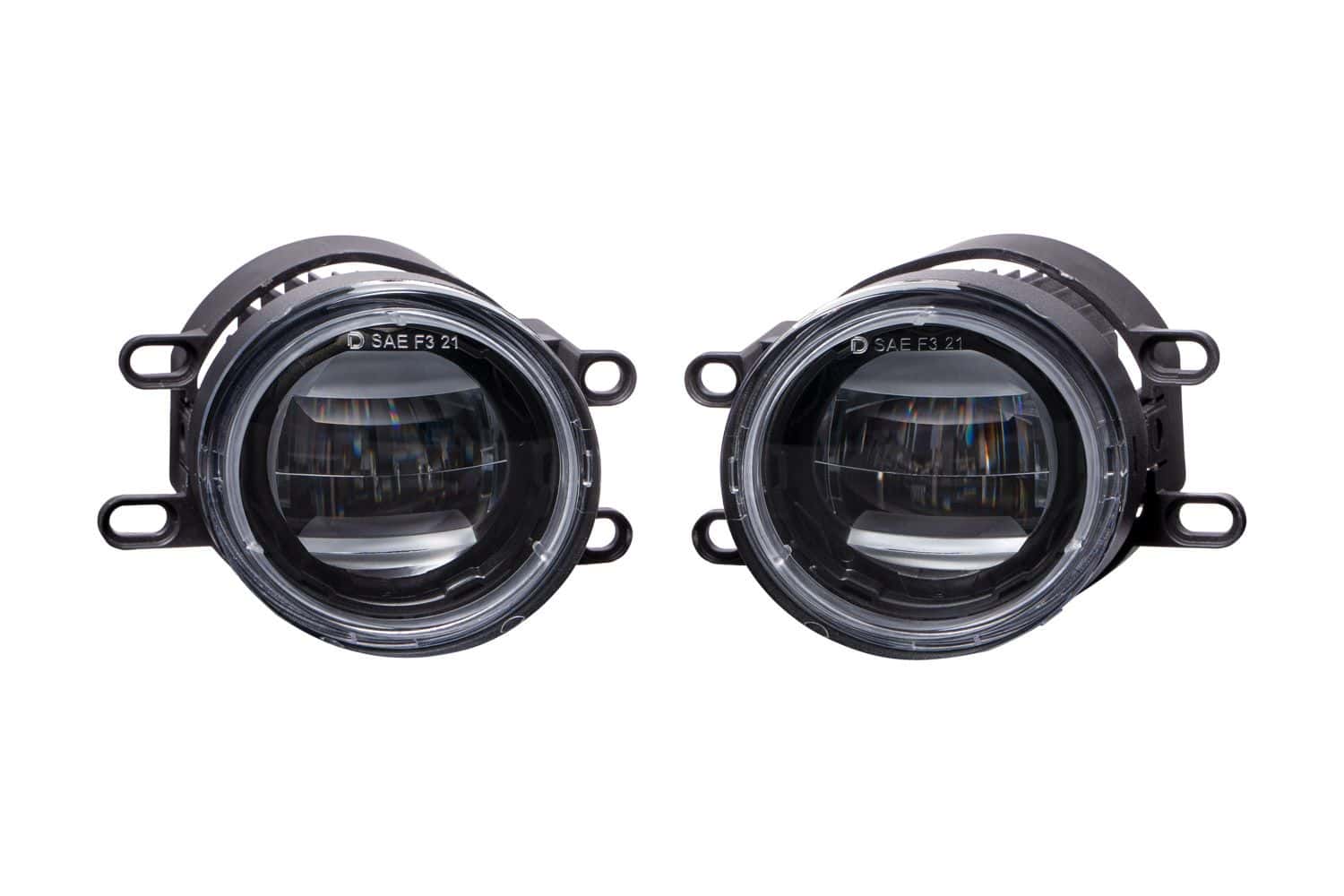
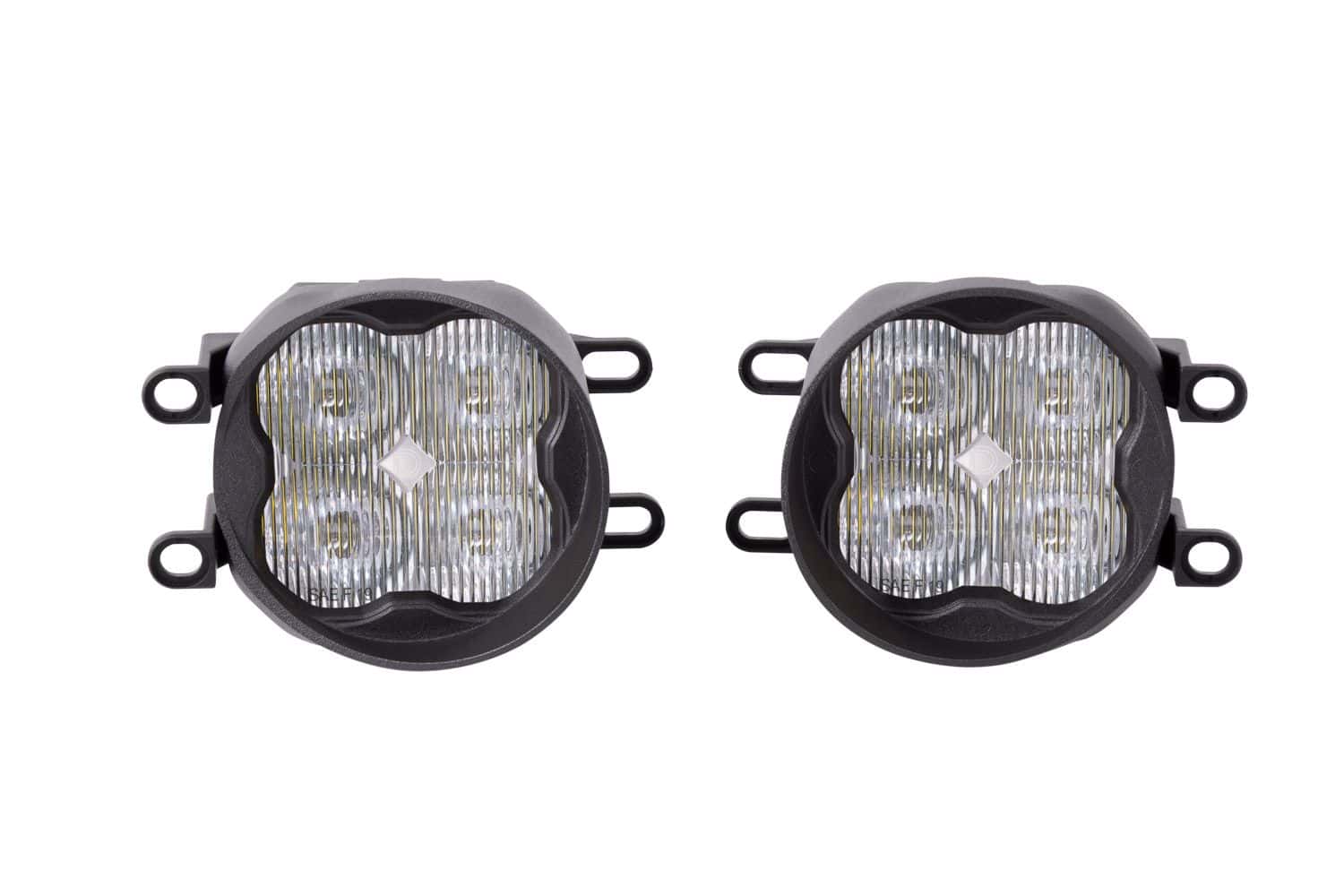
Enter programming with four ON commands
- Turn the fog lights ON for 1–3 seconds, then OFF for approximately one second.
- Repeat that ON/OFF cycle a second time.
- Repeat it a third time.
- Turn the lights ON again. On this fourth ON command, they enter programming and change from White to Yellow.
Use the timed sequence deliberately. These timings follow the current dedicated manufacturer installation guides.
Save the colour you want
To continue through the sequence, leave the lamps ON for 1–3 seconds, turn them OFF for approximately one second, then turn them ON again.
| Position | Displayed colour | Action |
|---|---|---|
| 1 | Yellow | First Yellow save opportunity |
| 2 | White | First White save opportunity |
| 3 | Yellow | Final Yellow save opportunity |
| 4 | White | Final White save opportunity |
| 5 | White — reset mode | Colour cycling has ended |
When the desired colour is showing, leave the fog lights ON continuously for at least five seconds to save it.
If the sequence reaches reset mode
Keep the lamps ON for at least five seconds to save White. Turn them OFF for at least five seconds. You can then start the entry sequence again.
If the two lamps do not respond together, stop and check the installation and exact lamp SKU before repeating.