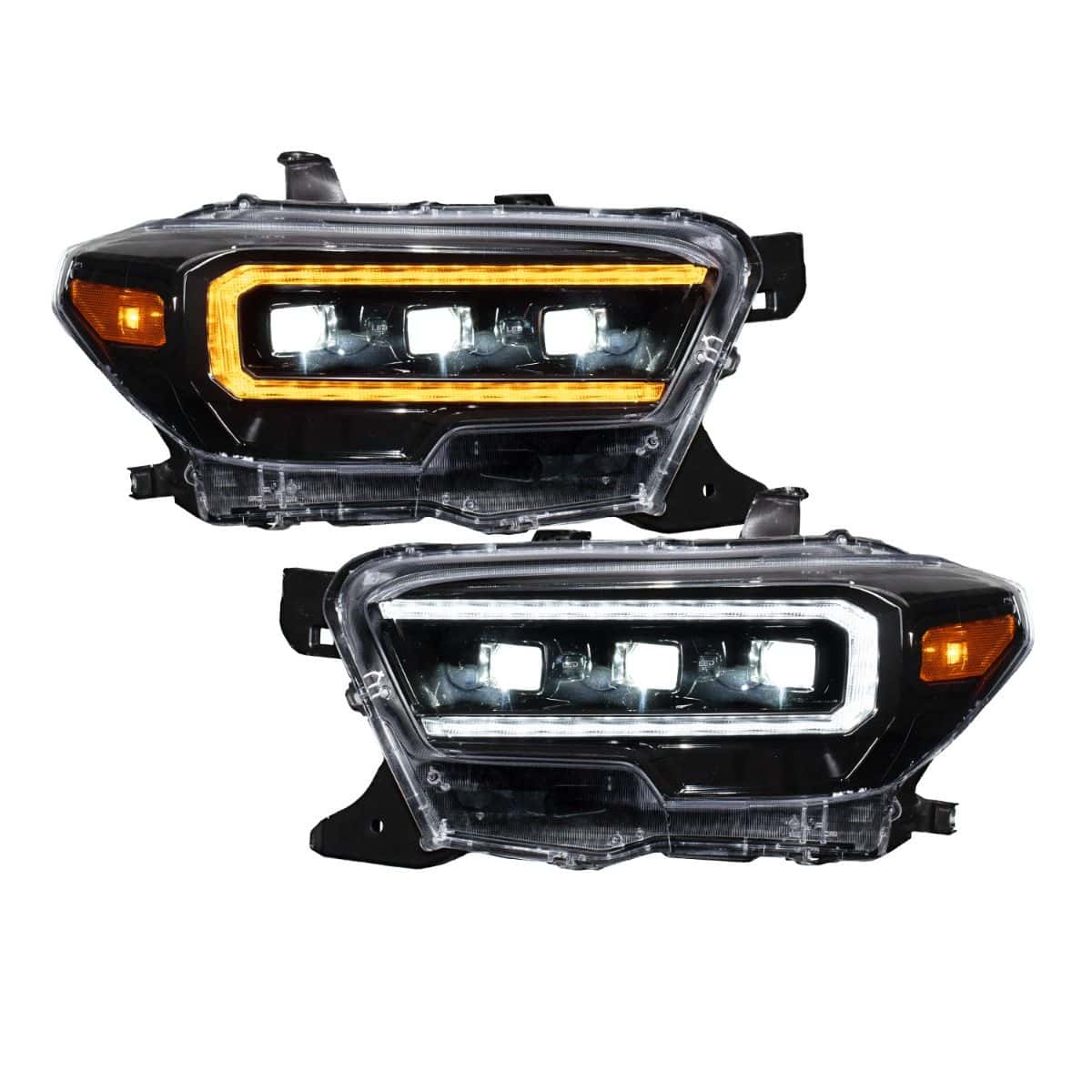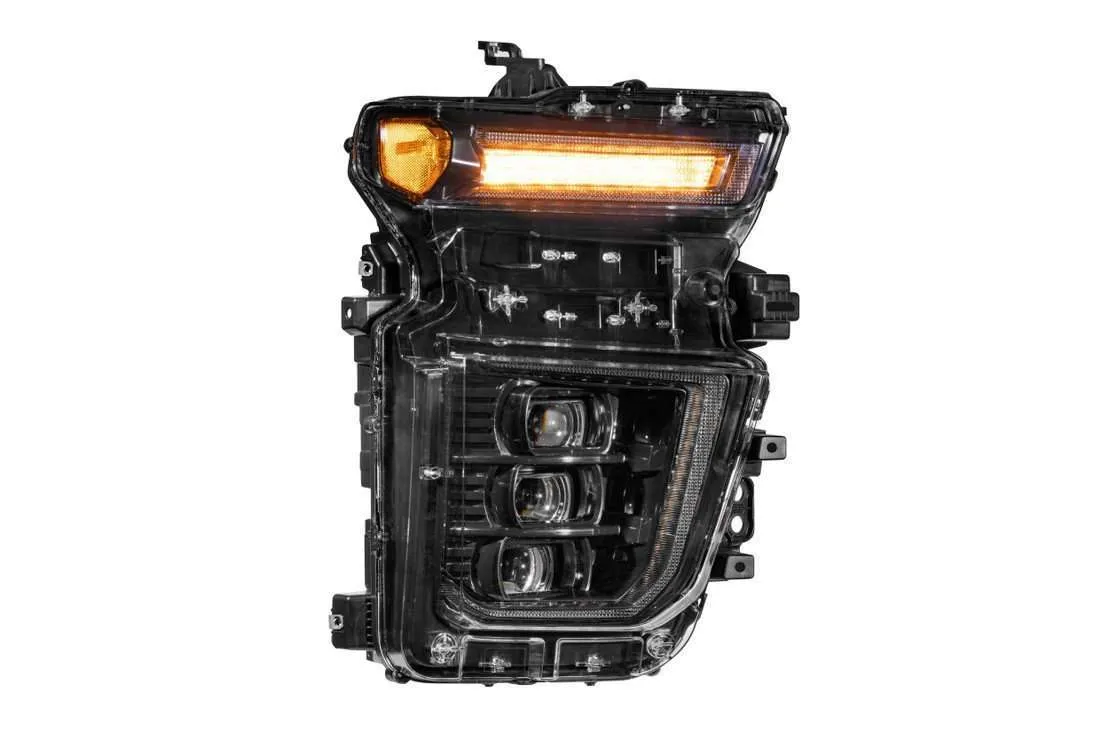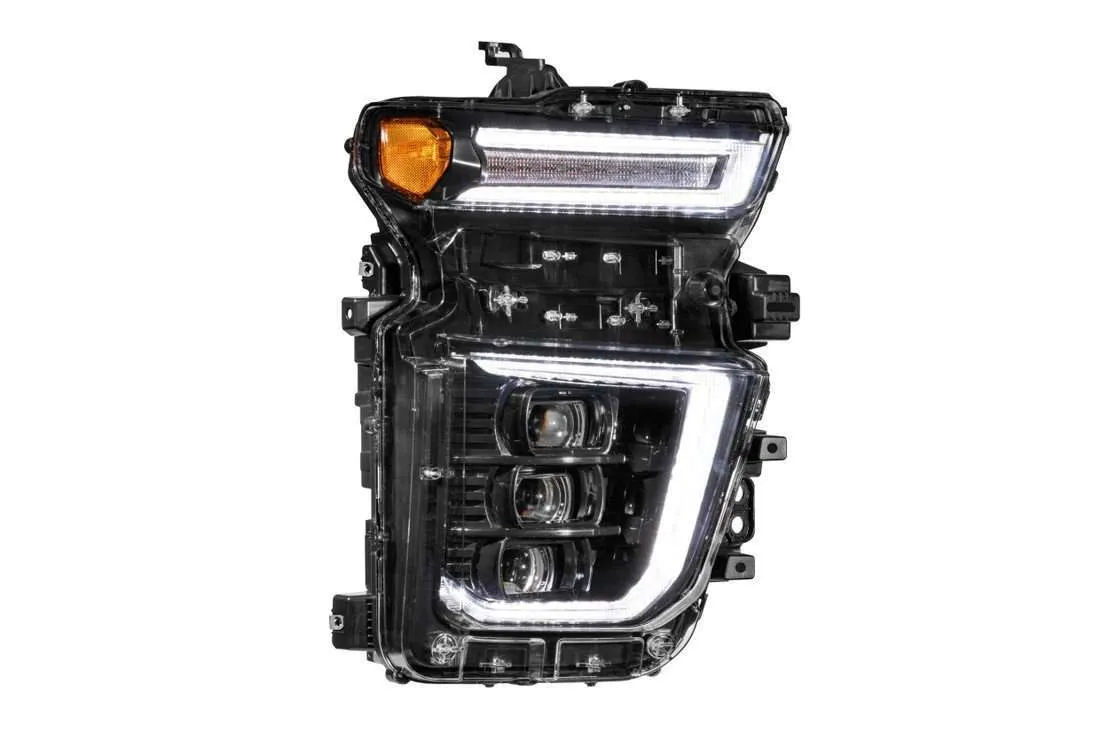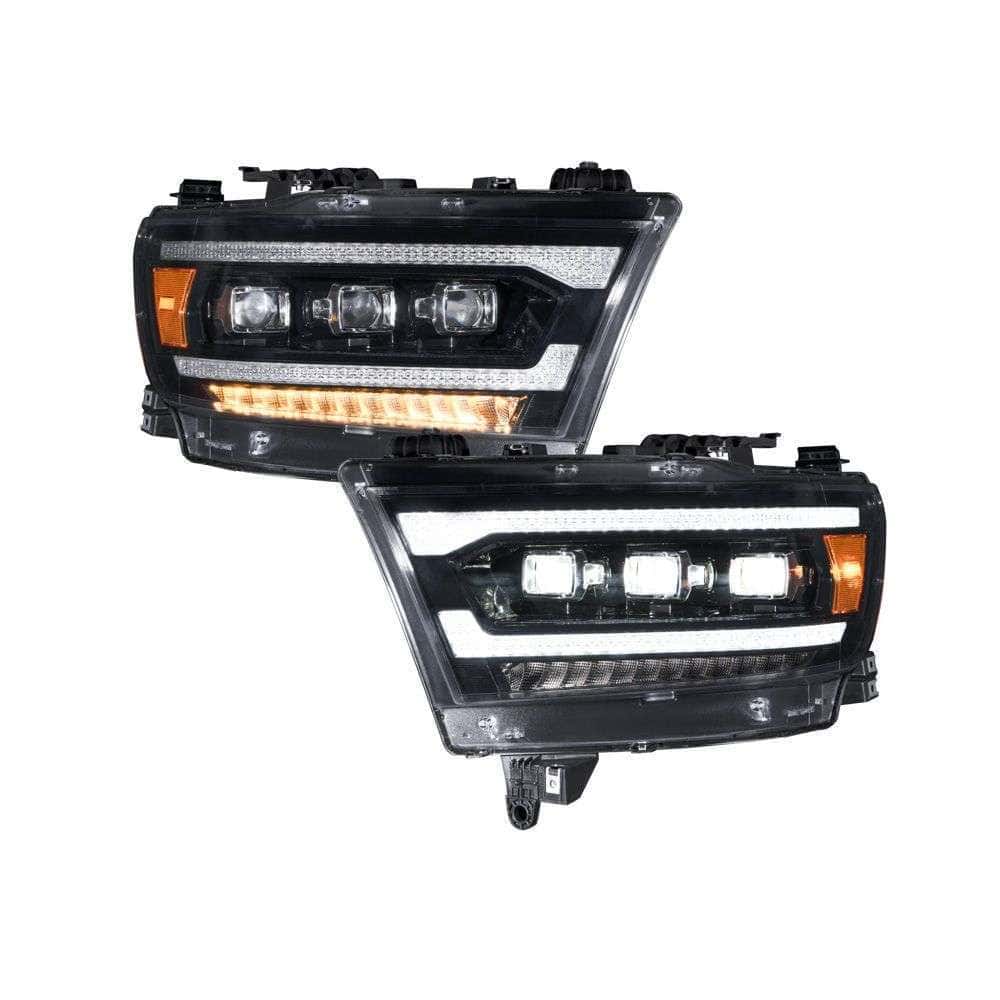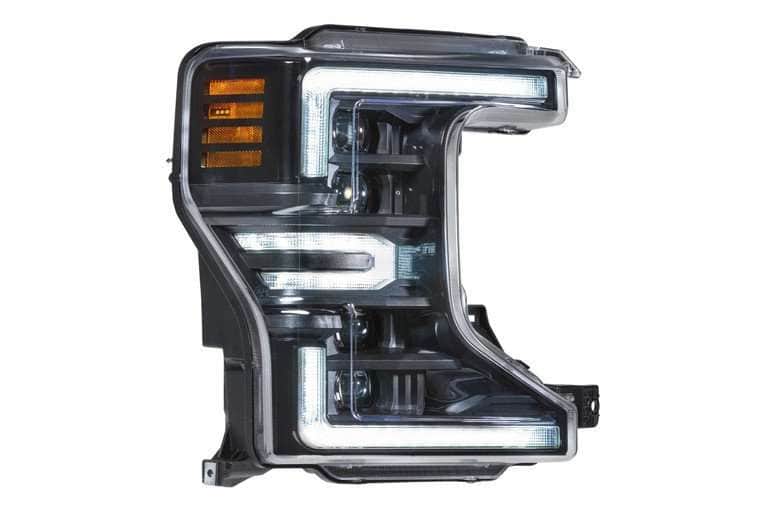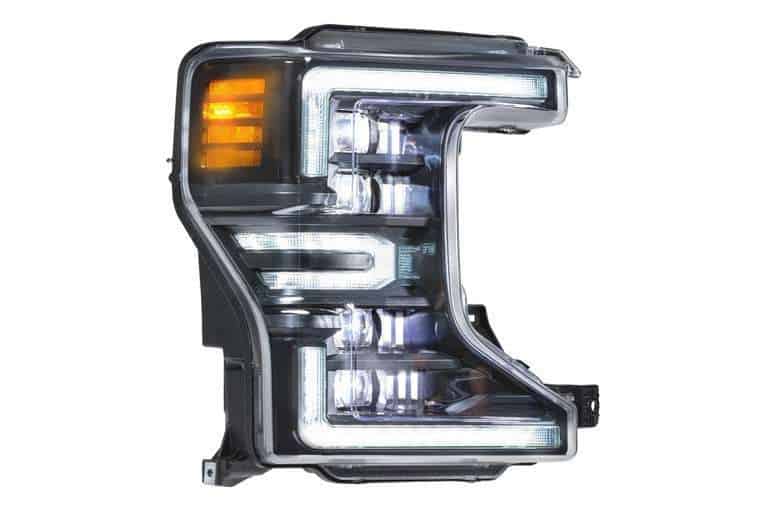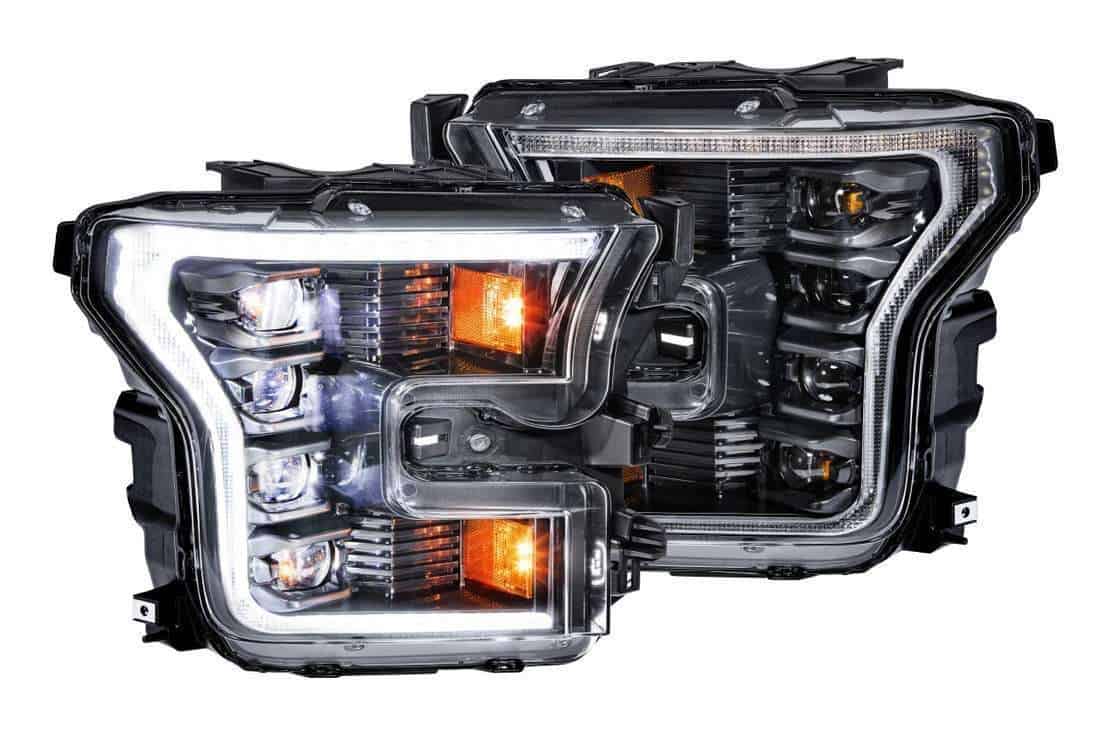


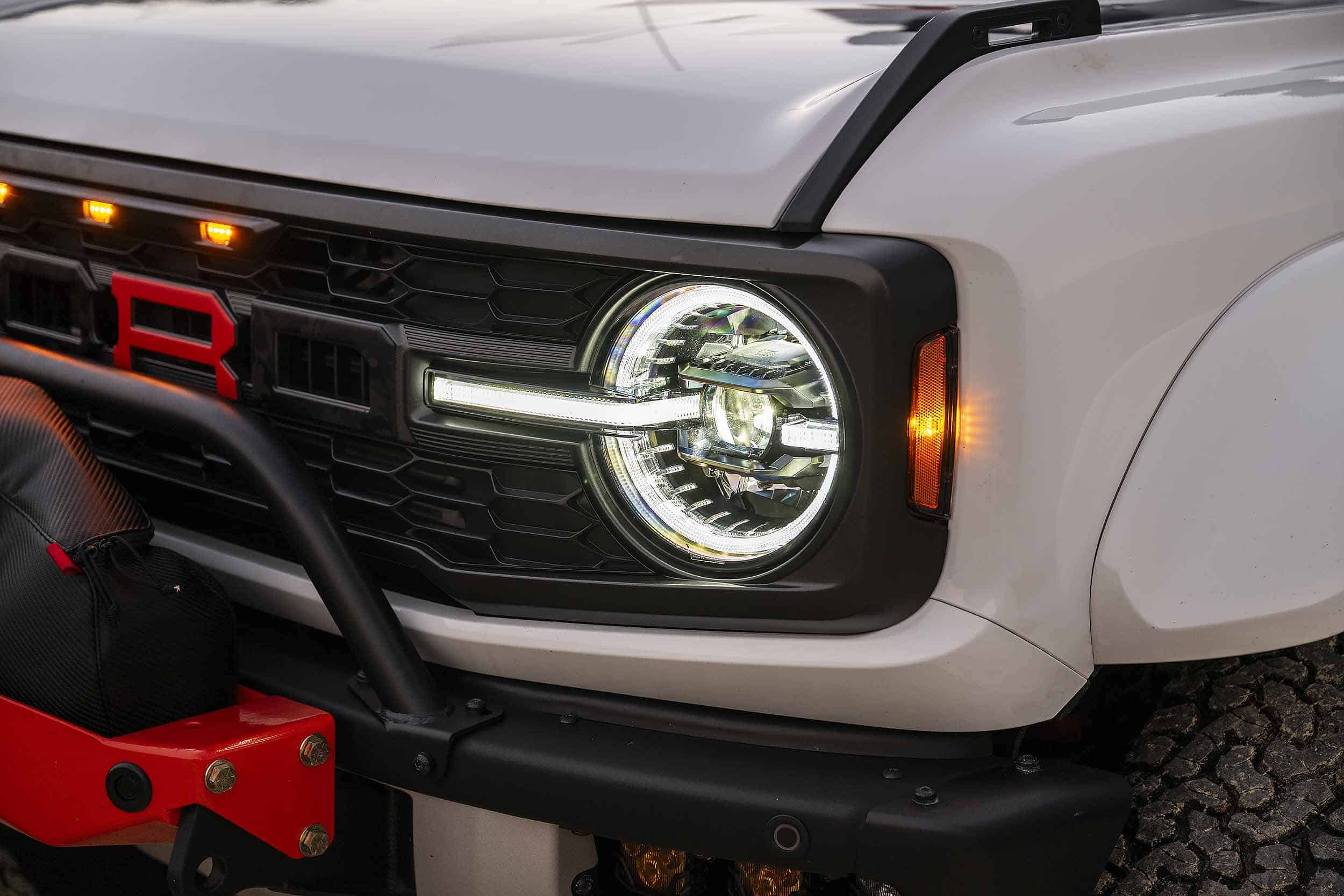
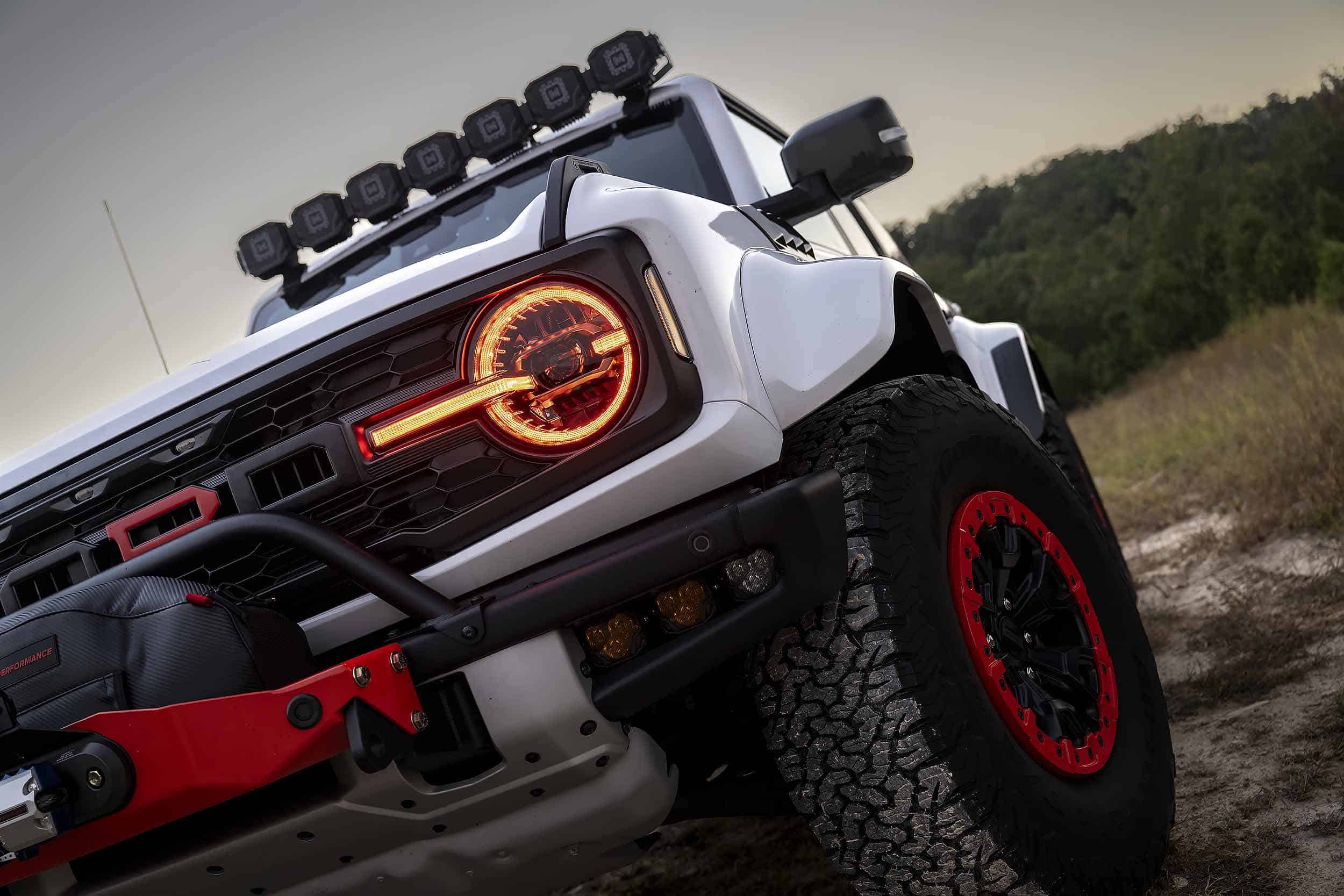
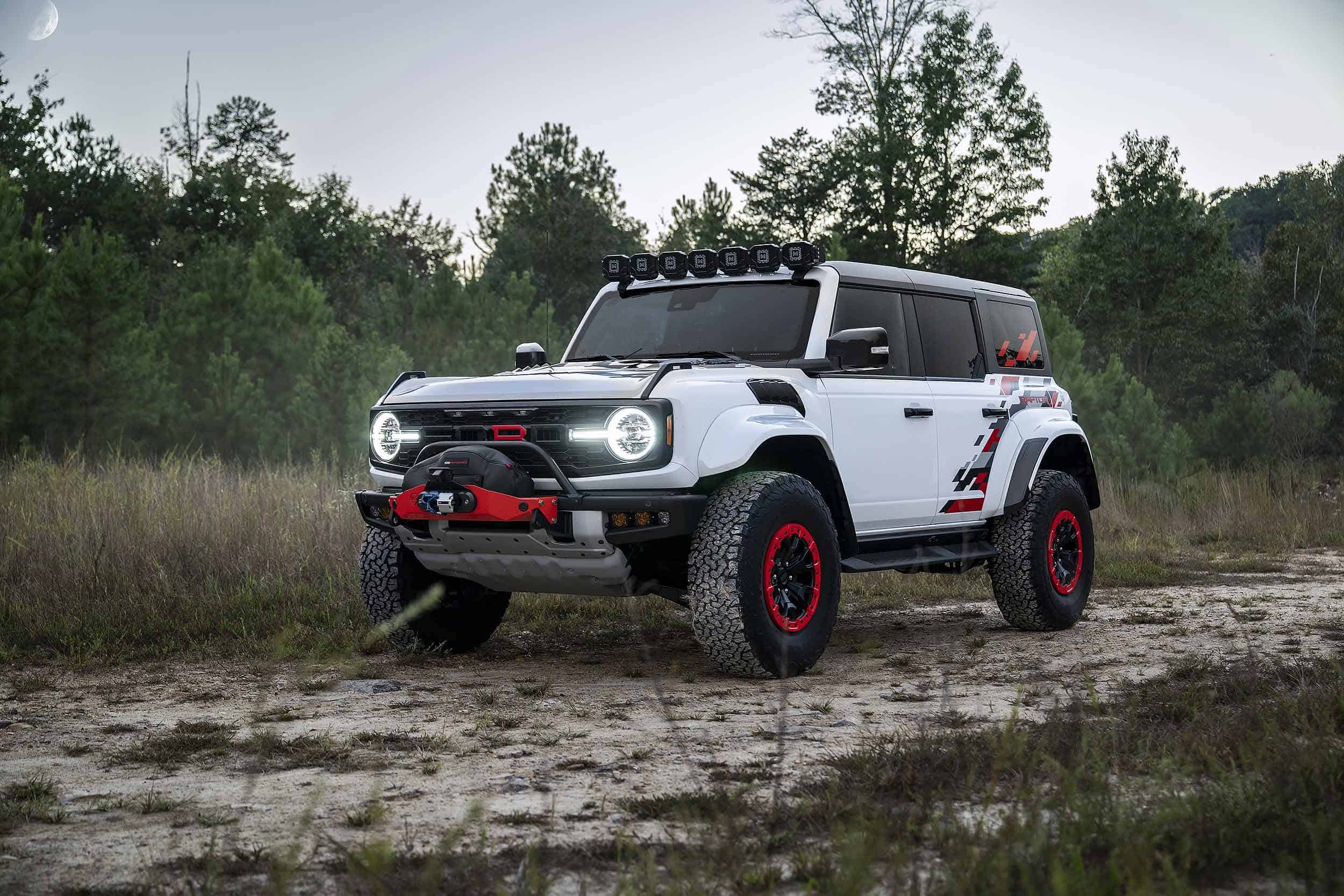
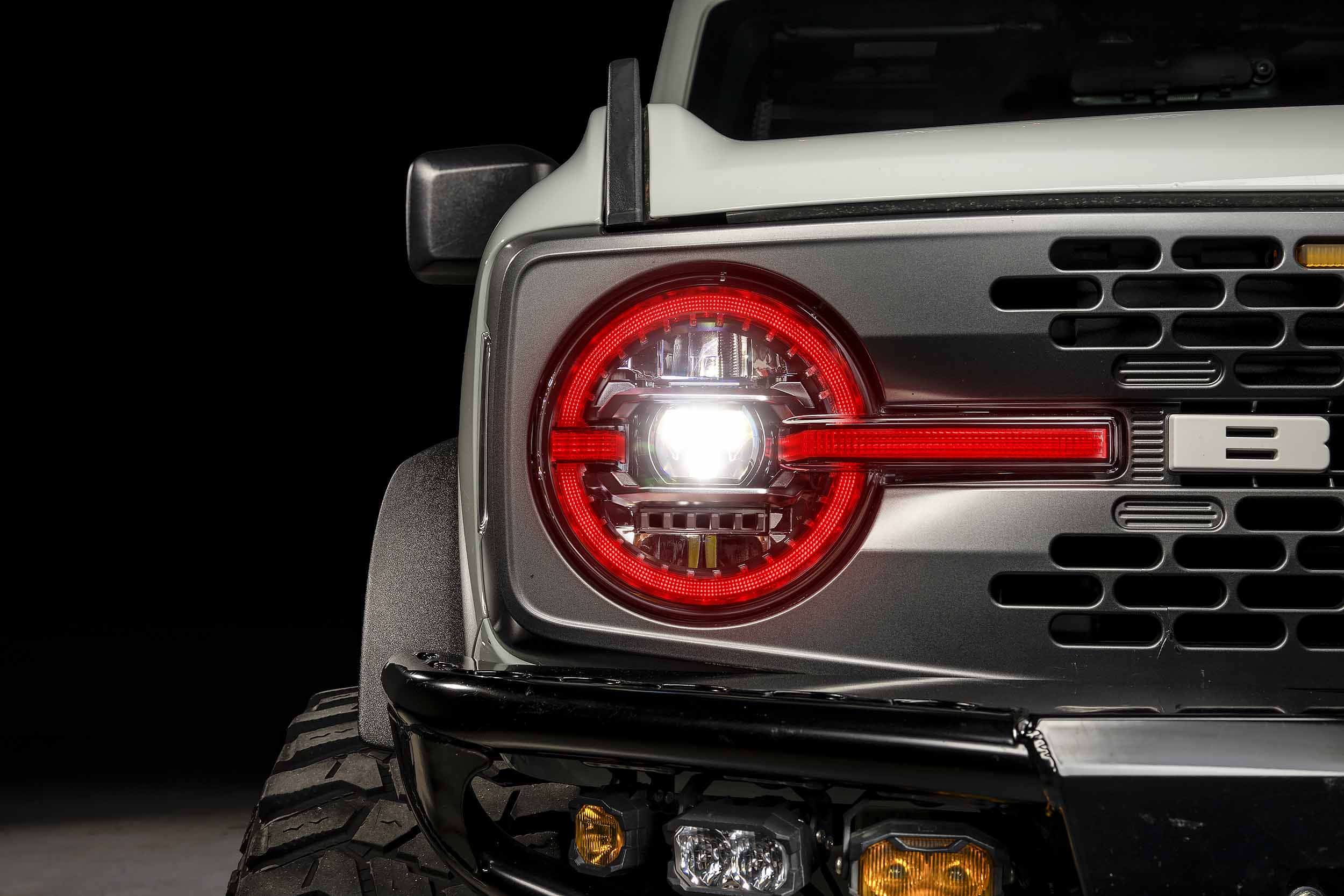
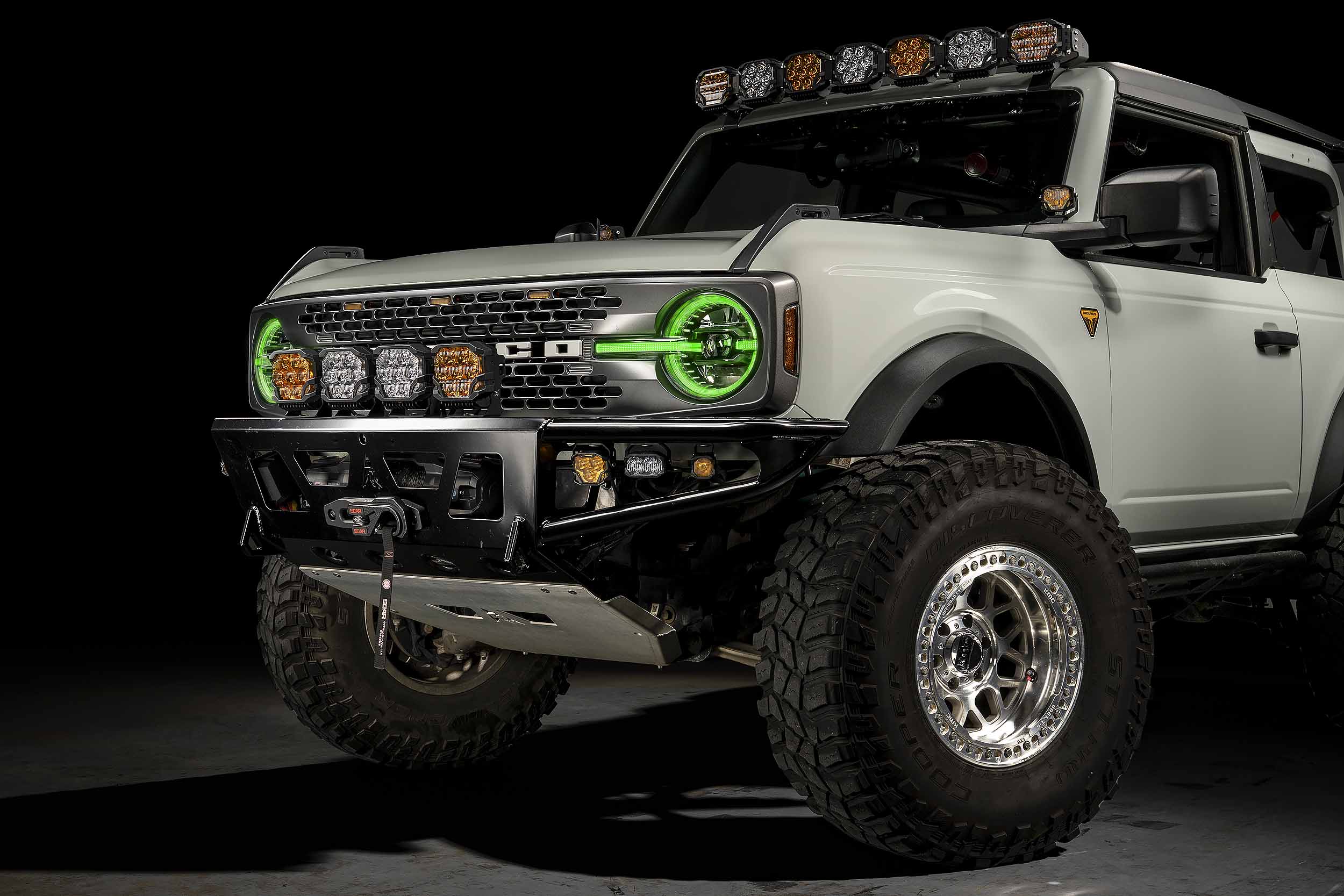
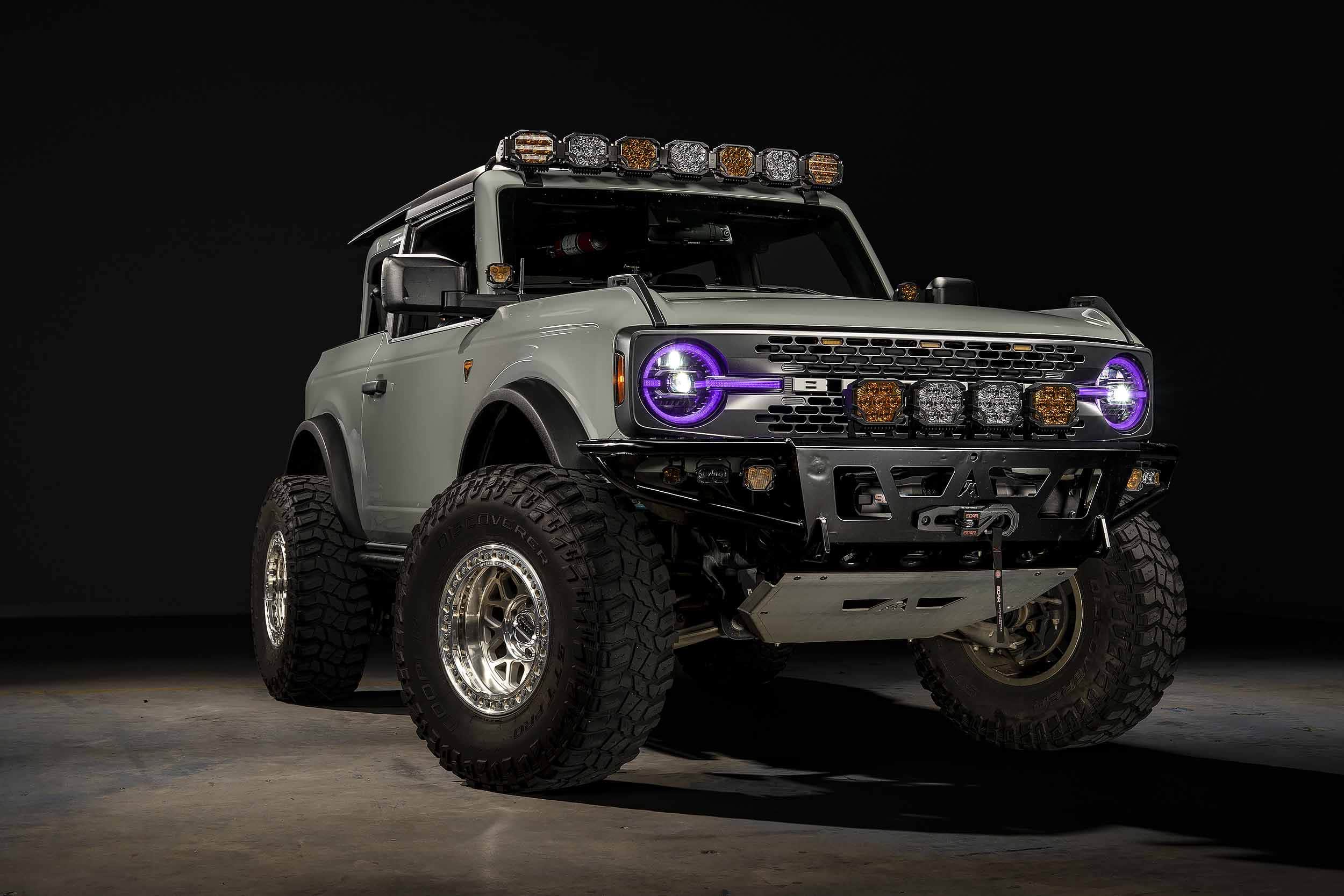
What you receive
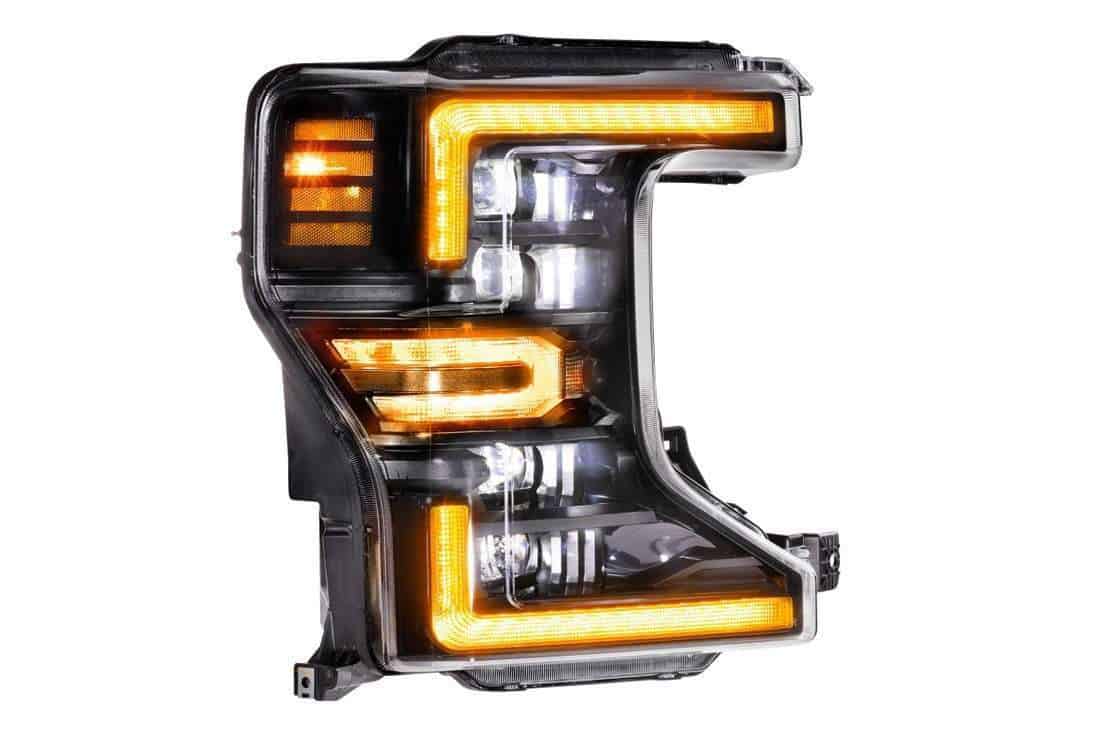
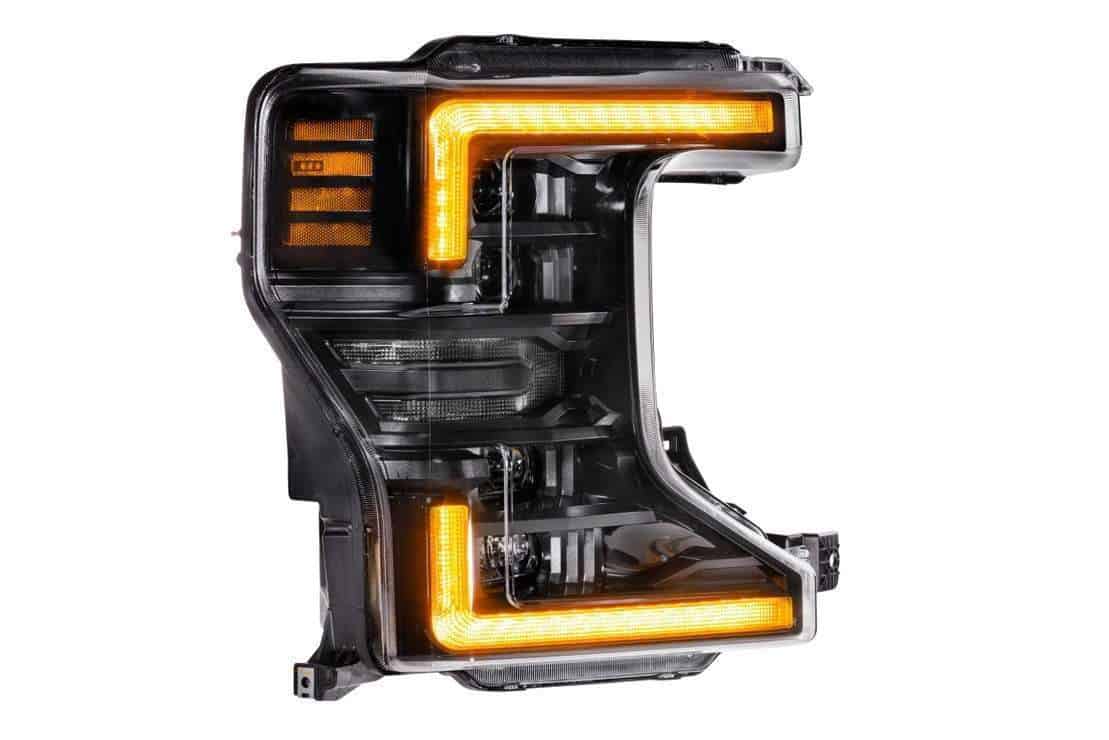
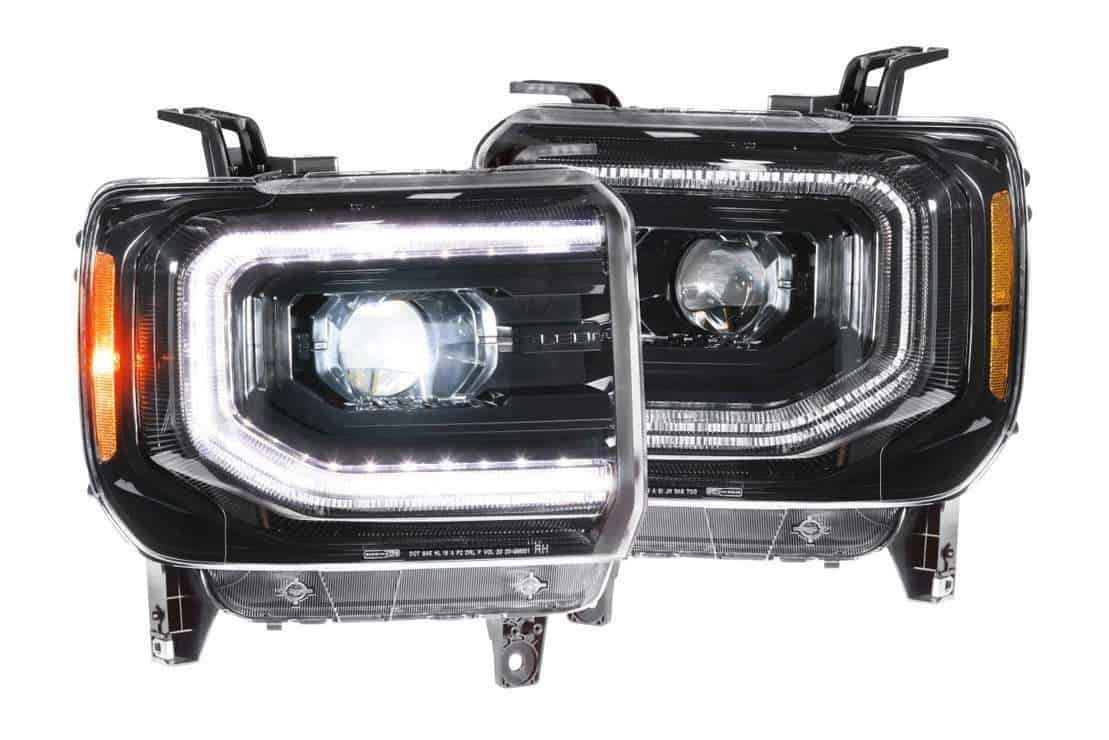
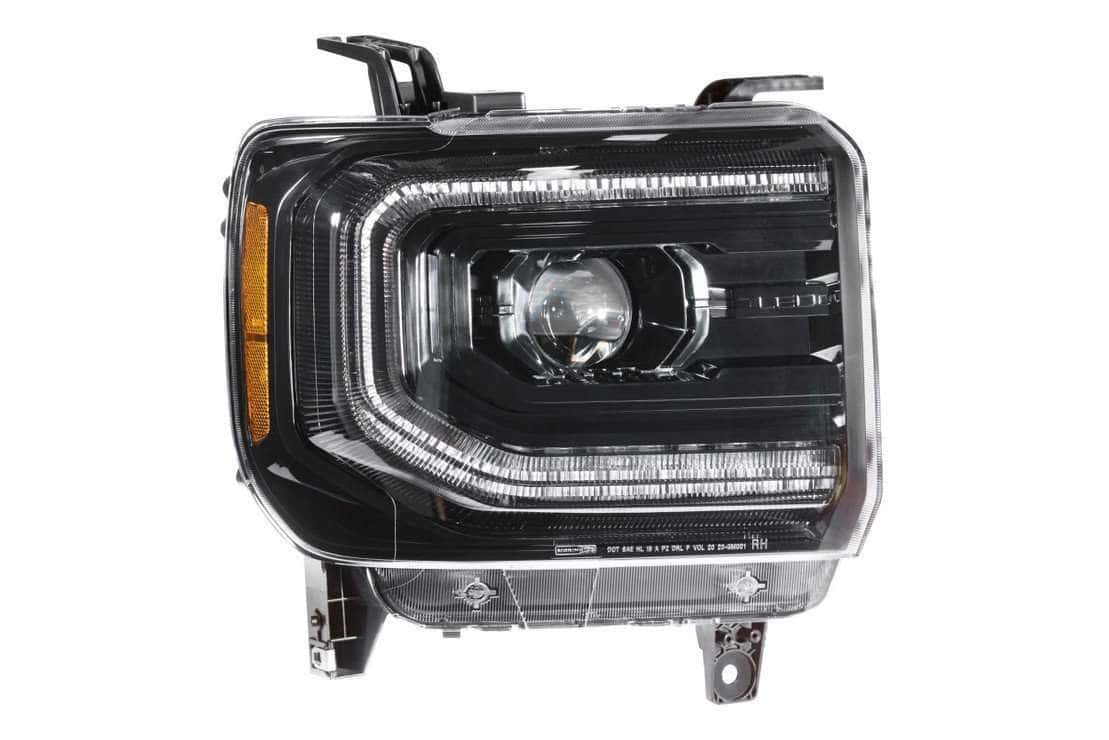
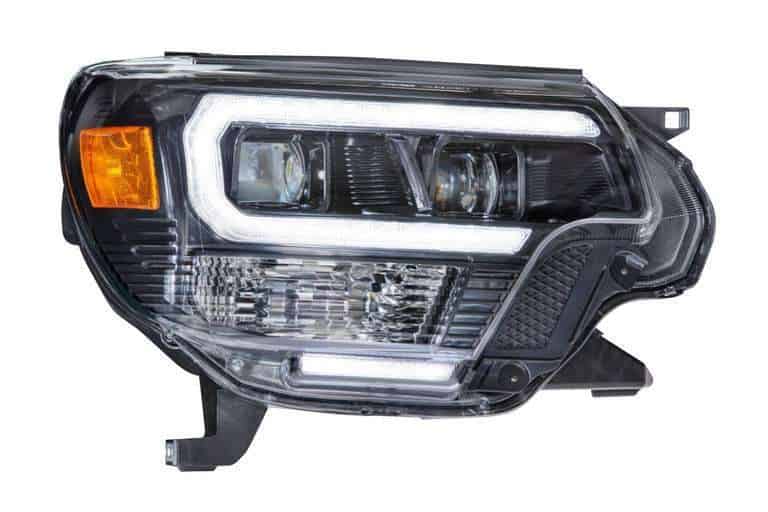
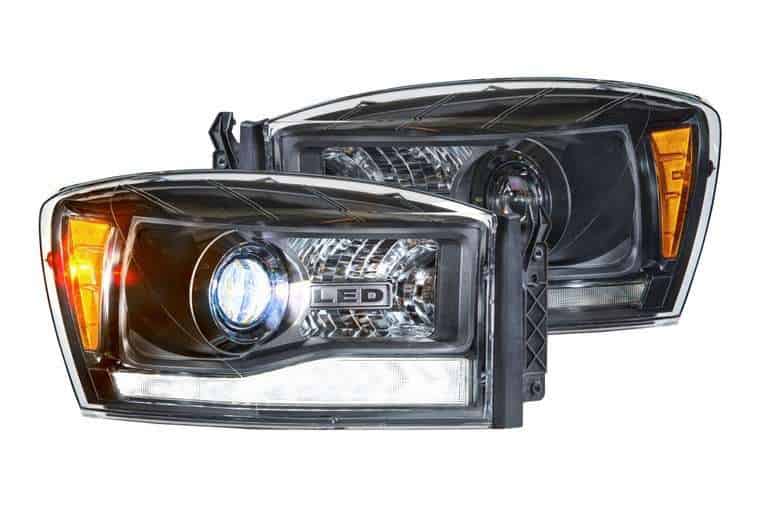
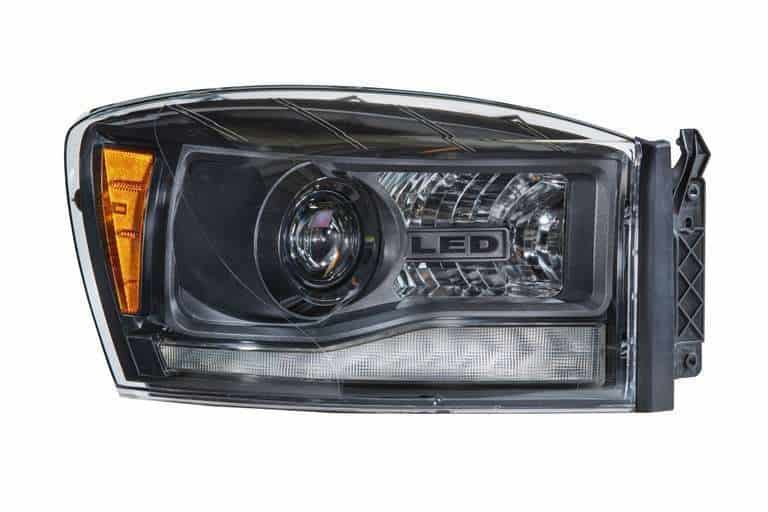
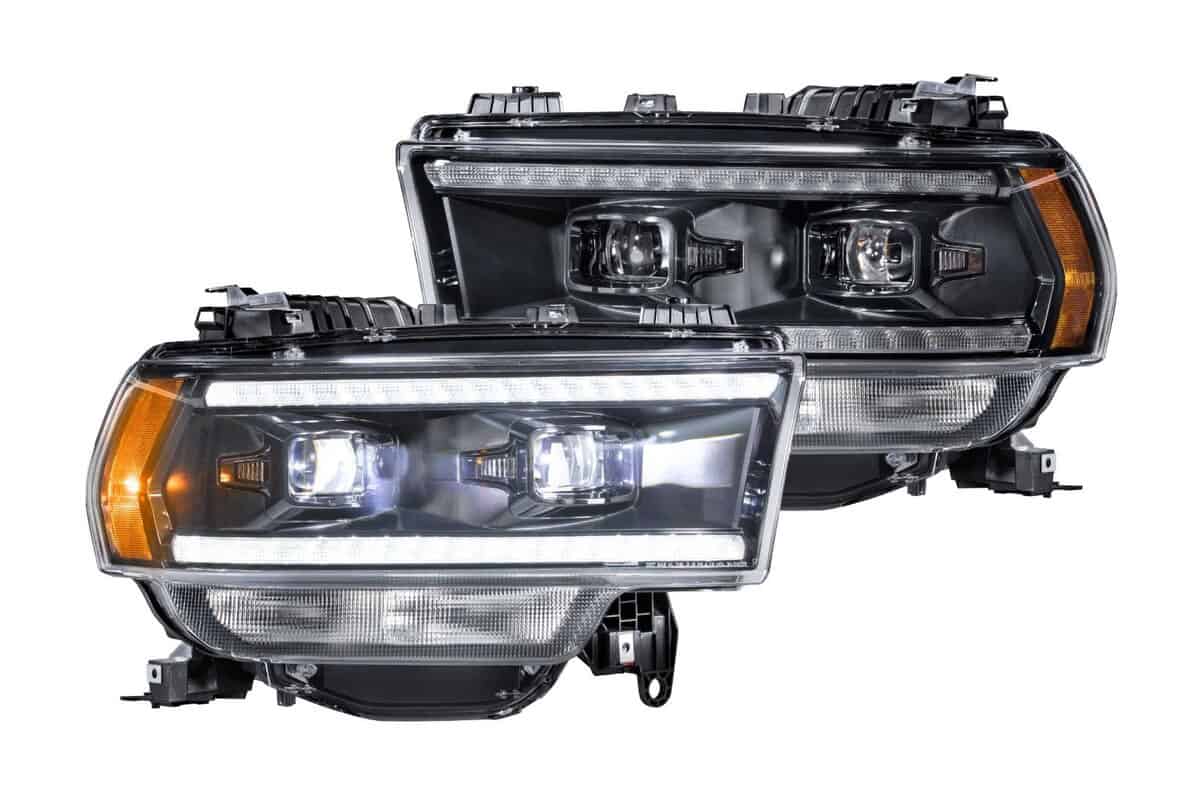
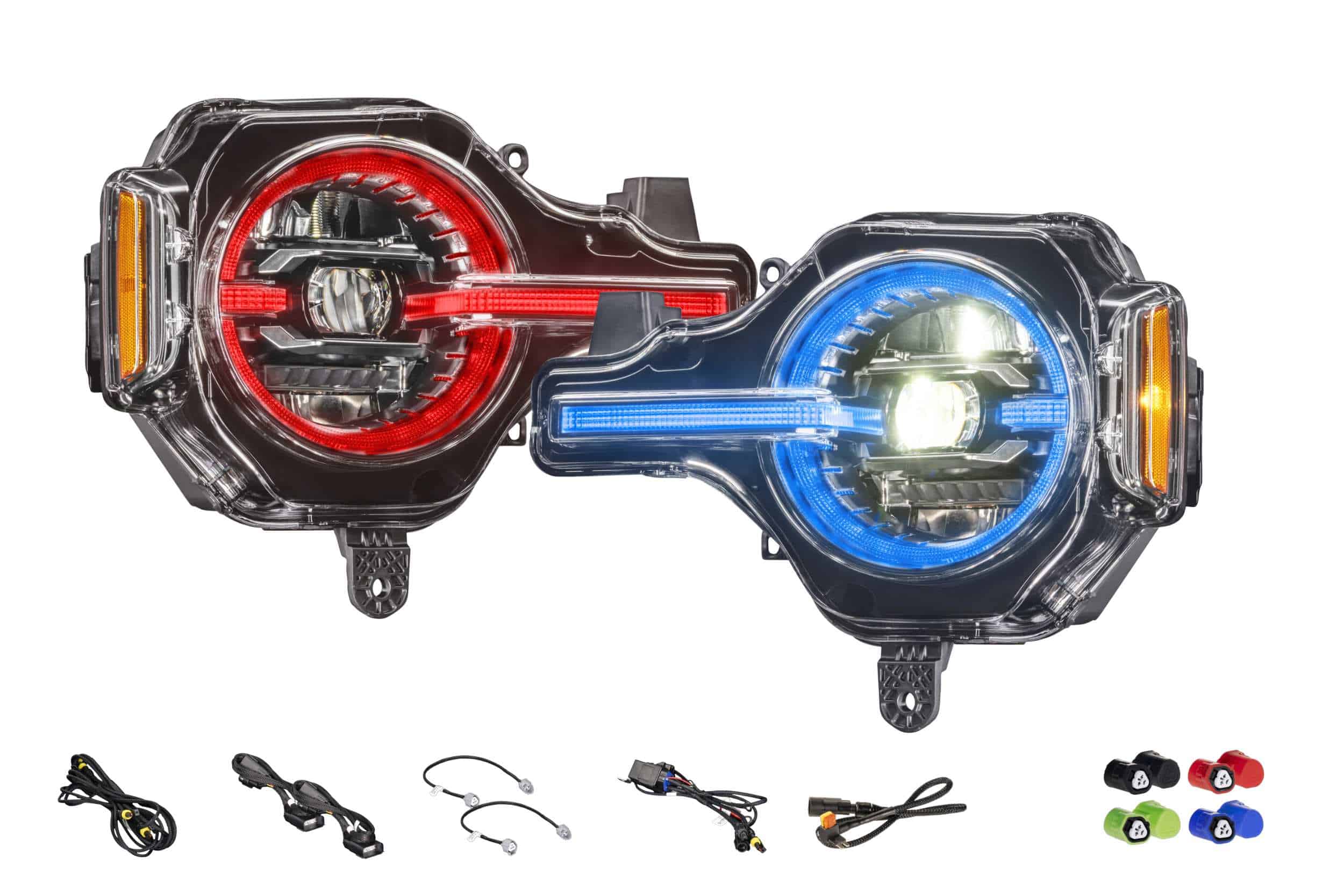
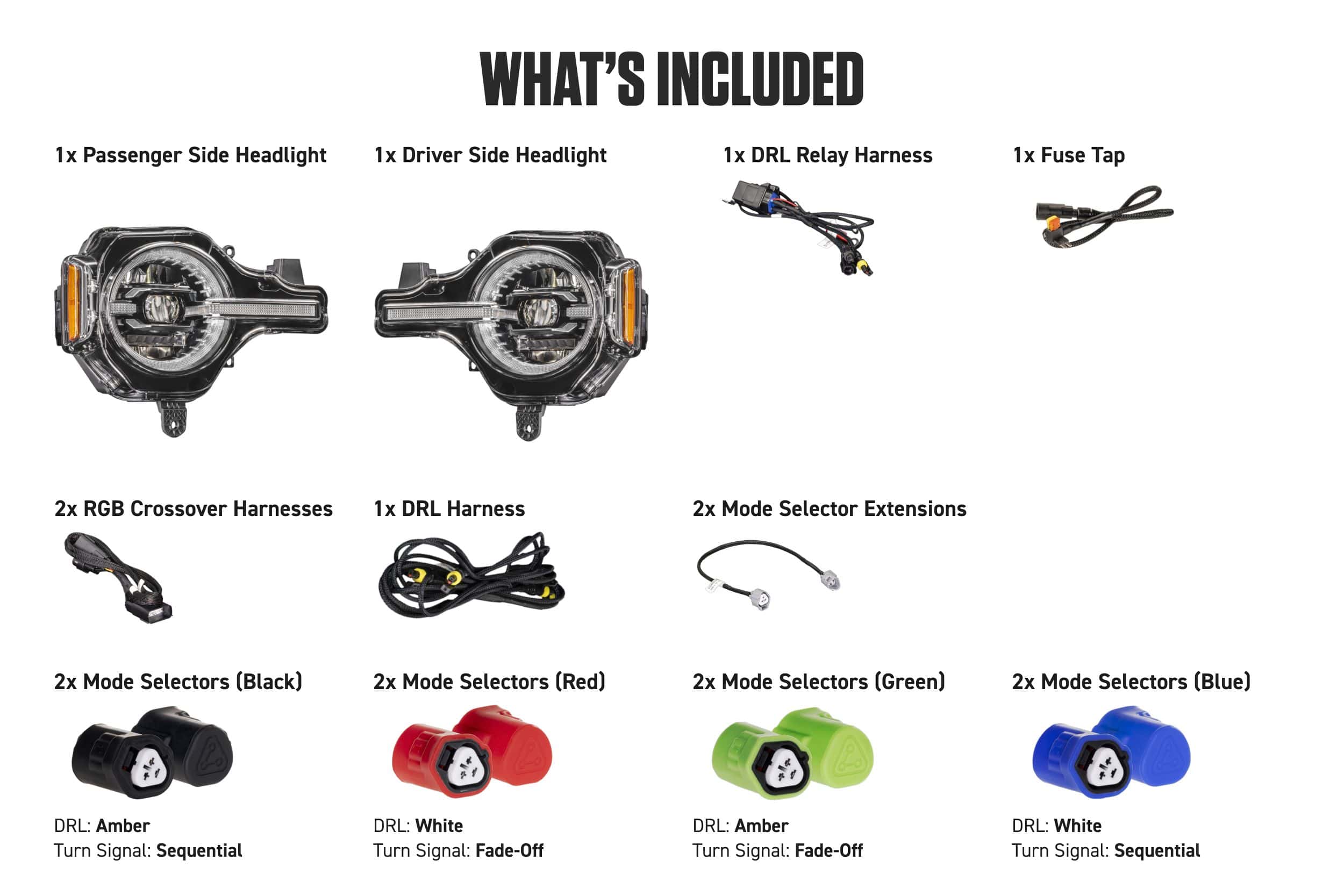
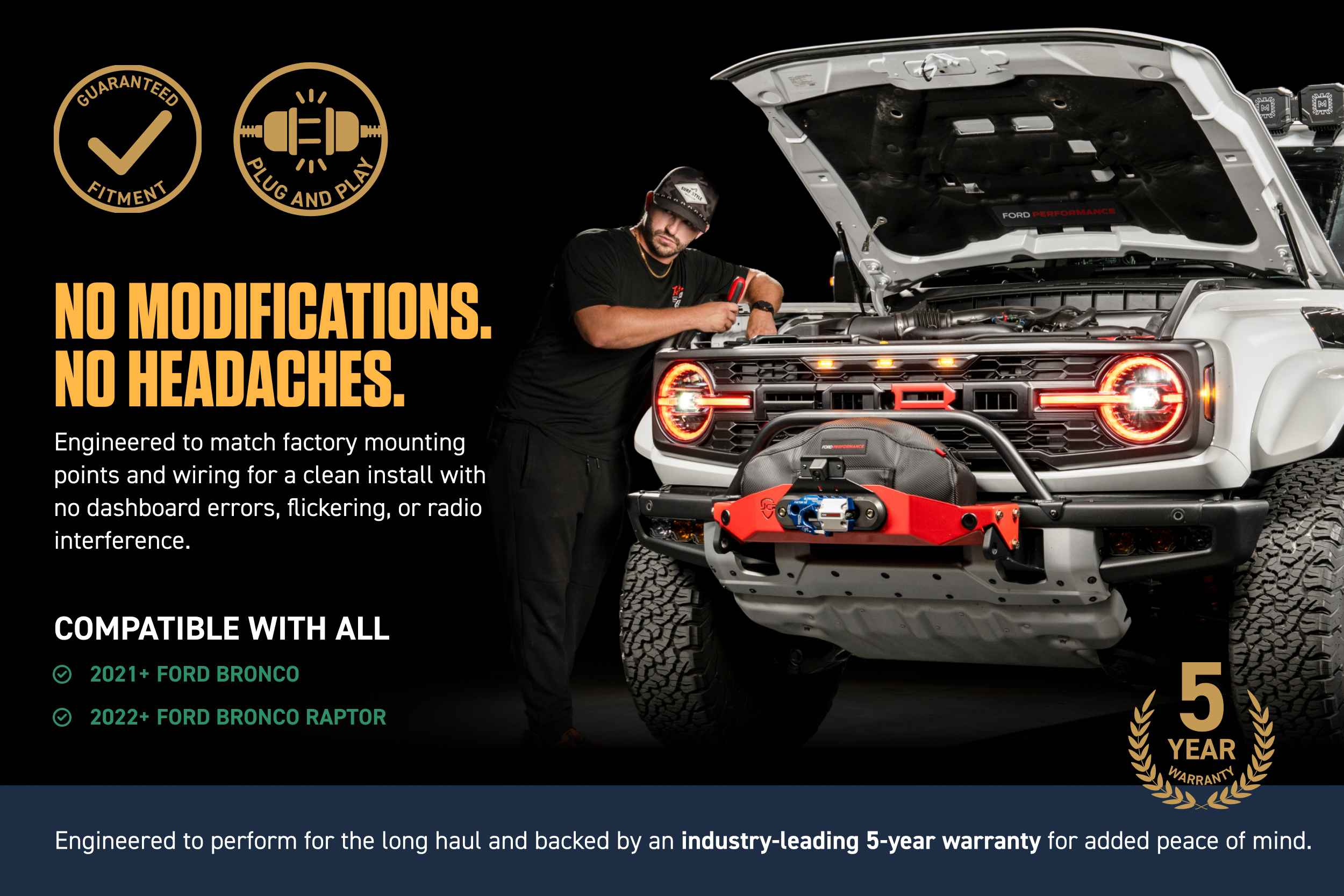
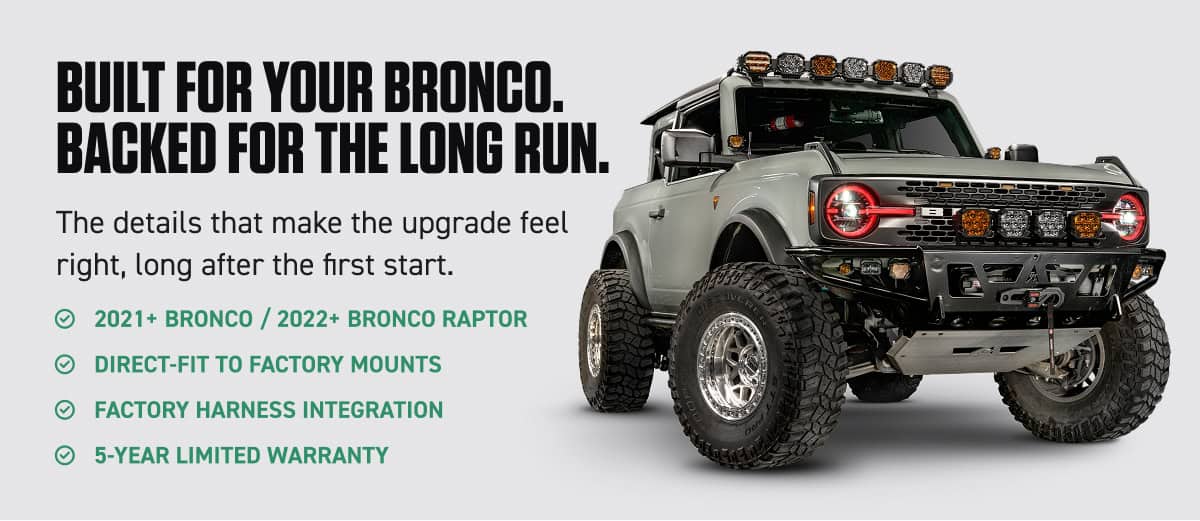
Two complete black-and-titanium headlight assemblies with standard LED drivers, a DRL relay and harness, fuse tap, two RGB crossover harnesses, four pairs of signal-mode keys and two key extensions. The housings fit the original mounting points. The DRL relay requires power at the battery and a fuse tap. Morimoto supplies a five-year warranty.
Beam pattern and daytime running lights
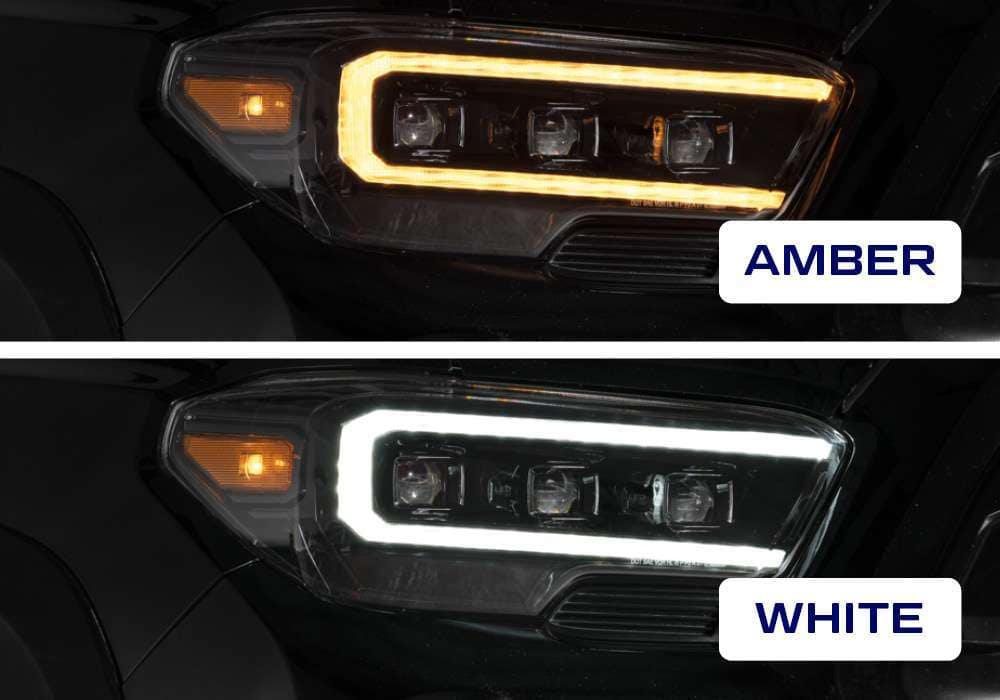
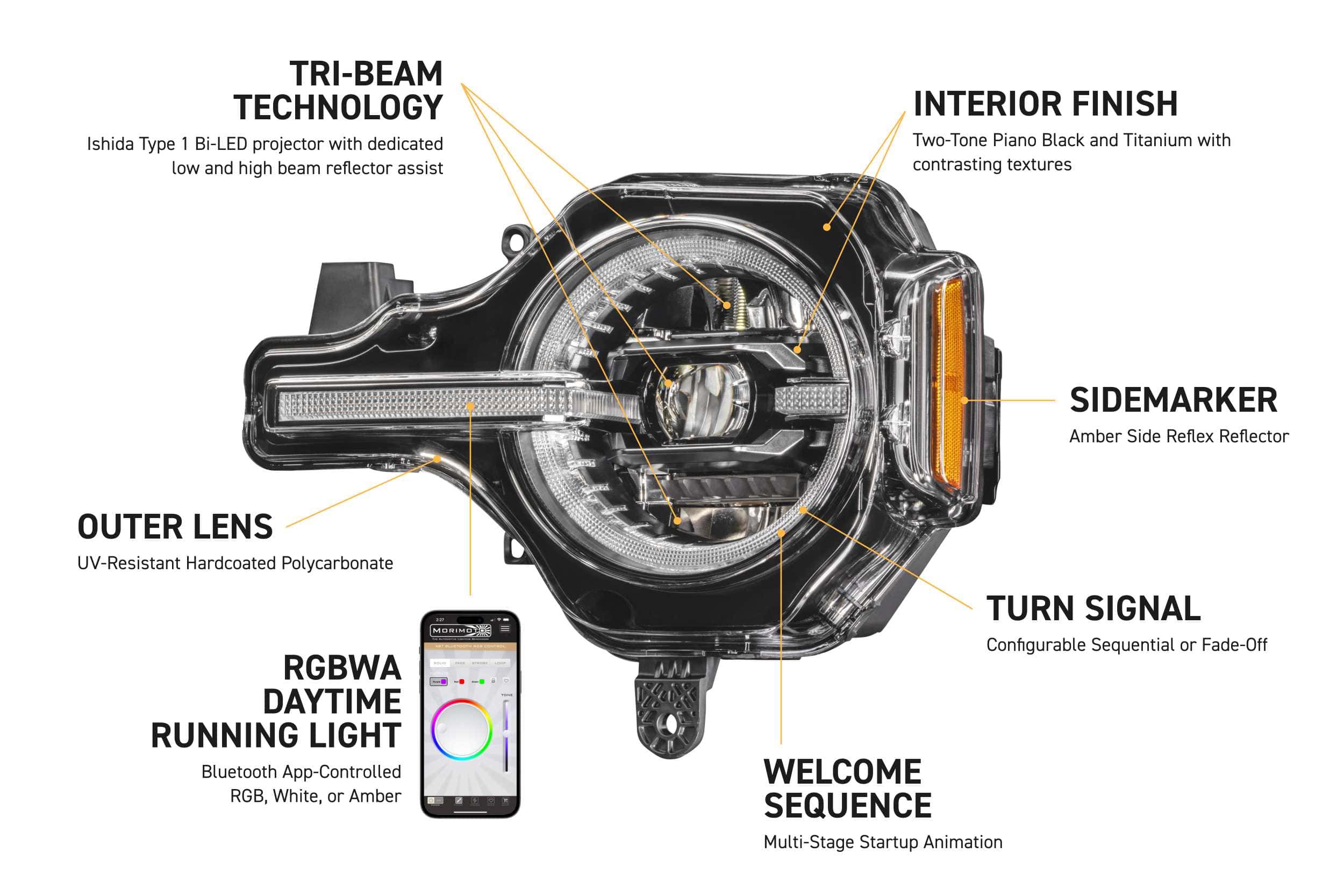
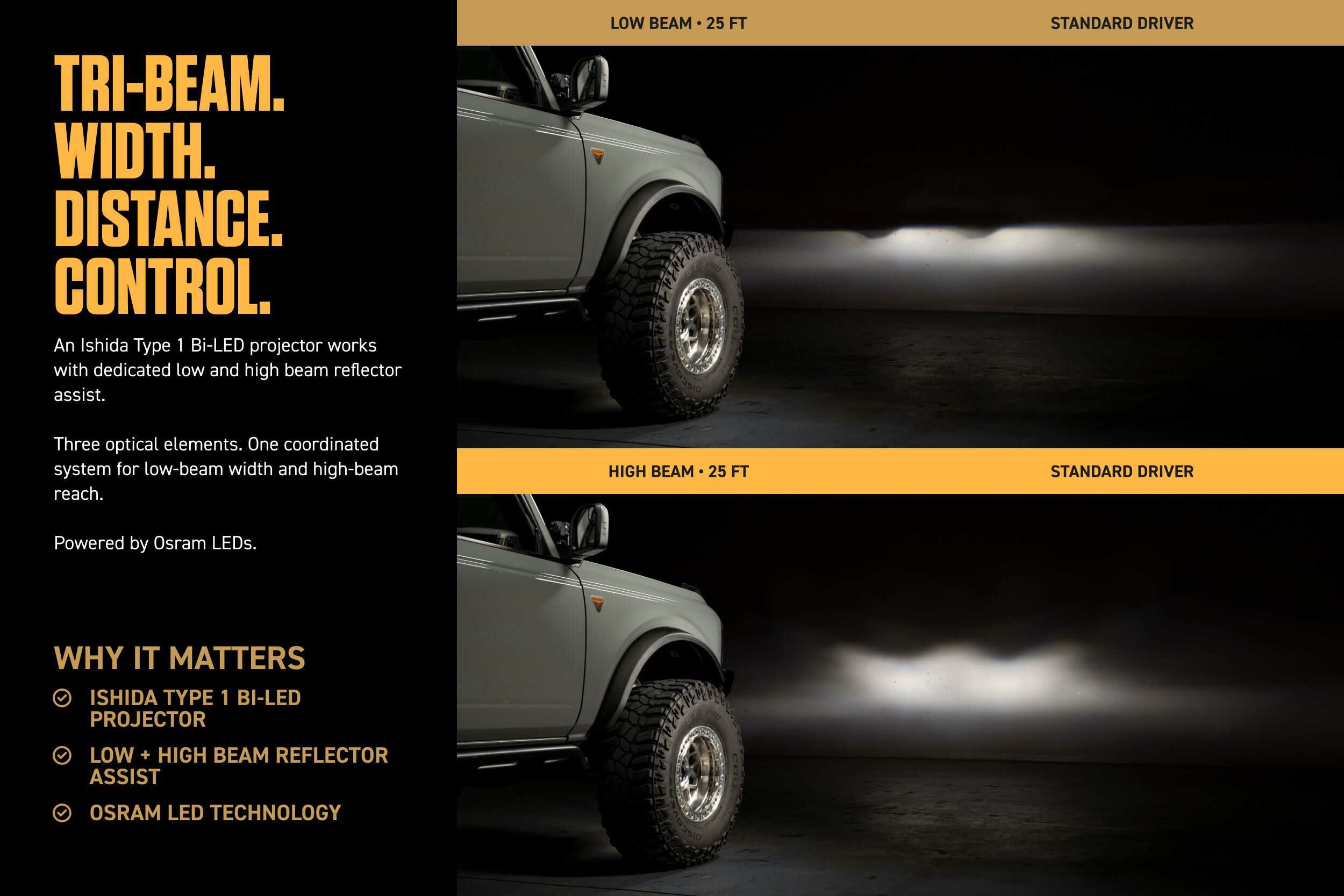
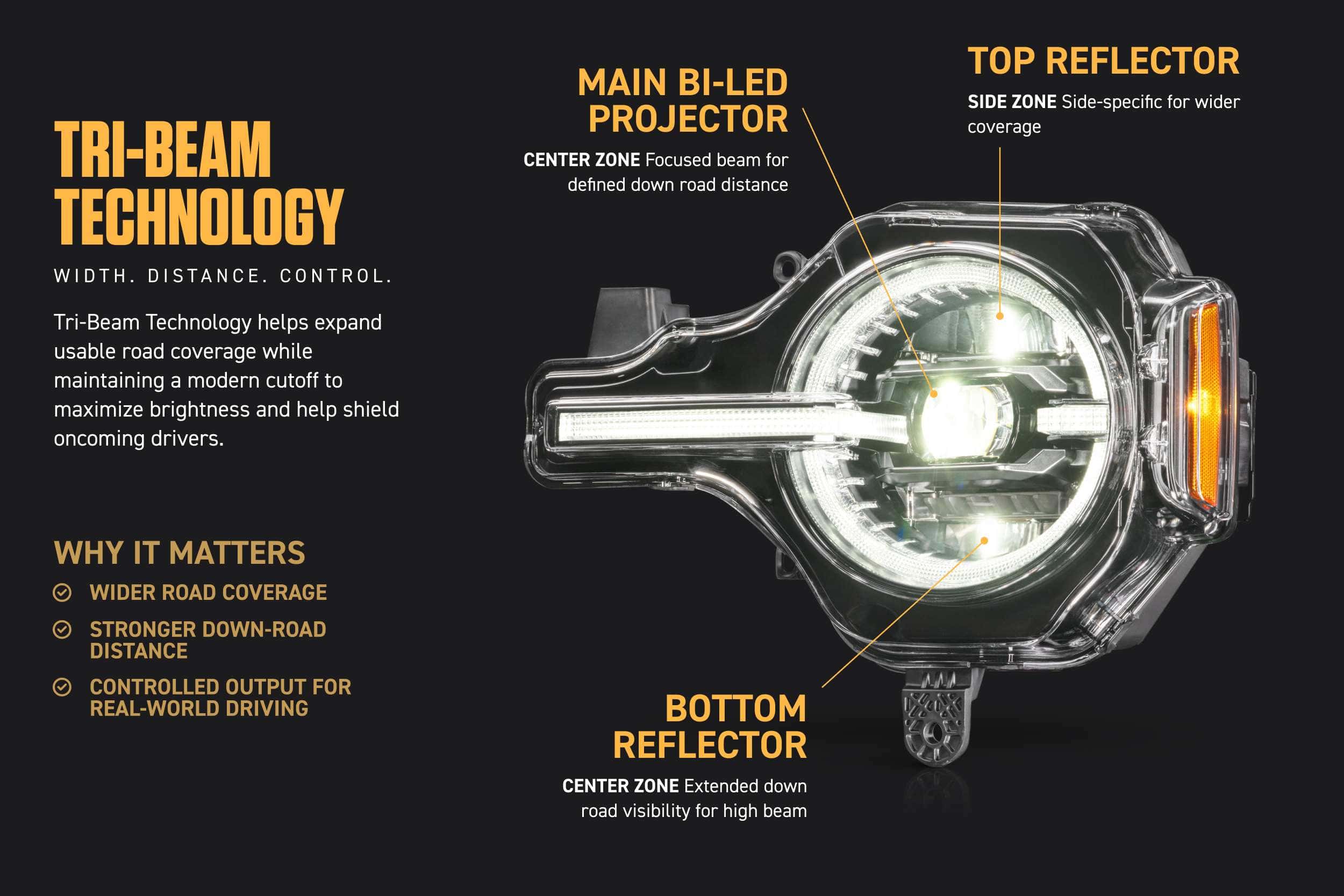
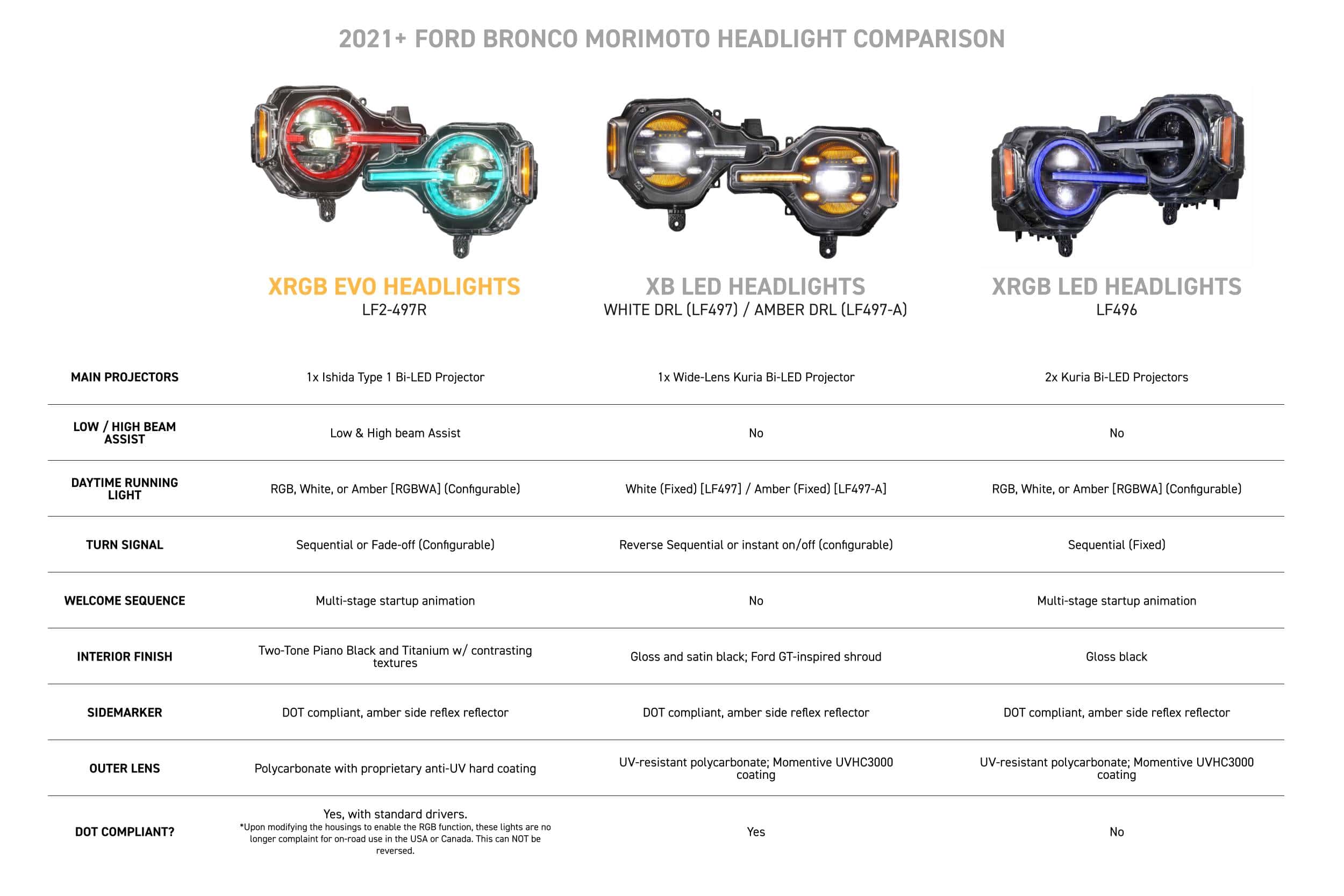
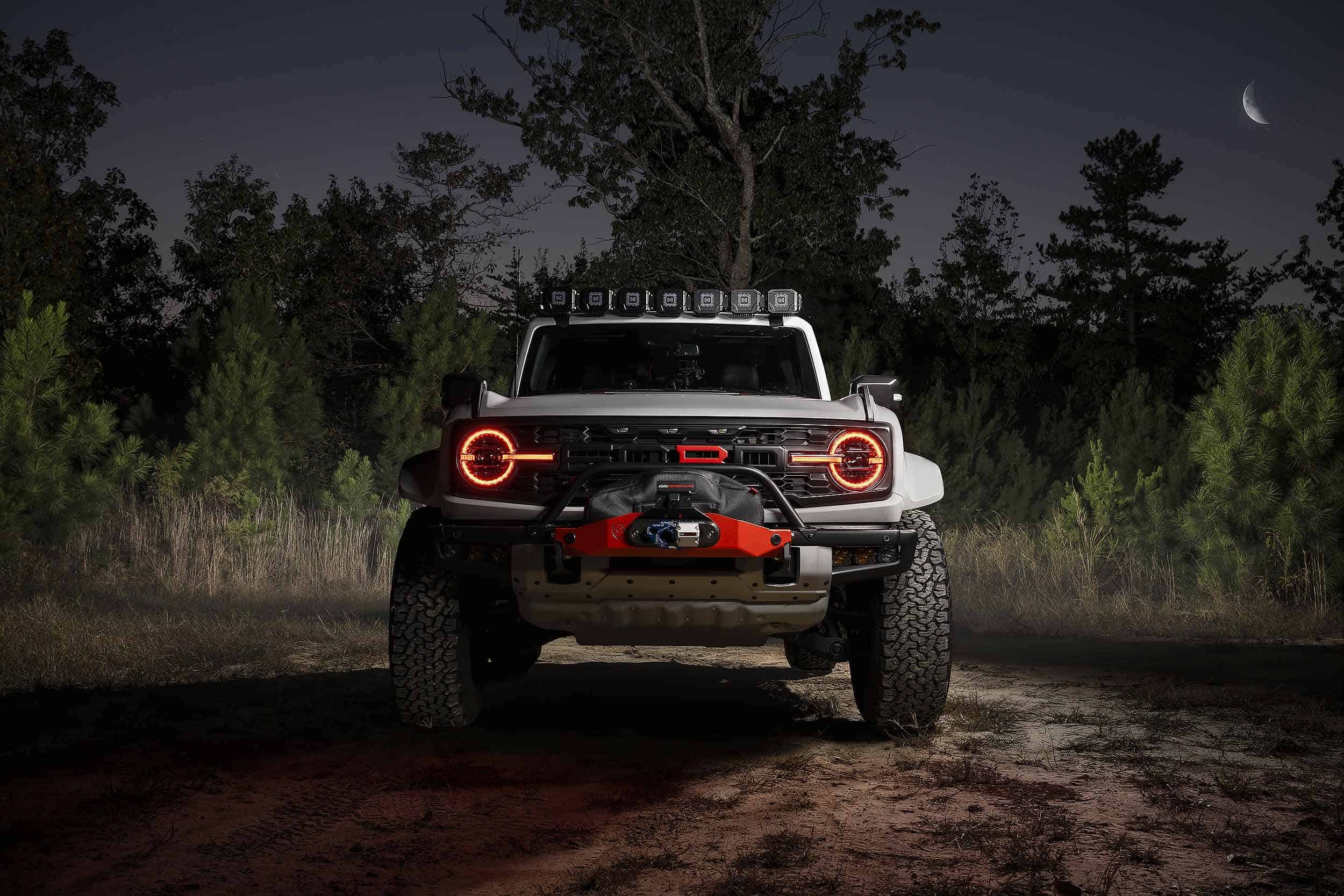
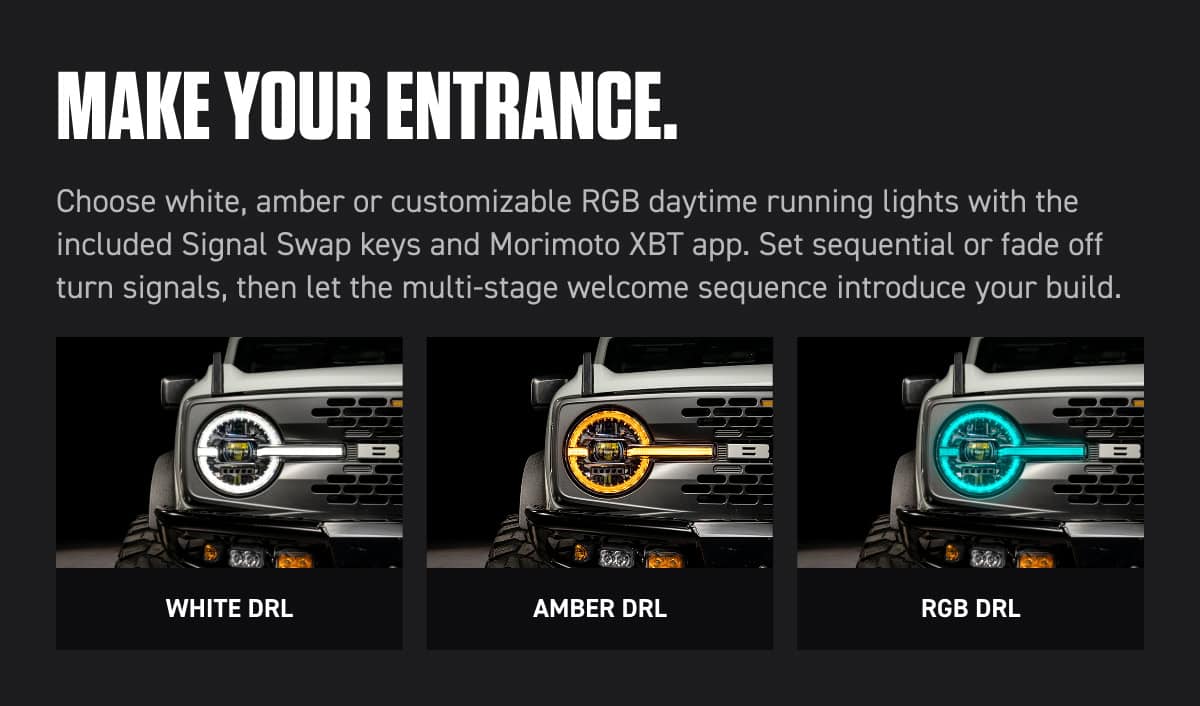
An Ishida Type 1 bi-LED projector works with a separate low-beam assist reflector and high-beam assist reflector in each housing. The vertical adjuster provides ±6° of adjustment. The white and amber DRL options work with the RGB wire intact. Four plug-in keys change the DRL colour and the way the turn signals flash.
| Red key | White DRL, fade-off turn signal |
|---|---|
| Blue key (factory setting) | White DRL, sequential turn signal |
| Green key | Amber DRL, fade-off turn signal |
| Black key | Amber DRL, sequential turn signal |
RGB and optional Supercharged drivers
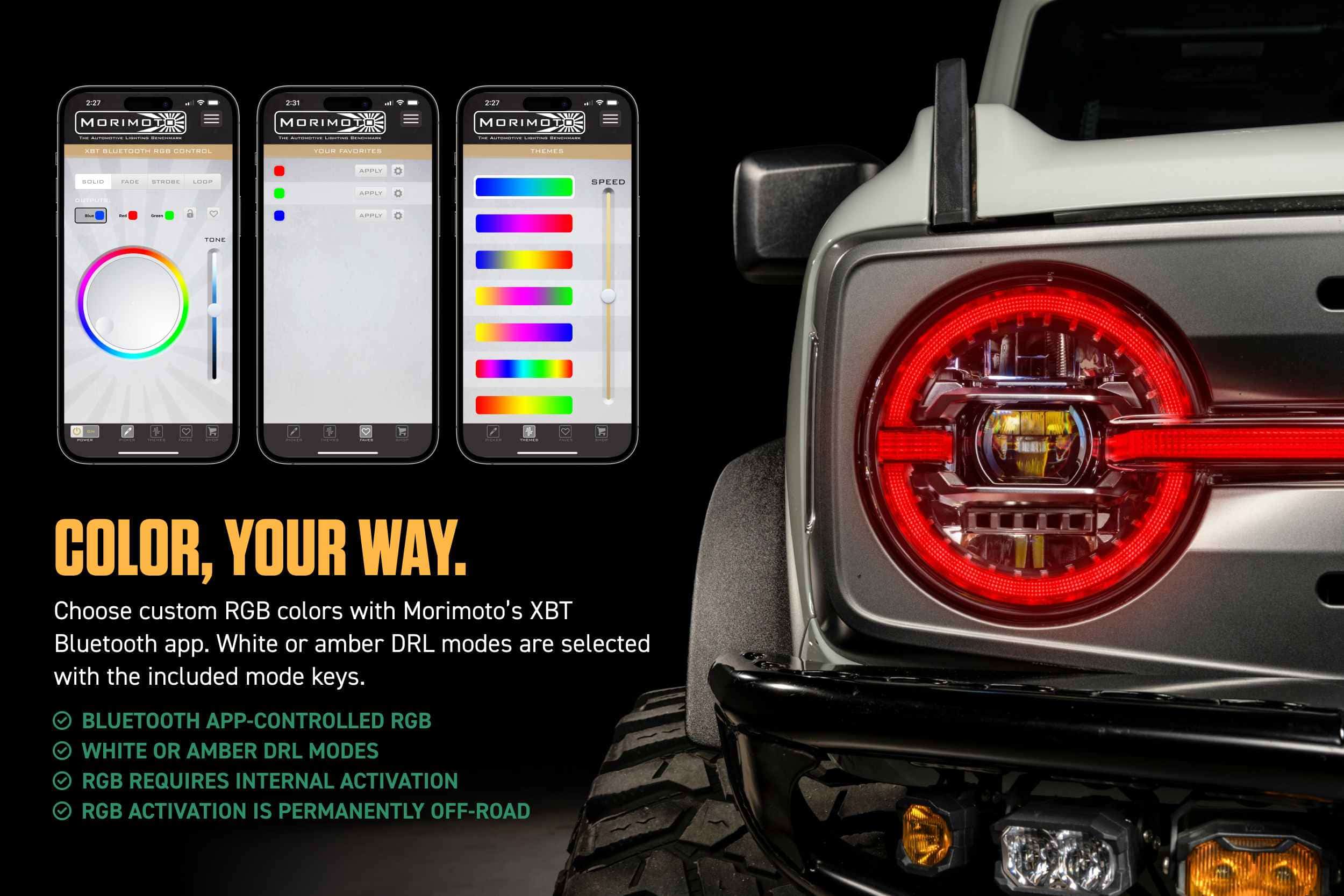
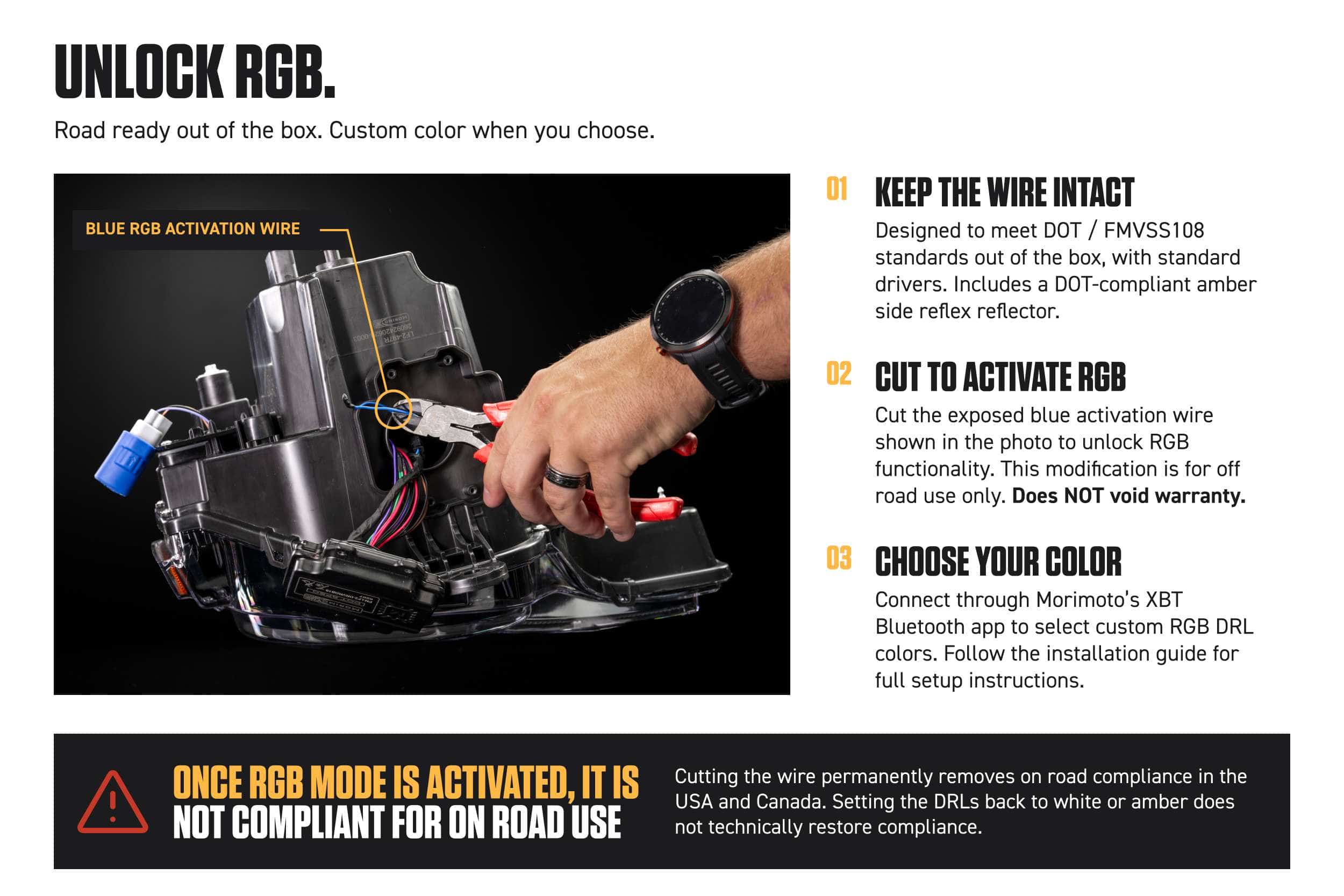
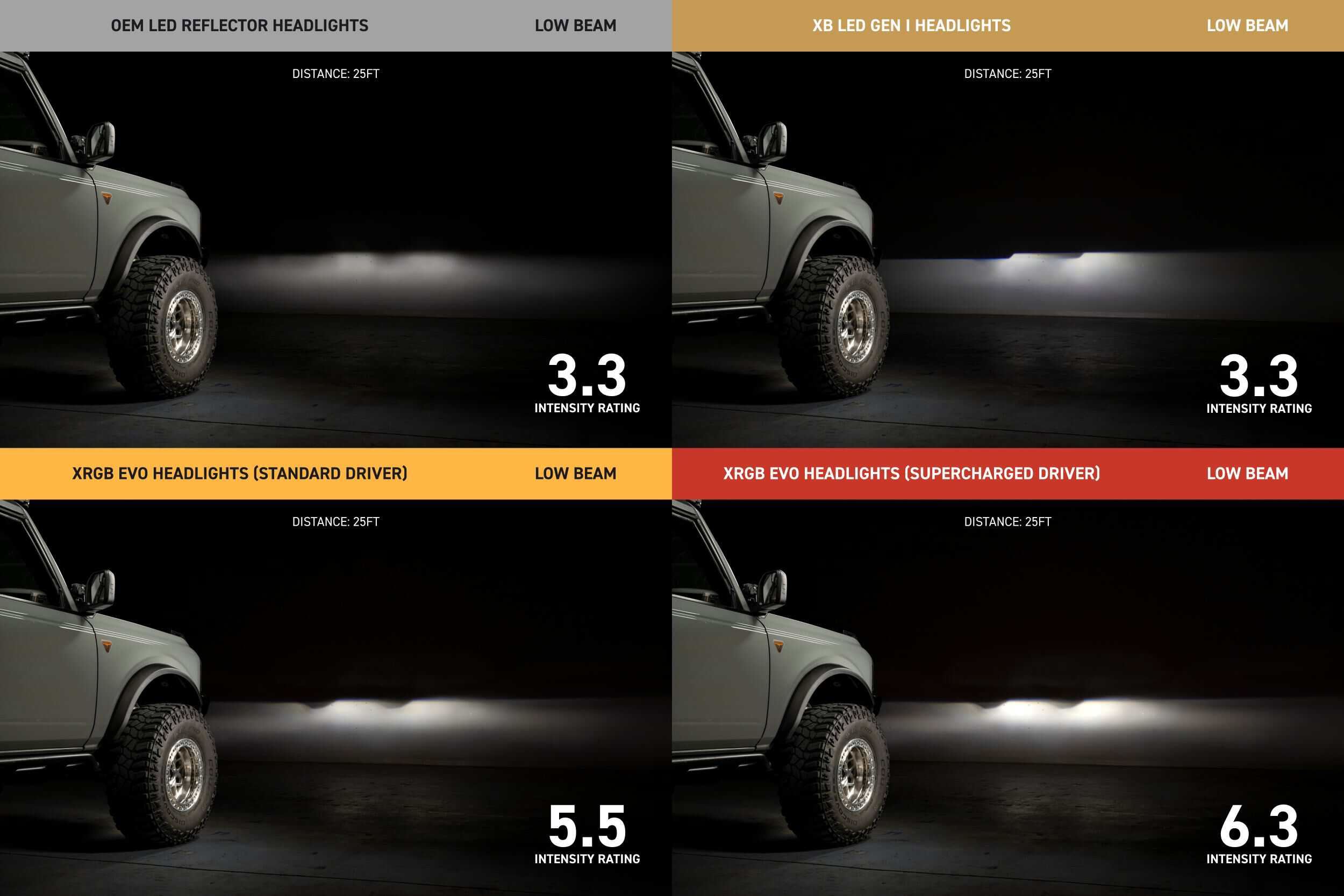
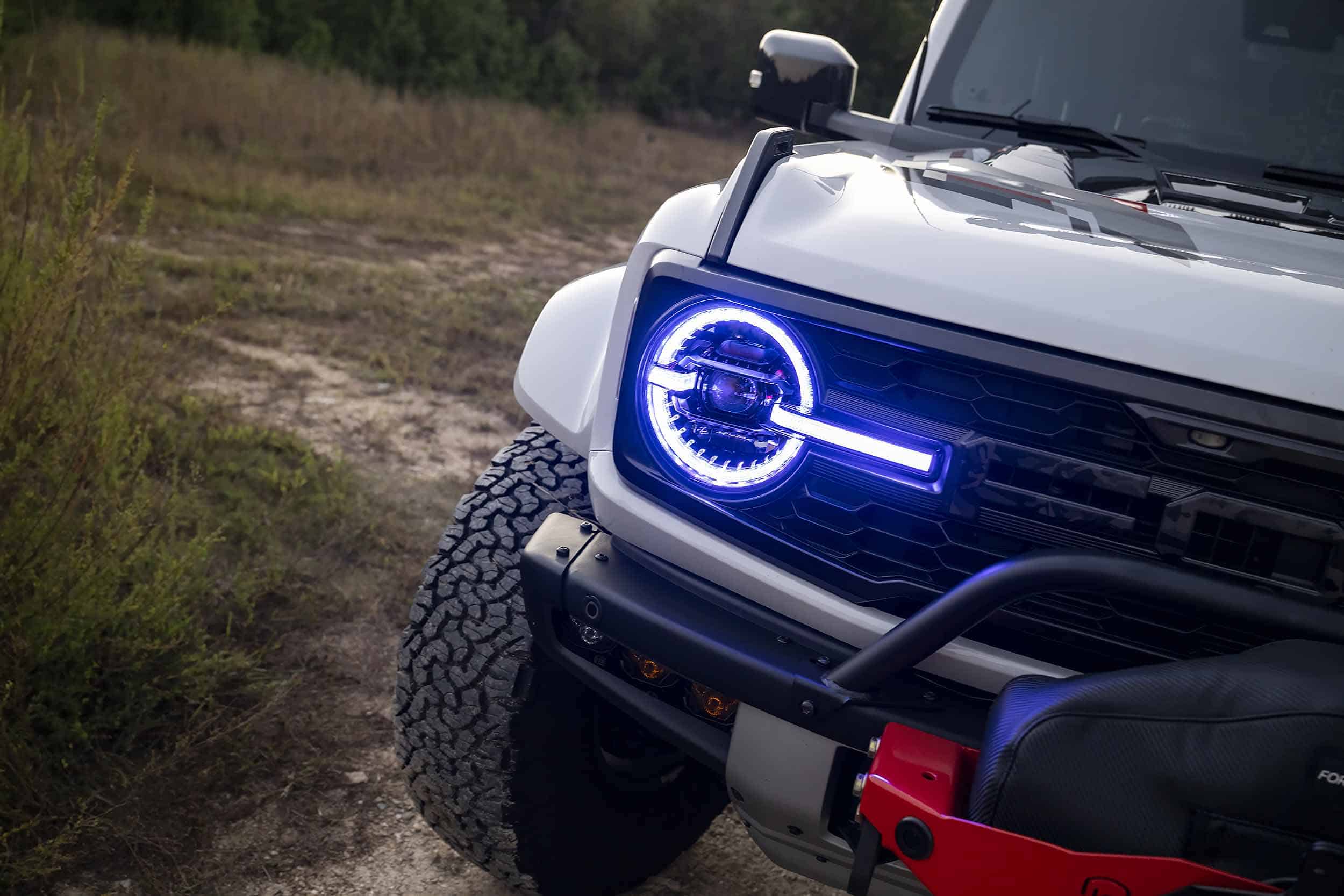
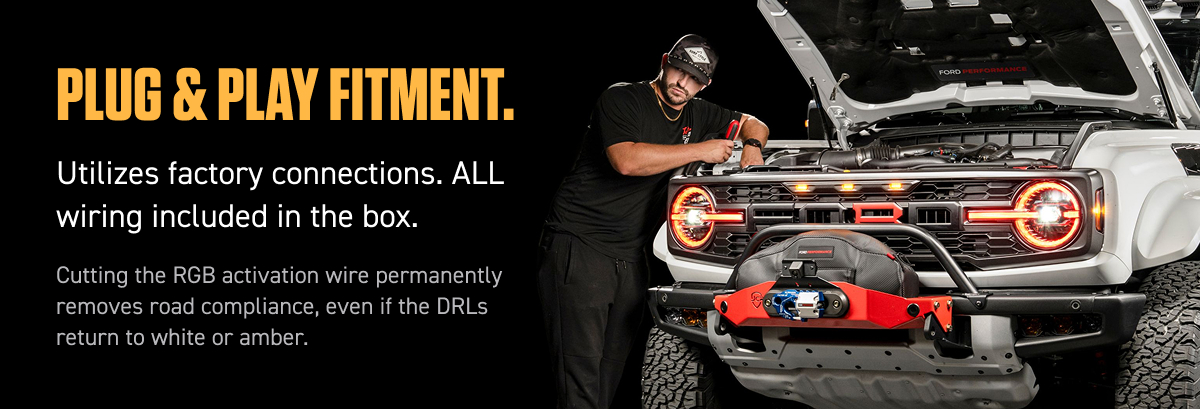
For public roads, keep the factory RGB lock wire intact and use the included standard drivers. Morimoto states that cutting the lock wire permanently removes road compliance, even if the daytime running lights are set back to white or amber. The XBT Bluetooth app and crossover harnesses control custom colours for off-road use. The optional LF2-DRVSC19 off-road driver pair changes beam intensity independently of the RGB function. It replaces the standard drivers and is intended for off-road use only. Reinstall the standard drivers to restore their original output. The driver swap cannot reverse an RGB-lock modification.
Installation on your Bronco
The manufacturer demonstrates a 2025 Big Bend. Remove the upper cover and grille, unplug the front camera if fitted, release the front of the fender flares, and remove both headlight assemblies. Route the DRL harness, test both sides before reassembly, then aim the low beams on level ground. Follow the BTS step-by-step guide.
Download Morimoto’s 18-page LF2-497R installation manual (PDF)
Morimoto’s Bronco overview and installation video